VideoSage vs Video Editor By VIDIO
In the contest of VideoSage vs Video Editor By VIDIO, which AI Video Editing tool is the champion? We evaluate pricing, alternatives, upvotes, features, reviews, and more.
If you had to choose between VideoSage and Video Editor By VIDIO, which one would you go for?
When we examine VideoSage and Video Editor By VIDIO, both of which are AI-enabled video editing tools, what unique characteristics do we discover? The upvote count is neck and neck for both VideoSage and Video Editor By VIDIO. Join the aitools.fyi users in deciding the winner by casting your vote.
Not your cup of tea? Upvote your preferred tool and stir things up!
VideoSage
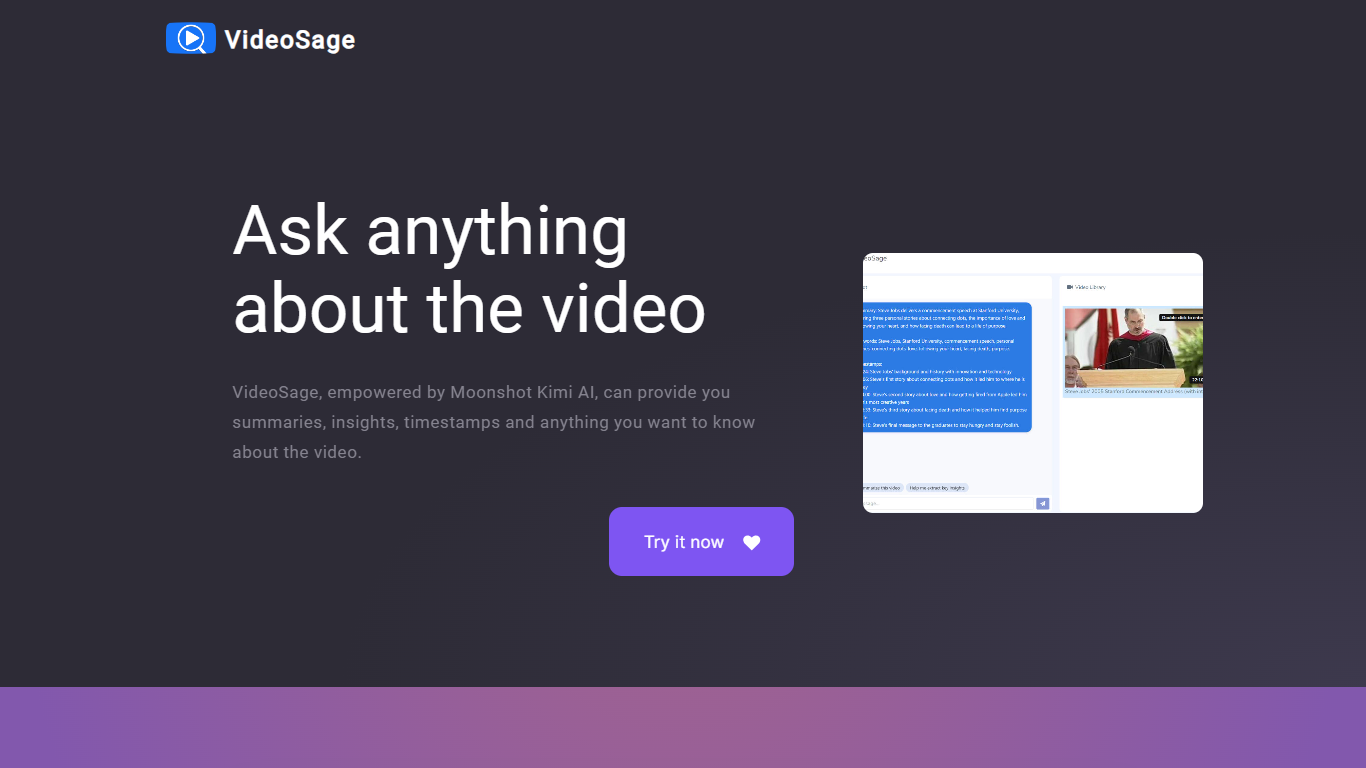

What is VideoSage ?
VideoSage is an AI-powered video companion designed to enhance how you watch and learn from videos. It uses the Moonshot Kimi AI model to generate detailed summaries, extract key insights, and provide precise timestamps, making long videos easier to navigate and understand. This tool is ideal for content creators, students, and anyone looking to get more from video content without wasting time.
The platform encourages interactive engagement by allowing users to ask questions about the video content and receive accurate, transparent answers. This conversational approach helps deepen understanding and supports note-taking directly within the video interface, fostering a more active learning experience.
VideoSage also offers customization options to tailor the viewing experience to individual preferences, helping users focus on the most relevant parts of a video. Its ability to break down complex or lengthy videos into manageable segments saves time and improves retention.
The AI model powering VideoSage is regularly updated to maintain high accuracy and relevance, ensuring that users get reliable information and insights. The platform's design emphasizes ease of use, making advanced video analysis accessible without technical expertise.
Overall, VideoSage transforms passive video watching into an interactive, efficient, and insightful process, helping users extract maximum value from video content across educational and entertainment contexts.
Video Editor By VIDIO

What is Video Editor By VIDIO?
Video Editor By VIDIO lets you edit videos in the browser by describing changes in plain language instead of clicking through timeline menus. Upload a clip, tell the assistant what you want changed, and export the result without installing desktop software. It supports GIF, MP4, MOV, WEBM, and other common formats with a 3GB upload cap.
Traditional editors pack dozens of panels most casual creators never open. Video Editor By VIDIO deliberately keeps the workflow to three steps: upload, chat your request, download. That narrow focus fits social clips, quick captioning, and cleanup jobs where opening Premiere would be overkill.
The tool handles short-form cuts, auto captions, color filters, audio extraction, silence detection, and background noise removal through the same chat interface. VIDIO reports more than 500,000 users, with ratings of 4.8 on G2 and 4.7 on Trustpilot. Content creators, social media managers, and small teams use it when they need fast edits from any device.
VideoSage Upvotes
Video Editor By VIDIO Upvotes
VideoSage Top Features
📌 Detailed video summaries highlight key points for quick understanding
⏰ Precise timestamps let you jump to important moments instantly
💬 Interactive Q&A lets you ask questions and get clear answers about videos
📝 Built-in note-taking helps capture thoughts while watching
⚙️ Customizable viewing options tailor the experience to your needs
Video Editor By VIDIO Top Features
Natural-language editing accepts plain-text requests instead of manual timeline work
Supports GIF, MP4, MOV, MPG, WEBM, and MPEG uploads up to 3GB per file
Stitches up to 5 video clips together in a single conversational edit project
Handles captions, color filters, audio extraction, silence detection, and noise removal
Runs entirely in the browser with no local installation required
Free Basic plan available; Pro 20 starts at $8 per month with 20 credits
Rated 4.8 on G2 and 4.7 on Trustpilot across VIDIO's user base
VideoSage Category
- Video Editing
Video Editor By VIDIO Category
- Video Editing
VideoSage Pricing Type
- Freemium
Video Editor By VIDIO Pricing Type
- Freemium