Videotok vs Clipchamp
When comparing Videotok vs Clipchamp, which AI Video Editing tool shines brighter? We look at pricing, alternatives, upvotes, features, reviews, and more.
In a comparison between Videotok and Clipchamp, which one comes out on top?
When we put Videotok and Clipchamp side by side, both being AI-powered video editing tools, The upvote count reveals a draw, with both tools earning the same number of upvotes. Every vote counts! Cast yours and contribute to the decision of the winner.
Want to flip the script? Upvote your favorite tool and change the game!
Videotok
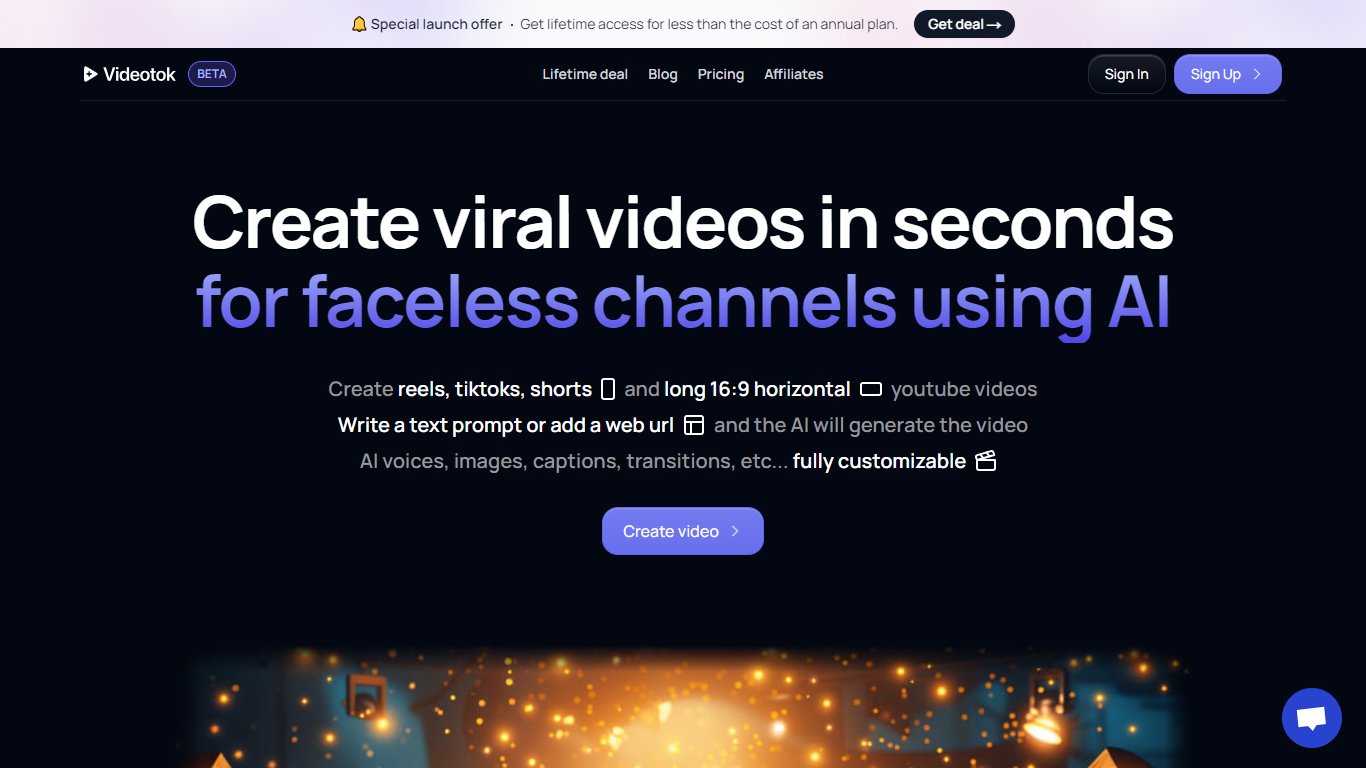

What is Videotok?
Videotok is an AI creative workspace for faceless videos, product images, static ads, and UGC video ads. Feed it a topic, script, URL, audio file, or product photo and it drafts scripts, scenes, voiceovers, captions, and music you can export or refine in a built-in video editor.
Most video generators stop at a single clip. Videotok keeps generation, editing, and campaign variations in one credit-based subscription that includes Sora 2 Pro, Veo 3.1, Kling Video v3 Pro, Midjourney v7, and Flux 2 Pro. You can also reach it through an MCP server, REST API, n8n templates, or OpenAPI clients instead of working only in the web UI.
It fits marketers, agencies, e-commerce brands, and creators who need product ads, faceless Shorts, or multilingual social creatives without stacking separate model subscriptions, editors, and scheduling tools.
Clipchamp

What is Clipchamp?
Clipchamp enables users to record, edit, and share high-definition videos directly from their web browser or Windows app. It offers tools for creating videos with webcam, screen, and voice recordings, combined with AI-powered editing features like noise suppression and automatic subtitle generation.
What distinguishes Clipchamp from other video editors is its integration of advanced AI tools such as a natural voiceover generator with over 400 voices and an AI silence remover that automatically cuts long pauses. It also provides customizable color and gradient backgrounds and supports exporting videos up to 4K resolution without watermarks for premium users.
Clipchamp's content library includes royalty-free stock videos, images, music, and templates tailored for social media, education, and business use. Its privacy-first approach ensures all recordings remain on the user's device unless shared, making it a secure choice for video creation.
With features like multi-item editing, grouping, and a flexible video resizer supporting multiple aspect ratios, Clipchamp offers a comprehensive editing experience suitable for creators of all skill levels. It works seamlessly in Microsoft Edge and Google Chrome browsers, with an optional Windows app available for enhanced performance.
Videotok Upvotes
Clipchamp Upvotes
Videotok Top Features
MCP server, REST API, n8n templates, and OpenAPI let you plug Videotok into assistants and automations
One subscription includes Sora 2 Pro, Veo 3.1, Kling Video v3 Pro, Midjourney v7, and Flux 2 Pro
Turn topics, scripts, links, audio files, or products into faceless videos, static ads, or UGC creatives
Pick a curated reference and Videotok writes the prompt, script, and production plan
Built-in editor adjusts script, voice, visuals, captions, timing, and music before export
Paid plans include 30,000 to 350,000 monthly credits with agent social media automation
Supports 50+ languages for captions, voiceovers, and subtitles across export formats
Clipchamp Top Features
🎤 Natural AI voiceover generator with 400+ voices and adjustable pitch and pace
📝 AI subtitle generator creating accurate captions in 80+ languages with editable styles
📹 Screen and webcam recorder with unlimited retakes and no watermarks
🔇 AI silence remover to automatically cut long pauses and silences from videos
🎨 Custom color and gradient video backgrounds with HSV and HEX color picker
📺 Video exports up to 4K resolution available with premium subscription
🎬 Multi-item editing and grouping tools for efficient workflow
Videotok Category
- Video Editing
Clipchamp Category
- Video Editing
Videotok Pricing Type
- Paid
Clipchamp Pricing Type
- Freemium