Videotok vs Peech AI
In the face-off between Videotok vs Peech AI, which AI Video Editing tool takes the crown? We scrutinize features, alternatives, upvotes, reviews, pricing, and more.
In a face-off between Videotok and Peech AI, which one takes the crown?
If we were to analyze Videotok and Peech AI, both of which are AI-powered video editing tools, what would we find? With more upvotes, Videotok is the preferred choice. The number of upvotes for Videotok stands at 6, and for Peech AI it's 5.
Disagree with the result? Upvote your favorite tool and help it win!
Videotok
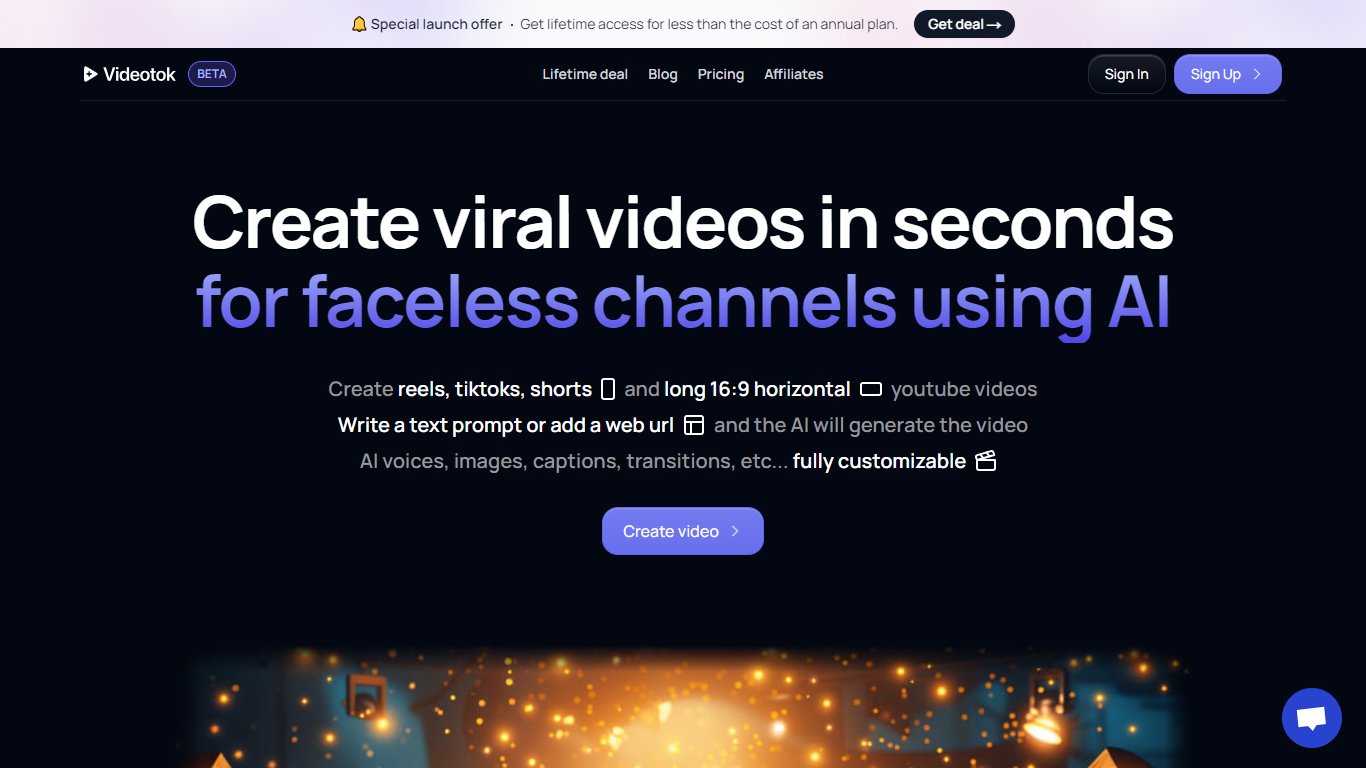

What is Videotok?
Videotok is an AI creative workspace for faceless videos, product images, static ads, and UGC video ads. Feed it a topic, script, URL, audio file, or product photo and it drafts scripts, scenes, voiceovers, captions, and music you can export or refine in a built-in video editor.
Most video generators stop at a single clip. Videotok keeps generation, editing, and campaign variations in one credit-based subscription that includes Sora 2 Pro, Veo 3.1, Kling Video v3 Pro, Midjourney v7, and Flux 2 Pro. You can also reach it through an MCP server, REST API, n8n templates, or OpenAPI clients instead of working only in the web UI.
It fits marketers, agencies, e-commerce brands, and creators who need product ads, faceless Shorts, or multilingual social creatives without stacking separate model subscriptions, editors, and scheduling tools.
Peech AI

What is Peech AI?
Peech turns raw video footage into branded, platform-ready clips through automated post-production. Upload your content and the platform tags scenes, transcribes speech, applies your brand elements, and outputs resized versions for social, web, and ads. A text-to-video editor lets you trim clips and remove filler words as easily as editing a document.
Agency-style post-production usually means days of editor time for every batch of marketing videos. Peech automates transcription in 20+ languages, facial-recognition framing, aspect-ratio cropping, and highlight clip generation in one workflow. Media teams report cutting post-production time by up to 95% and design costs by over 80% compared to hiring external editors.
Marketing teams at B2B companies like Peerspot and Datarails use Peech to repurpose webinars and interviews into daily social clips. Media companies organize large footage libraries with automatic tagging and topic-based highlight recommendations. You can start free without a credit card, then scale to dozens of branded videos per month through the app at app.peech-ai.com.
Videotok Upvotes
Peech AI Upvotes
Videotok Top Features
MCP server, REST API, n8n templates, and OpenAPI let you plug Videotok into assistants and automations
One subscription includes Sora 2 Pro, Veo 3.1, Kling Video v3 Pro, Midjourney v7, and Flux 2 Pro
Turn topics, scripts, links, audio files, or products into faceless videos, static ads, or UGC creatives
Pick a curated reference and Videotok writes the prompt, script, and production plan
Built-in editor adjusts script, voice, visuals, captions, timing, and music before export
Paid plans include 30,000 to 350,000 monthly credits with agent social media automation
Supports 50+ languages for captions, voiceovers, and subtitles across export formats
Peech AI Top Features
Real-time transcription and translation into 20+ languages with subtitle export
Text-to-video editor cuts clips and removes filler words like editing a doc
Automated brand elements applied across every output with one-click execution
Frame cropper centers speakers via facial recognition across aspect ratios
Clip Generator produces ready-to-publish social videos from long-form footage
Videotok Category
- Video Editing
Peech AI Category
- Video Editing
Videotok Pricing Type
- Paid
Peech AI Pricing Type
- Freemium