VidGenesis vs Timebolt
Compare VidGenesis vs Timebolt and see which AI Video Editing tool is better when we compare features, reviews, pricing, alternatives, upvotes, etc.
Which one is better? VidGenesis or Timebolt?
When we compare VidGenesis with Timebolt, which are both AI-powered video editing tools, The upvote count shows a clear preference for Timebolt. Timebolt has attracted 18 upvotes from aitools.fyi users, and VidGenesis has attracted 6 upvotes.
Disagree with the result? Upvote your favorite tool and help it win!
VidGenesis
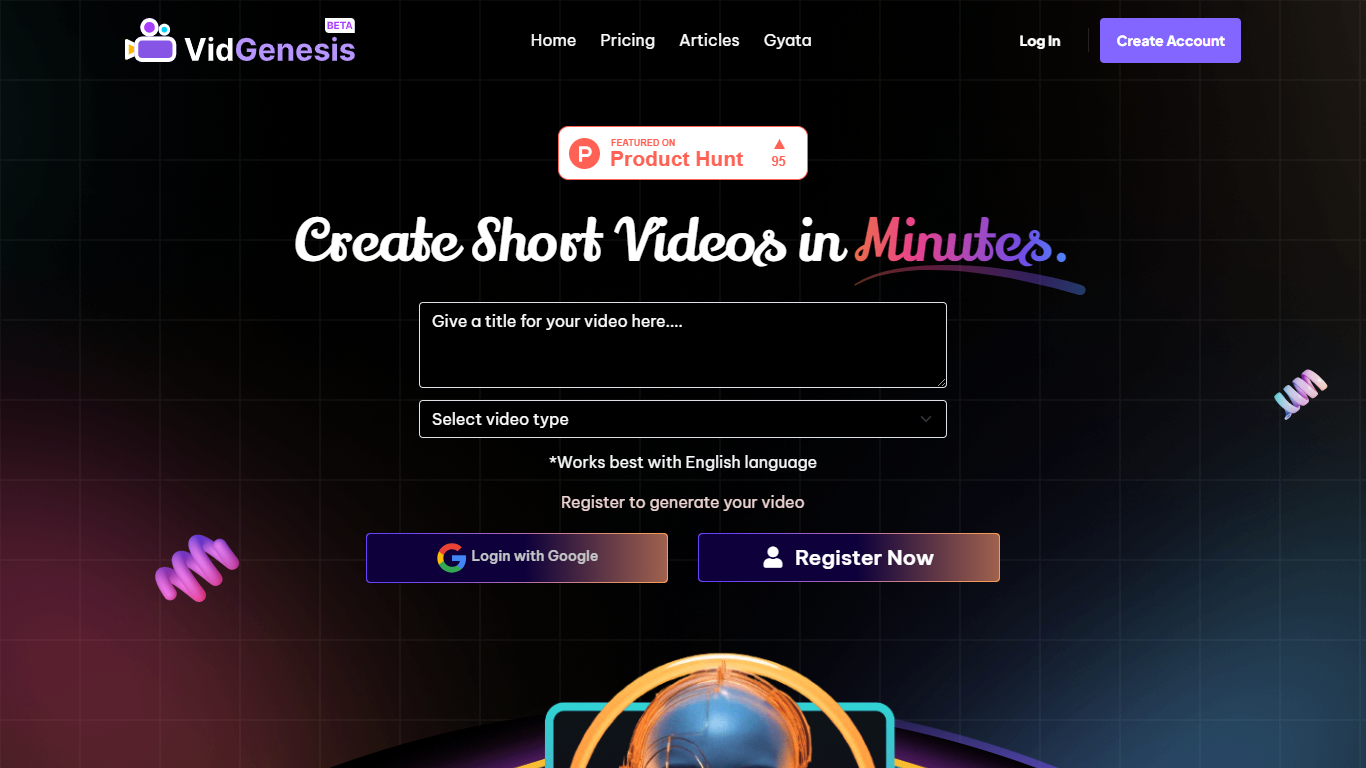

What is VidGenesis ?
VidGenesis enables users to create engaging short videos by transforming scripts into dynamic video scenes using AI technology. It supports various video types such as advertisements, storytelling, instructional, conversational, and informative content.
What sets VidGenesis apart is its extensive customization options, including over 100 artist styles and the ability to add logos and captions, allowing users to maintain brand consistency. The platform is optimized for English but supports multiple languages, balancing quality and accessibility.
VidGenesis simplifies video production for content creators, marketers, educators, and businesses by removing the need for advanced editing skills. Its AI-driven approach accelerates video creation while offering creative flexibility.
The platform integrates natural language processing to enhance storytelling and instructional content, and it continuously updates its AI models to improve video quality and generation speed. VidGenesis also plans to introduce AI Avatars for personalized branding in videos.
Overall, VidGenesis streamlines the video creation process by combining AI technology with customizable features, enabling users to produce professional-looking videos efficiently and effectively.
Timebolt
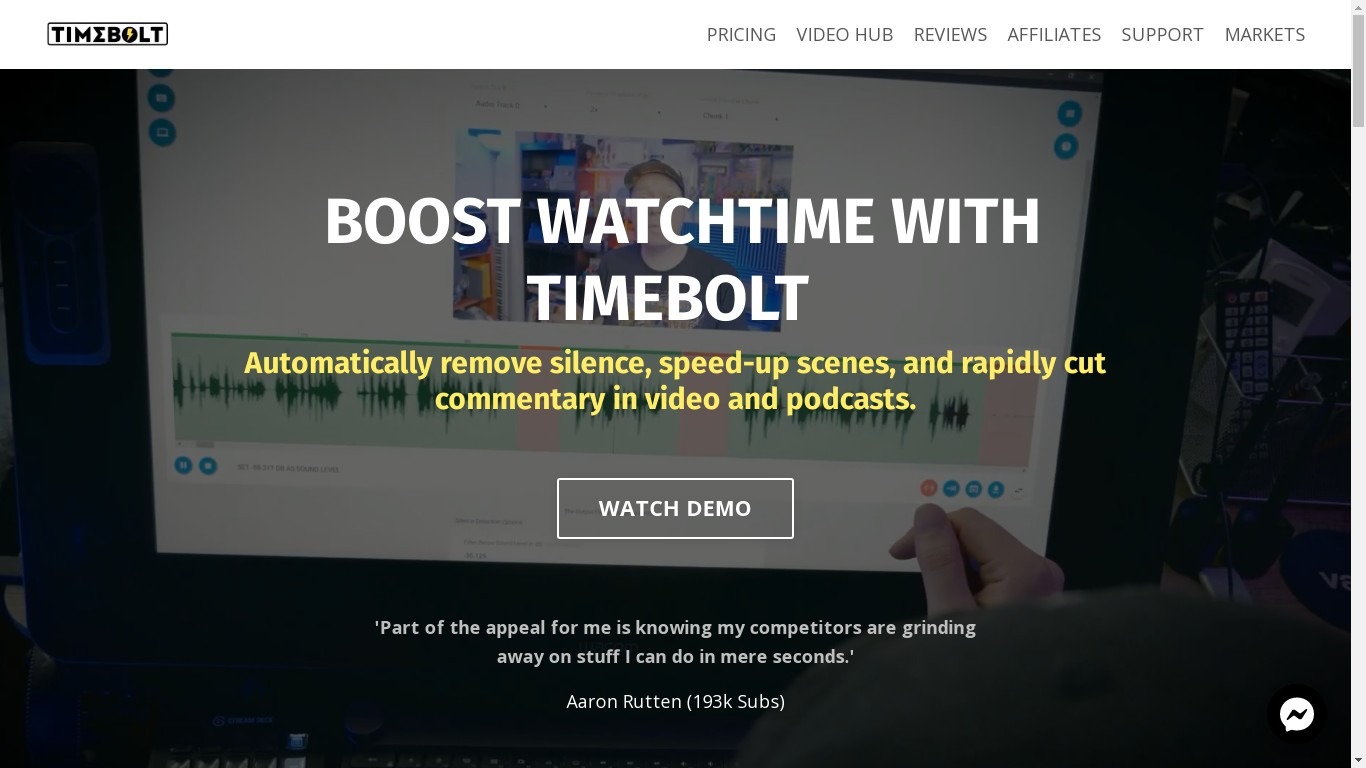
What is Timebolt?
Timebolt is a desktop video editor built around waveform-first jump cuts for podcasts, interviews, and screen recordings. It strips silence, filler words, and bad takes with 0.01 second cut control, then exports timelines to Premiere Pro, Final Cut Pro, DaVinci Resolve, or Camtasia without re-cutting by hand.
Most text-based AI editors guess where pauses live and leave hundreds of missed cuts per hour. Timebolt measures the audio waveform first, which is why its benchmark claims zero mistakes left per hour while rivals like Descript and Gling still need manual cleanup. That trade-off favors editors who want frame-tight cuts over a chat-style transcript workflow.
Podcasters, YouTubers, and course creators use Timebolt to shrink raw talking-head footage before publishing. Post-production teams also route Riverside multicam sessions through Timebolt XML exports so senior editors finish polish work in their preferred NLE.
VidGenesis Upvotes
Timebolt Upvotes
VidGenesis Top Features
🎨 Over 100 artist styles to customize video appearance
🤖 AI Avatar creation coming soon for personalized branding
📝 Converts scripts into engaging video scenes automatically
📊 Supports multiple video types: ads, storytelling, tutorials
🔤 Customizable captions and logos to maintain brand identity
Timebolt Top Features
0.01 second cut control on waveform-based silence removal
Processes an hour of footage in about 13 seconds for jump cuts
Exports XML timelines to Premiere Pro, Final Cut Pro, and DaVinci Resolve
UMCHECK removes filler words automatically from recorded speech
Free 4K screen capture tool for Mac and Windows
Benchmark reports zero missed cuts per hour versus hundreds on rival AI editors
VidGenesis Category
- Video Editing
Timebolt Category
- Video Editing
VidGenesis Pricing Type
- Freemium
Timebolt Pricing Type
- Freemium