vidIQ vs Supercreator AI
In the battle of vidIQ vs Supercreator AI, which AI Video Generation tool comes out on top? We compare reviews, pricing, alternatives, upvotes, features, and more.
Between vidIQ and Supercreator AI, which one is superior?
Upon comparing vidIQ with Supercreator AI, which are both AI-powered video generation tools, With more upvotes, Supercreator AI is the preferred choice. The upvote count for Supercreator AI is 52, and for vidIQ it's 6.
Want to flip the script? Upvote your favorite tool and change the game!
vidIQ

What is vidIQ?
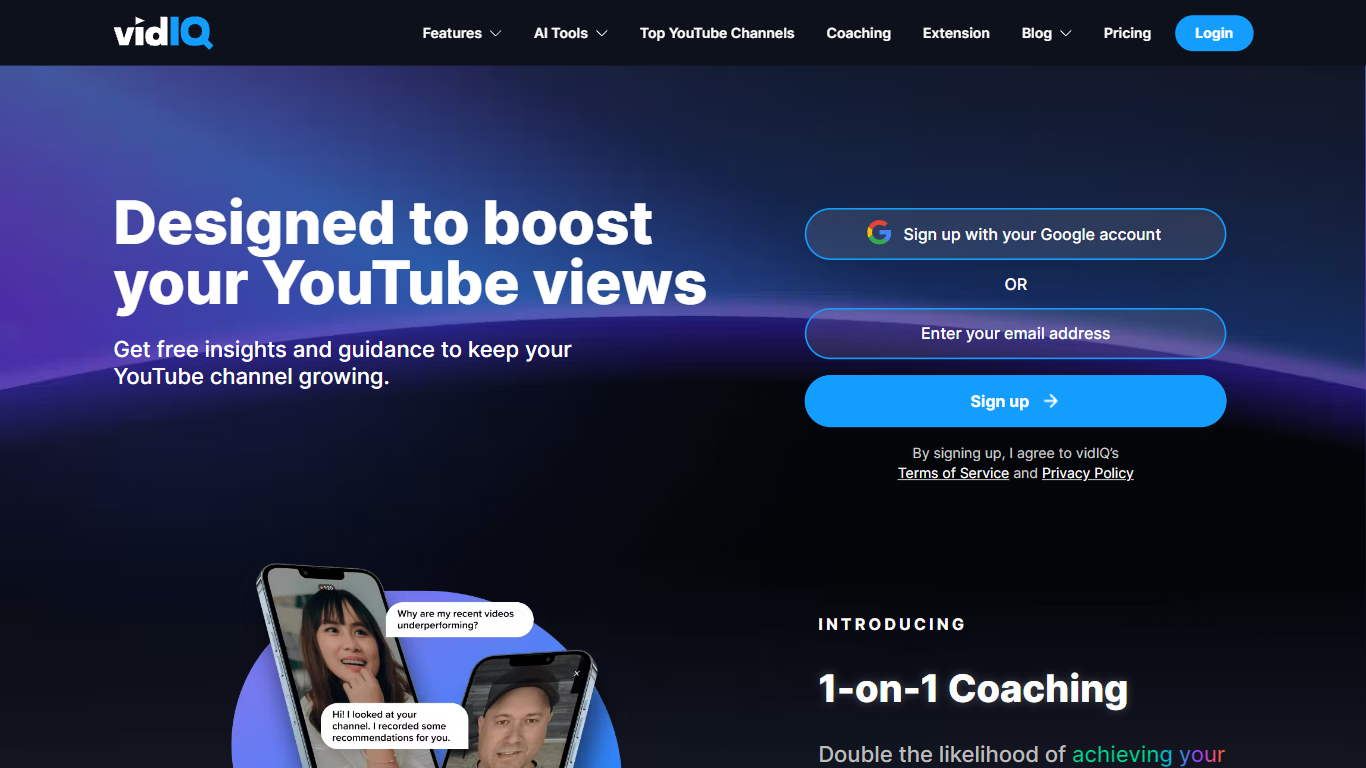
vidIQ helps YouTube creators get more views and subscribers through keyword research, title and thumbnail tools, and an AI Coach trained on what is working across the platform. Connect a channel to receive personalized optimization tips, niche trend alerts, and script and description generators without leaving YouTube.
TubeBuddy and generic SEO suites focus on metadata tags. vidIQ layers competitive trend research, subscriber analytics, short-form clipping from long videos, and an MCP server that pipes YouTube stats into Claude or ChatGPT. The Chrome extension surfaces scores and suggestions directly on youtube.com during upload and research.
It targets YouTube creators chasing monetization, agencies managing multiple channels, and Instagram cross-posters using vidIQ's newer Instagram tools. Free accounts get 150 monthly AI credits; Max adds 6,000 credits and up to 11 hours of short clipping per billing cycle. Enterprise plans cover MCNs and brands with team roles and cross-channel reporting.
Supercreator AI

What is Supercreator AI?
Supercreator AI lets you plan a short video scene by scene, record it with a scrolling teleprompter, then trim and caption the footage in the same browser workspace. Storyboarding, recording, timeline editing, and mini apps for AI media, talking avatars, and multi-shot sequences all sit on one home screen. You sign in to save creations, but every tool is listed before you start.
Where many video editors assume you already have footage, Supercreator AI front-loads scripting and recording. The storyboard maps scenes before capture, the recorder scrolls your script while you film, and one-click templates plus AI captions sit beside standalone tools like a Reel transcriber and clip editor. That workflow keeps scripting, capture, and polish in one tab instead of three separate apps.
It fits creators who publish to TikTok, Reels, and Shorts and want scripting, capture, and caption polish without switching tools. Founders, educators, and on-camera marketers get teleprompter support, visual aids, and reusable identity presets across projects.
vidIQ Upvotes
Supercreator AI Upvotes
vidIQ Top Features
Free tier includes 150 AI credits every month
Boost plan includes 2,000 AI credits monthly and unlimited trend research
Max plan at $39 per month (yearly billing) includes 6,000 AI credits
AI thumbnail maker and title or description generators for uploads
Short clipping supports up to 11 hours of generations on Max
Chrome extension optimizes videos directly on YouTube
MCP server connects YouTube data to Claude and ChatGPT assistants
Supercreator AI Top Features
Storyboard maps scripts scene by scene before you hit record
Built-in recorder pairs a teleprompter with visual aids and smart overlays
Timeline editor cuts clips and adds AI-generated stylized captions
One-click templates turn raw clips into scroll-stopping social videos
Script Trainer collects high-performing videos, transcribes them, and drafts new scripts
Avatars mini app builds talking-head videos with AI voices
Super Director stitches multi-shot AI video sequences from one workspace
vidIQ Category
- Video Generation
Supercreator AI Category
- Video Generation
vidIQ Pricing Type
- Freemium
Supercreator AI Pricing Type
- Freemium