Vidnoz AI vs Supercreator AI
In the contest of Vidnoz AI vs Supercreator AI, which AI Video Generation tool is the champion? We evaluate pricing, alternatives, upvotes, features, reviews, and more.
If you had to choose between Vidnoz AI and Supercreator AI, which one would you go for?
When we examine Vidnoz AI and Supercreator AI, both of which are AI-enabled video generation tools, what unique characteristics do we discover? The users have made their preference clear, Supercreator AI leads in upvotes. Supercreator AI has attracted 52 upvotes from aitools.fyi users, and Vidnoz AI has attracted 7 upvotes.
Not your cup of tea? Upvote your preferred tool and stir things up!
Vidnoz AI
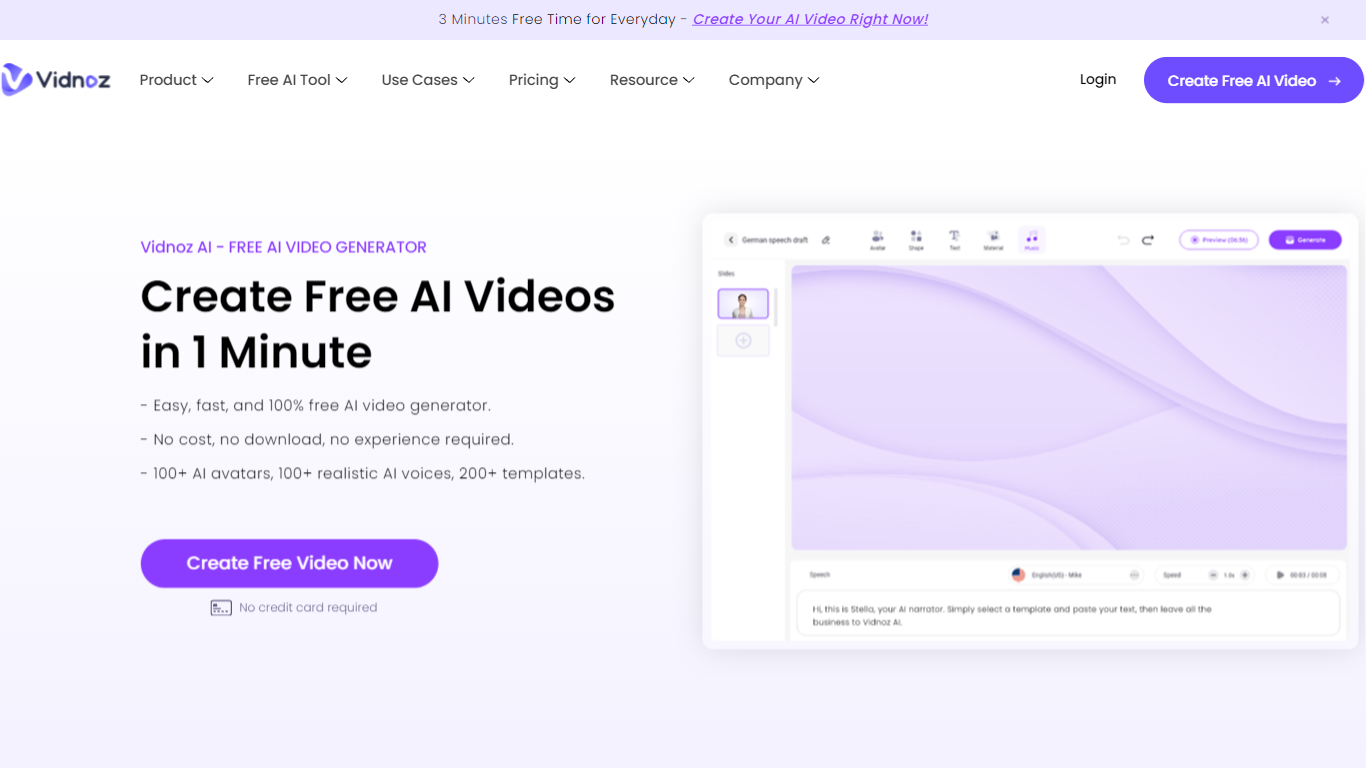

What is Vidnoz AI?
Vidnoz AI is an online video generator built around talking avatars, ready-made templates, and text-to-speech. You pick from 1,900+ AI avatars and 2,800+ templates, type a script, and export presenter-style clips without filming actors or renting a studio.
Many avatar video tools push you straight into paid minutes or reserve custom avatars for enterprise tiers. Vidnoz keeps a no-card free plan with 60 daily credits, photo-to-avatar conversion, and lip-sync translation across 140+ languages, which fits short drafts and social clips more than one long monthly render binge.
Marketing teams, e-learning authors, and HR trainers use it for explainers, onboarding walkthroughs, and localized training. The editor layers scenes, music, captions, and brand assets on paid Business plans, while universities like Martin-Luther-University Halle-Wittenberg have used Vidnoz avatars for communication training simulations.
Supercreator AI

What is Supercreator AI?
Supercreator AI lets you plan a short video scene by scene, record it with a scrolling teleprompter, then trim and caption the footage in the same browser workspace. Storyboarding, recording, timeline editing, and mini apps for AI media, talking avatars, and multi-shot sequences all sit on one home screen. You sign in to save creations, but every tool is listed before you start.
Where many video editors assume you already have footage, Supercreator AI front-loads scripting and recording. The storyboard maps scenes before capture, the recorder scrolls your script while you film, and one-click templates plus AI captions sit beside standalone tools like a Reel transcriber and clip editor. That workflow keeps scripting, capture, and polish in one tab instead of three separate apps.
It fits creators who publish to TikTok, Reels, and Shorts and want scripting, capture, and caption polish without switching tools. Founders, educators, and on-camera marketers get teleprompter support, visual aids, and reusable identity presets across projects.
Vidnoz AI Upvotes
Supercreator AI Upvotes
Vidnoz AI Top Features
Free signup includes 60 credits per day with no credit card required
Library lists 1,900+ AI avatars, 3,200+ templates, and 2,660+ voices across 140+ languages
Standard video generation costs 0.5 credits per second with a 1-credit minimum per export
Paid Starter and Business plans export 1080p video without the Vidnoz watermark
Business plan adds voice cloning, one-click video translation, brand kit, and SAML/SSO
Expressive Avatar mode charges 2 credits per second for gesture-driven presenters
Supercreator AI Top Features
Storyboard maps scripts scene by scene before you hit record
Built-in recorder pairs a teleprompter with visual aids and smart overlays
Timeline editor cuts clips and adds AI-generated stylized captions
One-click templates turn raw clips into scroll-stopping social videos
Script Trainer collects high-performing videos, transcribes them, and drafts new scripts
Avatars mini app builds talking-head videos with AI voices
Super Director stitches multi-shot AI video sequences from one workspace
Vidnoz AI Category
- Video Generation
Supercreator AI Category
- Video Generation
Vidnoz AI Pricing Type
- Freemium
Supercreator AI Pricing Type
- Freemium