Vidon.ai vs Invideo AI
Dive into the comparison of Vidon.ai vs Invideo AI and discover which AI Video Editing tool stands out. We examine alternatives, upvotes, features, reviews, pricing, and beyond.
In a comparison between Vidon.ai and Invideo AI, which one comes out on top?
When we compare Vidon.ai and Invideo AI, two exceptional video editing tools powered by artificial intelligence, and place them side by side, several key similarities and differences come to light. Both tools have received the same number of upvotes from aitools.fyi users. Every vote counts! Cast yours and contribute to the decision of the winner.
You don't agree with the result? Cast your vote to help us decide!
Vidon.ai


What is Vidon.ai?
Vidon.ai turns text, URLs, and prompts into finished marketing videos, then lets you schedule, publish, and host them from one dashboard. You type copy, paste a blog link, or describe an idea, and the tool writes a script, selects clips from a 12-million-item stock library, adds voiceover and captions, and builds the video. The web editor runs free with no login required, and you pay only when you export.
Most AI video generators stop at the export button. Vidon.ai bundles a content calendar, one-click social publishing, CDN video hosting with Schema.org metadata, and performance analytics in the same product. That end-to-end pipeline fits teams repurposing blogs or product pages at volume rather than making one-off clips.
Marketers, content teams, and solo creators use Vidon.ai for blog-to-video repurposing, product page videos, and scheduled social series. Business plans add brand kits, API access, bulk CSV import, and video triggers that auto-generate when new blog posts appear.
Invideo AI
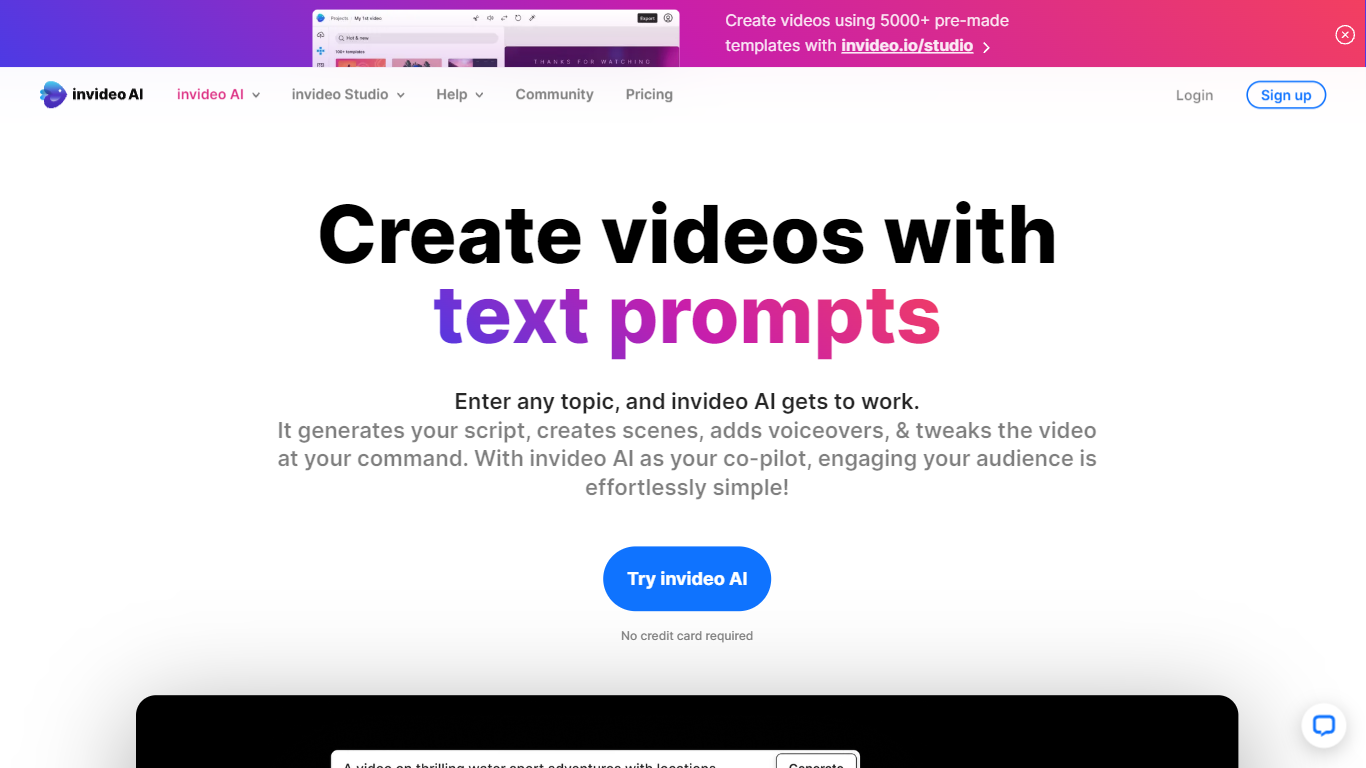
What is Invideo AI?
Invideo AI turns prompts into multi-scene films, ads, and microdramas through Agent Two, a crew of AI agents that remember your project's full context across shots. Characters, costumes, and locations stay consistent because agents store long-term memory instead of treating each clip as isolated. You can edit multiple clips at once, swap backdrops without regenerating entire scenes, and let agents pick the right model and write per-shot prompts for you.
Runway and Pika focus on single-clip generation. Invideo targets full productions with storyboarding from scripts, a timeline editor, multiplayer collaboration with live cursors, and custom agents for roles like cinematographer or music designer. Paid plans unlock 200+ generative models including Veo 3.1, Kling 3.0, and Seedance 2.0 plus stock from iStock and Storyblocks.
Filmmakers, ad teams, and social creators use Invideo when they need binge-worthy microdrama series or dozens of vertical cuts from one idea without babysitting every generation. Credits power AI actions while exports stay unlimited on paid tiers, though unused monthly credits do not roll over.
Vidon.ai Upvotes
Invideo AI Upvotes
Vidon.ai Top Features
Stock library access covers 12M+ clips with automatic image selection per scene
One video credit exports landscape, square, and vertical aspect ratios together
Prompt to Video uses ChatGPT to write scripts with voiceover in 50+ languages
Business plan includes 40 video exports per month plus REST API and CSV bulk import
Individual plan covers 10 monthly exports with content calendar and social publishing
Videos support up to 4000 characters per script, roughly 5 to 10 minutes of narration
Invideo AI Top Features
Agent Two maintains long-term project memory so characters and locations stay consistent across shots
Edit multiple clips at once to swap costumes, locations, or characters without full regeneration
Access 200+ image, video, audio, and music models including Veo 3.1, Kling 3.0, and Seedance 2.0
Storyboarding turns scripts into shot-by-shot plans before any generation starts
Timeline editor with multiplayer live cursors for real-time team collaboration
Plus plan at $20/mo includes 75 monthly credits and watermark-free unlimited exports
Stock footage from iStock and Storyblocks available alongside generative clip creation
Vidon.ai Category
- Video Editing
Invideo AI Category
- Video Editing
Vidon.ai Pricing Type
- Freemium
Invideo AI Pricing Type
- Freemium