Vidon.ai vs RivetAI
Compare Vidon.ai vs RivetAI and see which AI Video Editing tool is better when we compare features, reviews, pricing, alternatives, upvotes, etc.
Which one is better? Vidon.ai or RivetAI?
When we compare Vidon.ai with RivetAI, which are both AI-powered video editing tools, The users have made their preference clear, RivetAI leads in upvotes. RivetAI has garnered 7 upvotes, and Vidon.ai has garnered 6 upvotes.
You don't agree with the result? Cast your vote to help us decide!
Vidon.ai


What is Vidon.ai?
Vidon.ai turns text, URLs, and prompts into finished marketing videos, then lets you schedule, publish, and host them from one dashboard. You type copy, paste a blog link, or describe an idea, and the tool writes a script, selects clips from a 12-million-item stock library, adds voiceover and captions, and builds the video. The web editor runs free with no login required, and you pay only when you export.
Most AI video generators stop at the export button. Vidon.ai bundles a content calendar, one-click social publishing, CDN video hosting with Schema.org metadata, and performance analytics in the same product. That end-to-end pipeline fits teams repurposing blogs or product pages at volume rather than making one-off clips.
Marketers, content teams, and solo creators use Vidon.ai for blog-to-video repurposing, product page videos, and scheduled social series. Business plans add brand kits, API access, bulk CSV import, and video triggers that auto-generate when new blog posts appear.
RivetAI
What is RivetAI?
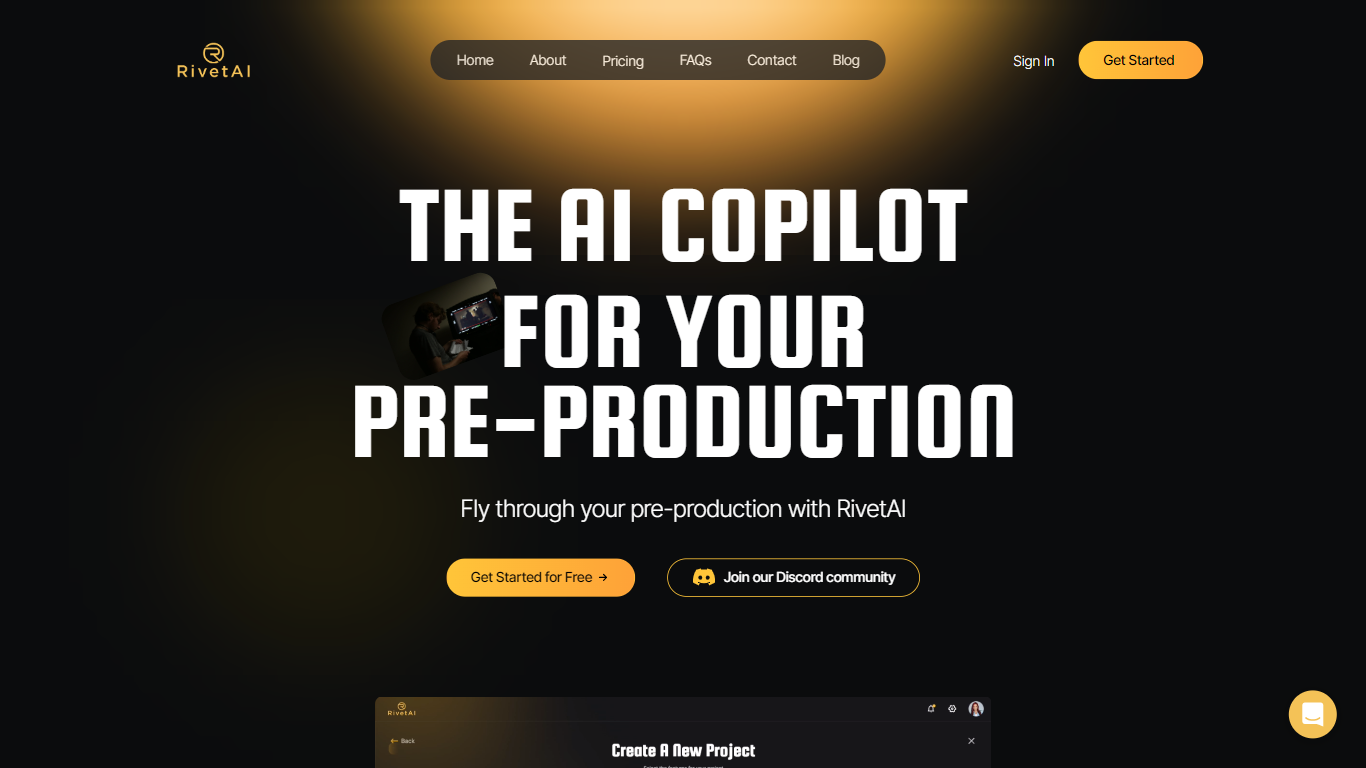
RivetAI is a film and television pre-production platform that keeps scriptwriting, breakdown, scheduling, and budgeting on one shared screenplay. You draft and tag scenes in an industry-standard editor, then downstream modules read the same draft without export handoffs. Writers and production crews buy a per-project license with no subscription, and your script is never used to train AI models.
Most pre-production stacks split script, breakdown, schedule, and budget across separate apps that need constant file exports. RivetAI runs all four on one connected draft, so a scene edit ripples into stripboards and top sheets automatically. Pay-once Writer and Studio licenses also skip recurring SaaS fees that tools like StudioBinder or Movie Magic charge for comparable workflows.
Screenwriters use Writer for tagging, AI breakdown, and coverage while sharing password-gated links with partners. Production teams upgrade to Studio for stripboards, DOOD calendars, budget topsheets, REST API keys, and MCP client integration. Enterprise customers get SAML/OIDC SSO, pooled AI credits, and procurement support for multi-show studios.
Vidon.ai Upvotes
RivetAI Upvotes
Vidon.ai Top Features
Stock library access covers 12M+ clips with automatic image selection per scene
One video credit exports landscape, square, and vertical aspect ratios together
Prompt to Video uses ChatGPT to write scripts with voiceover in 50+ languages
Business plan includes 40 video exports per month plus REST API and CSV bulk import
Individual plan covers 10 monthly exports with content calendar and social publishing
Videos support up to 4000 characters per script, roughly 5 to 10 minutes of narration
RivetAI Top Features
Writer license costs $49.99 per project with 30 AI credits and 2 collaborator seats
Studio license costs $150 per project with 100 AI credits and 9 collaborator seats
Import scripts from Final Draft (.fdx), PDF, Celtx, and Fountain formats
Export to PDF, Final Draft, Fountain, Markdown, and Word (.docx)
Six connected modules sync breakdown, schedule, and budget from one screenplay
REST API and MCP client integration included on the Studio tier
Free tier drafts up to 5 scenes with the same AES-256 encryption as paid licenses
Vidon.ai Category
- Video Editing
RivetAI Category
- Video Editing
Vidon.ai Pricing Type
- Freemium
RivetAI Pricing Type
- Freemium