Viso Suite vs Ava
Compare Viso Suite vs Ava and see which AI Model Generation tool is better when we compare features, reviews, pricing, alternatives, upvotes, etc.
Which one is better? Viso Suite or Ava?
When we compare Viso Suite with Ava, which are both AI-powered model generation tools, The upvote count is neck and neck for both Viso Suite and Ava. Join the aitools.fyi users in deciding the winner by casting your vote.
Not your cup of tea? Upvote your preferred tool and stir things up!
Viso Suite
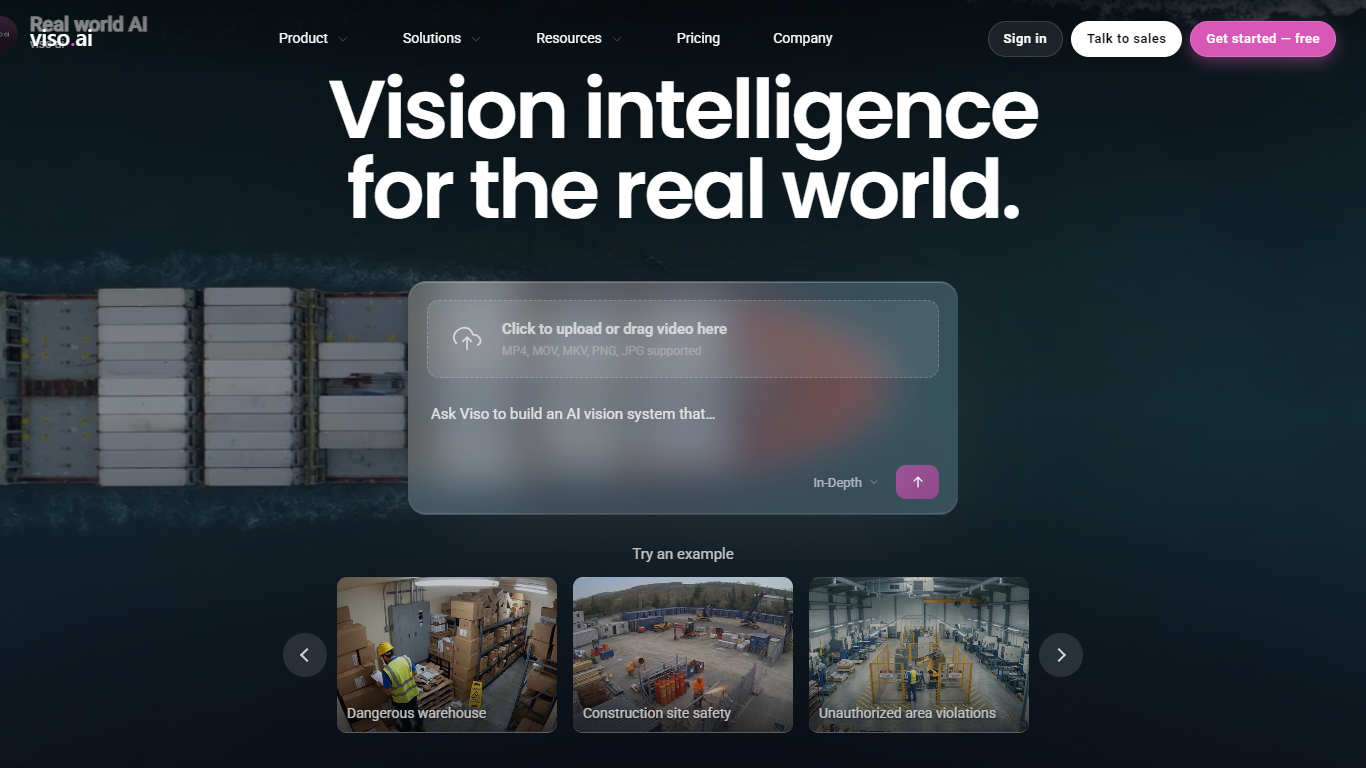

What is Viso Suite?
Viso Suite is an enterprise visual intelligence platform from viso.ai for building, deploying, and operating computer vision applications across cameras, sites, and industries. It connects existing camera feeds, edge devices, AI models, and business systems so operations teams can turn video into real-time alerts, dashboards, and automated workflows without stitching together separate point tools.
The platform is built around Visual General Intelligence (VGI), viso.ai's approach to scene understanding that lets teams describe what they want a camera to detect and build governed vision applications through a visual no-code studio. Viso Suite covers the full lifecycle: data collection and model training, application development, multi-site deployment, and ongoing operations with monitoring, security, and compliance controls.
Viso Suite targets complex organizations running physical operations in manufacturing, construction, transportation, retail, agriculture, healthcare, and smart city environments. Customers use it for safety monitoring, quality inspection, PPE compliance, restricted-zone alerts, crowd analytics, and other mission-critical vision use cases that need to scale across thousands of cameras and hundreds of sites.
Ava
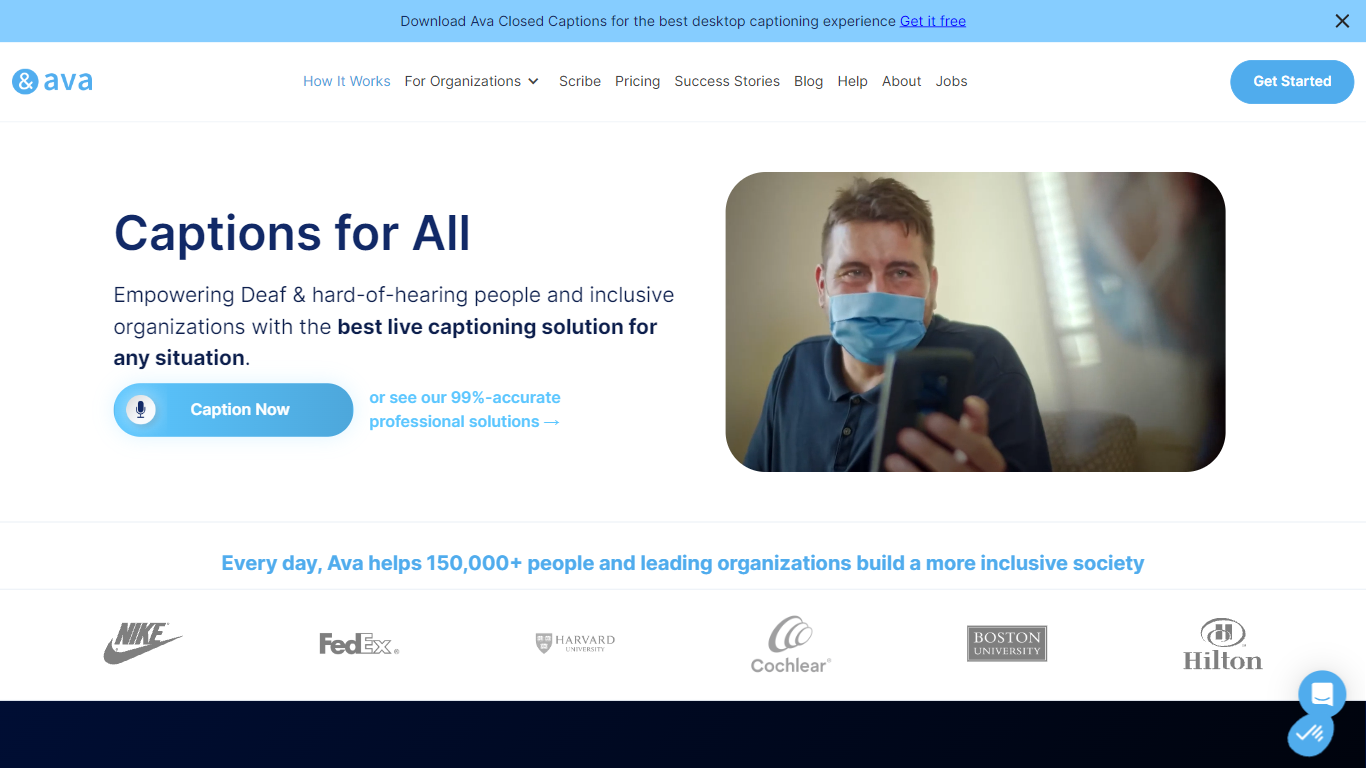
What is Ava?
Ava turns spoken conversations into live captions on your phone, computer, or browser. Deaf and hard-of-hearing users get real-time text for video calls, lectures, doctor visits, and in-person chats. The service mixes automatic speech recognition with optional human Scribes when a meeting needs ADA-grade accuracy.
Most caption apps stop at whatever accuracy the speech model gives you. Ava lets you stay on free or low-cost AI captions for everyday use, then add a professional Scribe for 99% accuracy when the stakes are higher. Ava Connect drops captions into Zoom, Google Meet, or Teams without rebuilding your meeting workflow around a single platform.
Students, employers, clinics, and event hosts use Ava to caption classes, standups, telehealth sessions, and venue talks. Individual plans start free with 40-minute sessions; organizations can add custom dictionaries, SSO, and scheduled Scribe time.
Viso Suite Upvotes
Ava Upvotes
Viso Suite Top Features
Visual no-code studio to compose computer vision workflows with drag-and-drop modules
Deploy on cloud, on-prem, or edge hardware including Jetson, x86, and ARM devices
Connect existing IP cameras and send outputs into ERP, BI, or third-party systems
Manage 10,000+ cameras across hundreds of sites from one enterprise control plane
SOC 2 Type II and ISO 27001 certified with tenant isolation and AES-256 encryption
Forward-deployed team runs discovery, pilot deployment in 10 to 20 days, then scale
Ava Top Features
Community plan is $9.99 per month billed yearly with 3 hours of 90% accurate Premium captions
Ava Scribe pairs AI with human captioners for 99% accurate ADA-compliant captions
Ava Connect integrates with Zoom, Google Meet, and Microsoft Teams in one click
Free plan includes up to 40-minute caption sessions on mobile, web, and desktop
Supports 50+ languages for transcription and translation
Scribes are available weekdays 8:00am to 6:00pm with one-click requests on paid tiers
Mobile offline mode captions conversations without an internet connection
Viso Suite Category
- Model Generation
Ava Category
- Model Generation
Viso Suite Pricing Type
- Paid
Ava Pricing Type
- Freemium