Vizard.ai vs Timebolt
In the clash of Vizard.ai vs Timebolt, which AI Video Editing tool emerges victorious? We assess reviews, pricing, alternatives, features, upvotes, and more.
When we put Vizard.ai and Timebolt head to head, which one emerges as the victor?
Let's take a closer look at Vizard.ai and Timebolt, both of which are AI-driven video editing tools, and see what sets them apart. The users have made their preference clear, Timebolt leads in upvotes. Timebolt has attracted 18 upvotes from aitools.fyi users, and Vizard.ai has attracted 16 upvotes.
Disagree with the result? Upvote your favorite tool and help it win!
Vizard.ai

What is Vizard.ai?
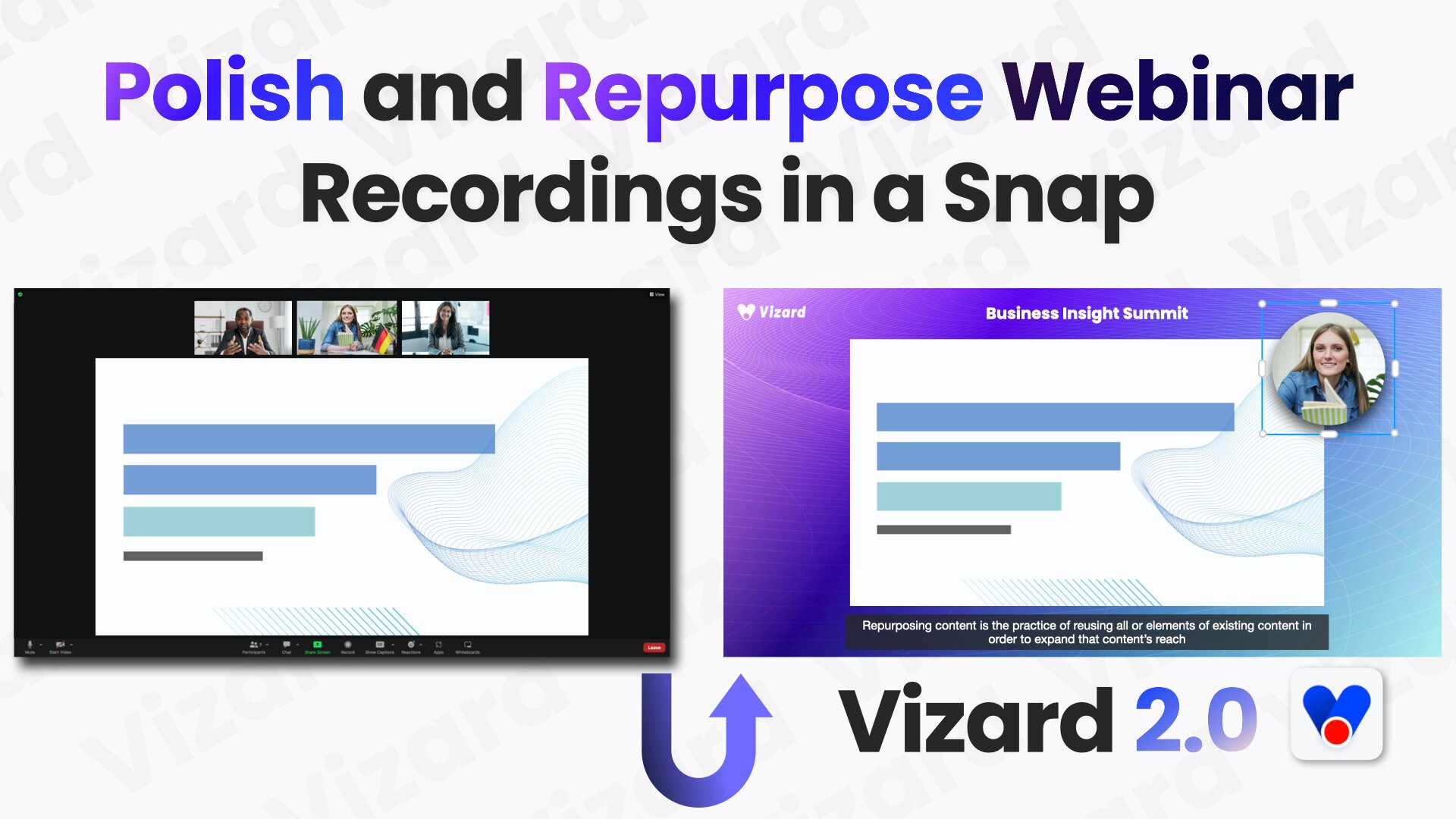
Vizard.ai turns long-form recordings into short clips for TikTok, Instagram Reels, and YouTube Shorts, with video editing tools layered on top of automated clipping. Upload a webinar, podcast, interview, or course video and the platform transcribes speakers, finds highlights, reframes subjects for vertical formats, and can publish straight to connected social accounts.
Most AI clippers only slice footage you already have. Vizard also runs Vizard Agent with 22 prompt-driven templates for creating new videos, ships a text-based editor and Team Workspace for agencies, and exposes a REST API with n8n workflows plus downloadable skills for Cursor and Claude Code. That combination suits teams who want clipping, light creation, and distribution in one product instead of juggling separate tools.
Social and content marketers, podcasters, coaches, consultants, and agencies use Vizard to repurpose webinars, client calls, and event recordings. The homepage offers a no-signup clip trial, the Free plan includes 60 monthly credits, and paid Creator and Business tiers add 4K export, more social accounts, and shared workspaces.
Timebolt

What is Timebolt?
Timebolt is a desktop video editor built around waveform-first jump cuts for podcasts, interviews, and screen recordings. It strips silence, filler words, and bad takes with 0.01 second cut control, then exports timelines to Premiere Pro, Final Cut Pro, DaVinci Resolve, or Camtasia without re-cutting by hand.
Most text-based AI editors guess where pauses live and leave hundreds of missed cuts per hour. Timebolt measures the audio waveform first, which is why its benchmark claims zero mistakes left per hour while rivals like Descript and Gling still need manual cleanup. That trade-off favors editors who want frame-tight cuts over a chat-style transcript workflow.
Podcasters, YouTubers, and course creators use Timebolt to shrink raw talking-head footage before publishing. Post-production teams also route Riverside multicam sessions through Timebolt XML exports so senior editors finish polish work in their preferred NLE.
Vizard.ai Upvotes
Timebolt Upvotes
Vizard.ai Top Features
One click can turn a long video into 30+ short clips
Vizard Agent includes 22 prompt templates for creating videos from scratch
Text-based editor trims footage by deleting lines in the transcript
Caption translation covers 100+ languages inside the editor
Creator exports 4K with 100 GB storage; Business gets unlimited storage
REST API ships Python, Java, and Go samples plus an n8n workflow template
Business workspaces connect up to 20 social accounts with scheduled publishing
Timebolt Top Features
0.01 second cut control on waveform-based silence removal
Processes an hour of footage in about 13 seconds for jump cuts
Exports XML timelines to Premiere Pro, Final Cut Pro, and DaVinci Resolve
UMCHECK removes filler words automatically from recorded speech
Free 4K screen capture tool for Mac and Windows
Benchmark reports zero missed cuts per hour versus hundreds on rival AI editors
Vizard.ai Category
- Video Editing
Timebolt Category
- Video Editing
Vizard.ai Pricing Type
- Freemium
Timebolt Pricing Type
- Freemium