Vizly vs NeuralStudio
Compare Vizly vs NeuralStudio and see which AI Data Science tool is better when we compare features, reviews, pricing, alternatives, upvotes, etc.
Which one is better? Vizly or NeuralStudio?
When we compare Vizly with NeuralStudio, which are both AI-powered data science tools, The upvote count is neck and neck for both Vizly and NeuralStudio. Since other aitools.fyi users could decide the winner, the ball is in your court now to cast your vote and help us determine the winner.
Want to flip the script? Upvote your favorite tool and change the game!
Vizly
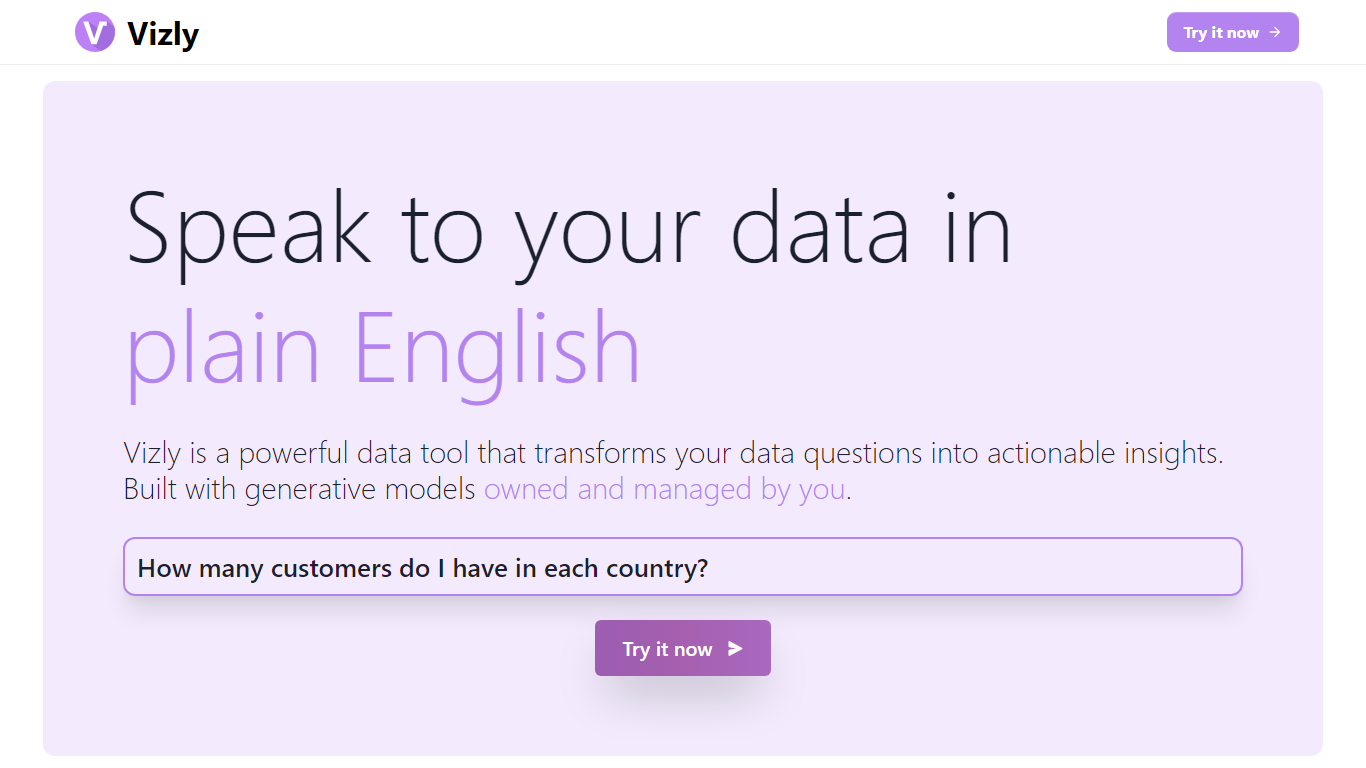

What is Vizly?
Vizly turns spreadsheet uploads into charts and statistical answers through a chat interface. Upload Excel, CSV, or SPSS files, ask questions in plain language, and get interactive Plotly visualizations, regression lines, and correlation matrices back. A private Python sandbox handles machine learning when you need more than summary stats.
Where Tableau and Looker focus on dashboards you configure by hand, Vizly leans on conversational analysis. You describe what you want to know and the app generates visuals on the fly. The trade-off is less pixel-perfect dashboard control in exchange for faster exploratory analysis.
Vizly suits students, analysts, and researchers in healthcare, finance, and genetics who need quick charts without writing notebook code. Premium adds unlimited messages, persistent files between sessions, and high-performance coding environments for heavier workloads.
NeuralStudio
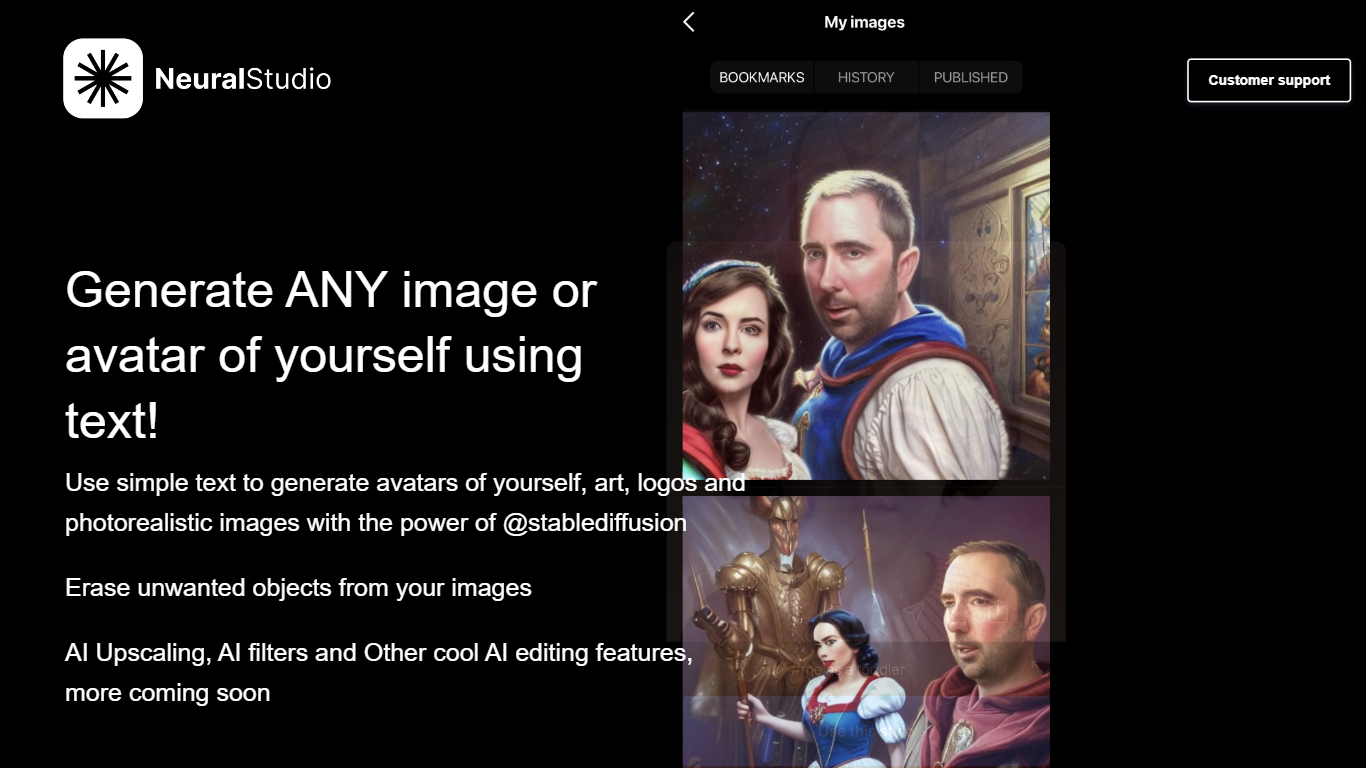
What is NeuralStudio?
NeuralStudio turns text prompts into avatars, art, logos, and photorealistic images through Stable Diffusion on neural.cam. You describe what you want in plain language and get generated visuals without opening a separate design tool. The same workspace also removes unwanted objects from photos and applies AI upscaling and filter effects.
Compared with general-purpose image editors that need manual masking for object removal, NeuralStudio bundles generation and cleanup in one Stable Diffusion-powered flow. That combination targets creators who want quick avatar variants and touch-up edits without switching between a generator and a photo editor.
Social media creators, indie designers, and hobbyists use NeuralStudio for profile avatars, logo drafts, and quick image cleanup. The product is published in partnership with MWM. Support is available at [email protected].
Vizly Upvotes
NeuralStudio Upvotes
Vizly Top Features
Chat interface generates Plotly visualizations and statistical analysis from uploaded files
Supports Excel, CSV, and SPSS with built-in data cleaning tools
Private Python code sandbox for machine learning and predictive modeling
Premium plan offers unlimited messages and persistent files between sessions
Use-case templates for healthcare, finance, and genetic research workflows
NeuralStudio Top Features
Text-to-image generation for avatars, art, logos, and photorealistic scenes via Stable Diffusion
Object eraser removes unwanted elements from existing photos
AI upscaling sharpens image resolution beyond the original capture
AI filter effects for stylized output without manual layer editing
Published in partnership with MWM for expanded distribution reach
Support contact at [email protected] for generation and editing help
Vizly Category
- Data Science
NeuralStudio Category
- Data Science
Vizly Pricing Type
- Freemium
NeuralStudio Pricing Type
- Freemium