Vsub vs Gling
Dive into the comparison of Vsub vs Gling and discover which AI Video Editing tool stands out. We examine alternatives, upvotes, features, reviews, pricing, and beyond.
In a comparison between Vsub and Gling, which one comes out on top?
When we compare Vsub and Gling, two exceptional video editing tools powered by artificial intelligence, and place them side by side, several key similarities and differences come to light. Vsub is the clear winner in terms of upvotes. The number of upvotes for Vsub stands at 6, and for Gling it's 4.
Not your cup of tea? Upvote your preferred tool and stir things up!
Vsub

What is Vsub?
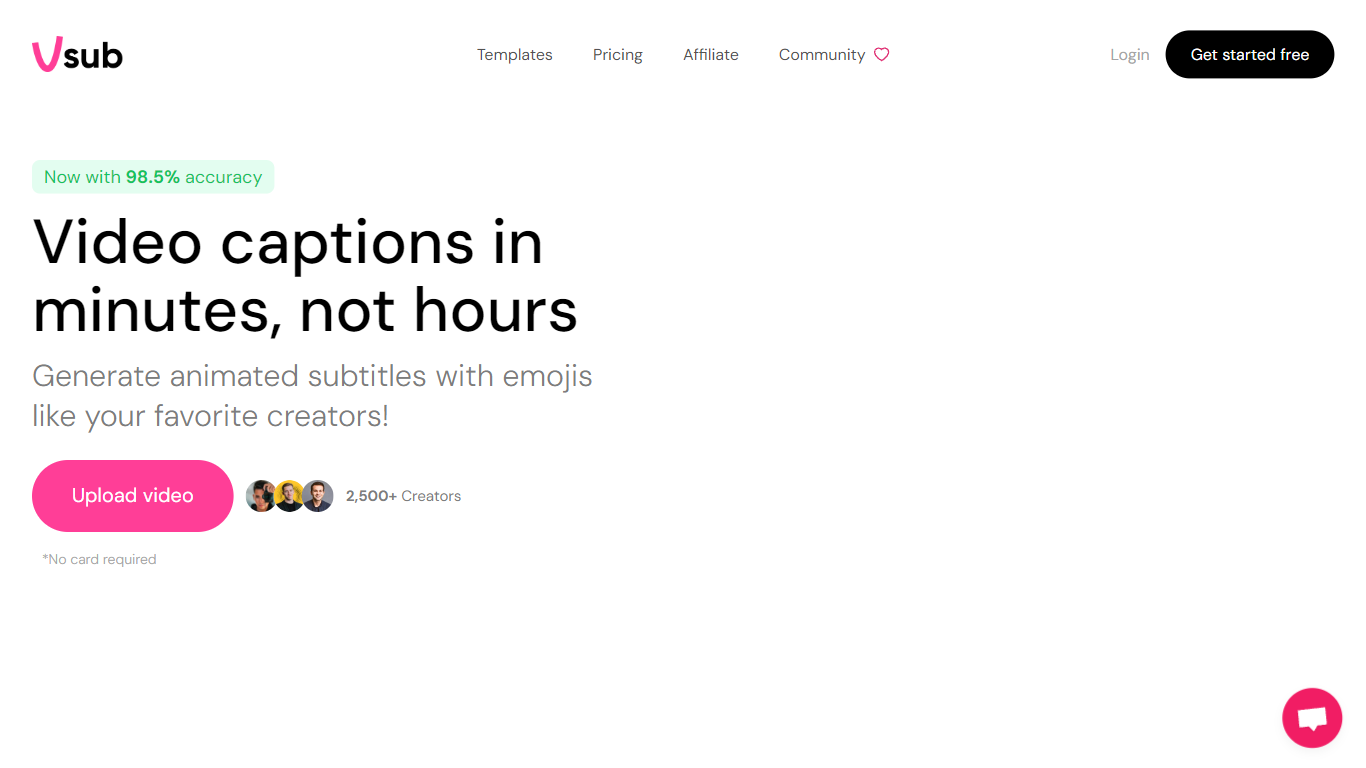
Vsub turns scripts into short faceless videos for TikTok, YouTube Shorts, and Reels without opening a traditional editor. You pick a format like Reddit stories, Roblox commentary, fake text chats, or AI-generated visuals, and the platform handles voiceover, visuals, captions, and rendering in one flow. Export limits range from 2 minutes on the Starter plan to 20 minutes on Premium.
CapCut and Premiere expect you to source footage, record voiceovers, and sync captions by hand. Vsub automates the repetitive parts of faceless channel workflows: ElevenLabs or OpenAI voices, AI image generation in styles from Studio Ghibli to Pixar, and animated emoji captions baked in. The trade-off is less frame-by-frame control in exchange for publishing dozens of shorts per month from templates.
Faceless YouTube creators, short-form marketers, and meme page operators use Vsub to batch Reddit story videos, quiz clips, and trend-reactive commentary. The site claims 500,000+ creators in its community, with a Discord server for new automation tools as they ship.
Gling

What is Gling?
Gling is desktop video editing software that uses transcription to cut bad takes, silences, and filler words from raw recordings before you export to Premiere, Final Cut Pro, or DaVinci Resolve. Upload a talking-head or voiceover file, review an AI-trimmed timeline, tweak cuts in text form, and download MP4, MP3, or SRT captions. It also generates YouTube titles, chapters, and short viral clips from links.
Manual timeline scrubbing eats hours on repetitive cleanup, while Gling automates the boring first pass and leaves creative decisions to you. That trade-off suits creators who record long sessions but do not want a fully automated publish pipeline. Desktop-only delivery keeps processing local-friendly, though you need a Mac or PC rather than a browser tab.
YouTube creators and podcast-style video makers use Gling to shrink edit time on tutorials, vlogs, and multicam sessions. The free plan includes 1 hour of AI-edited media per month with watermarked exports, Plus costs $20 per month with 10 hours, and Pro adds 30 hours without watermarks plus premium support.
Vsub Upvotes
Gling Upvotes
Vsub Top Features
One-click AI shorts in 15+ visual styles including Pixar, Studio Ghibli, Anime, and Simpsons
Starter plan includes 5,000 monthly credits; Pro includes 10,000 and Premium includes 25,000
Auto captions with animated emojis sync to your voiceover automatically
Built-in formats for Reddit stories, Roblox rants, fake text, quiz, and would-you-rather videos
Export lengths up to 2 min on Starter, 10 min on Pro, and 20 min on Premium
Credit top-ups at $1 per 300 to 350 credits depending on your plan tier
Gling Top Features
Automatically remove bad takes, silences, and filler words from uploaded recordings
Edit cuts through a text-based transcript instead of scrubbing the timeline manually
Export XML projects to Adobe Premiere, Final Cut Pro, or DaVinci Resolve
Generate AI captions, YouTube titles, chapters, and viral clips from links
Plus plan includes 10 hours of AI-edited media per month for $20
Vsub Category
- Video Editing
Gling Category
- Video Editing
Vsub Pricing Type
- Paid
Gling Pricing Type
- Freemium