Vsub vs Video Editor By VIDIO
In the clash of Vsub vs Video Editor By VIDIO, which AI Video Editing tool emerges victorious? We assess reviews, pricing, alternatives, features, upvotes, and more.
If you had to choose between Vsub and Video Editor By VIDIO, which one would you go for?
Let's take a closer look at Vsub and Video Editor By VIDIO, both of which are AI-driven video editing tools, and see what sets them apart. The upvote count reveals a draw, with both tools earning the same number of upvotes. Since other aitools.fyi users could decide the winner, the ball is in your court now to cast your vote and help us determine the winner.
Disagree with the result? Upvote your favorite tool and help it win!
Vsub

What is Vsub?
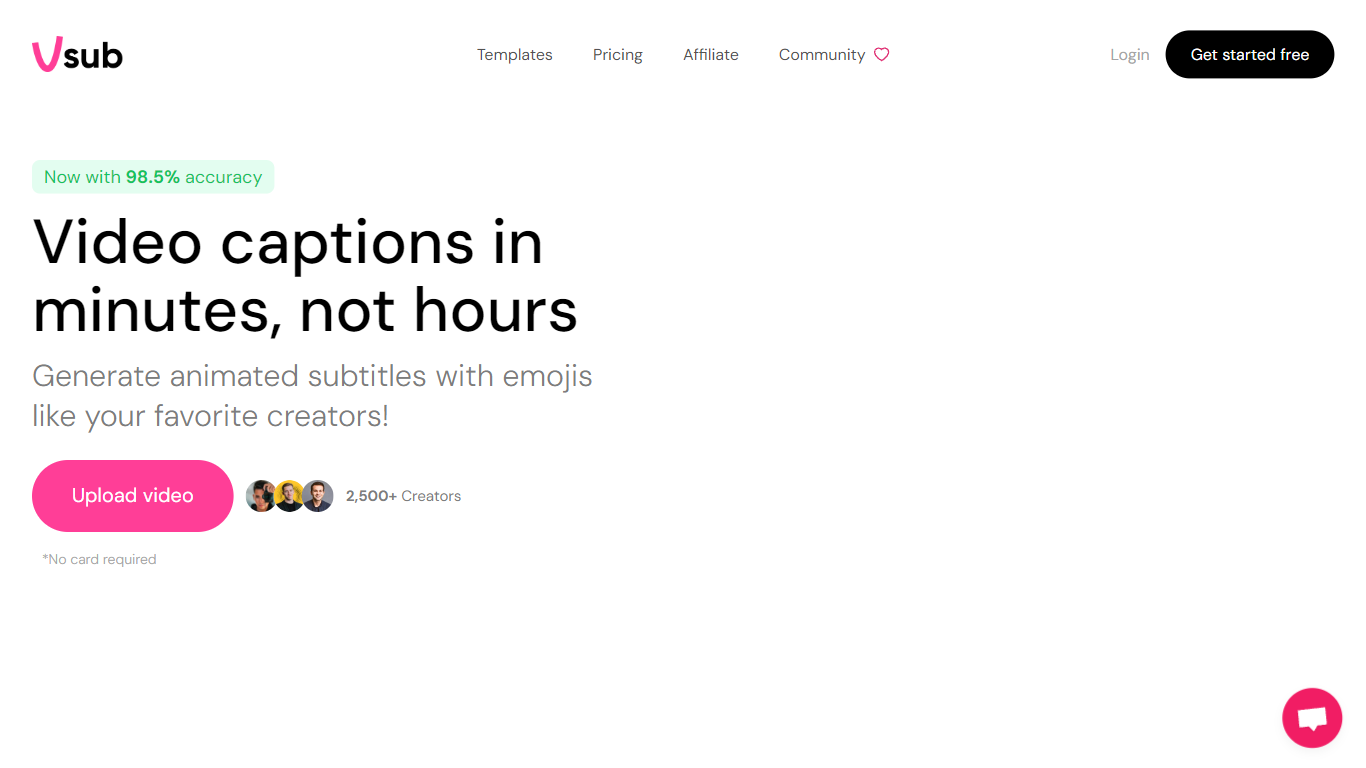
Vsub turns scripts into short faceless videos for TikTok, YouTube Shorts, and Reels without opening a traditional editor. You pick a format like Reddit stories, Roblox commentary, fake text chats, or AI-generated visuals, and the platform handles voiceover, visuals, captions, and rendering in one flow. Export limits range from 2 minutes on the Starter plan to 20 minutes on Premium.
CapCut and Premiere expect you to source footage, record voiceovers, and sync captions by hand. Vsub automates the repetitive parts of faceless channel workflows: ElevenLabs or OpenAI voices, AI image generation in styles from Studio Ghibli to Pixar, and animated emoji captions baked in. The trade-off is less frame-by-frame control in exchange for publishing dozens of shorts per month from templates.
Faceless YouTube creators, short-form marketers, and meme page operators use Vsub to batch Reddit story videos, quiz clips, and trend-reactive commentary. The site claims 500,000+ creators in its community, with a Discord server for new automation tools as they ship.
Video Editor By VIDIO

What is Video Editor By VIDIO?
Video Editor By VIDIO lets you edit videos in the browser by describing changes in plain language instead of clicking through timeline menus. Upload a clip, tell the assistant what you want changed, and export the result without installing desktop software. It supports GIF, MP4, MOV, WEBM, and other common formats with a 3GB upload cap.
Traditional editors pack dozens of panels most casual creators never open. Video Editor By VIDIO deliberately keeps the workflow to three steps: upload, chat your request, download. That narrow focus fits social clips, quick captioning, and cleanup jobs where opening Premiere would be overkill.
The tool handles short-form cuts, auto captions, color filters, audio extraction, silence detection, and background noise removal through the same chat interface. VIDIO reports more than 500,000 users, with ratings of 4.8 on G2 and 4.7 on Trustpilot. Content creators, social media managers, and small teams use it when they need fast edits from any device.
Vsub Upvotes
Video Editor By VIDIO Upvotes
Vsub Top Features
One-click AI shorts in 15+ visual styles including Pixar, Studio Ghibli, Anime, and Simpsons
Starter plan includes 5,000 monthly credits; Pro includes 10,000 and Premium includes 25,000
Auto captions with animated emojis sync to your voiceover automatically
Built-in formats for Reddit stories, Roblox rants, fake text, quiz, and would-you-rather videos
Export lengths up to 2 min on Starter, 10 min on Pro, and 20 min on Premium
Credit top-ups at $1 per 300 to 350 credits depending on your plan tier
Video Editor By VIDIO Top Features
Natural-language editing accepts plain-text requests instead of manual timeline work
Supports GIF, MP4, MOV, MPG, WEBM, and MPEG uploads up to 3GB per file
Stitches up to 5 video clips together in a single conversational edit project
Handles captions, color filters, audio extraction, silence detection, and noise removal
Runs entirely in the browser with no local installation required
Free Basic plan available; Pro 20 starts at $8 per month with 20 credits
Rated 4.8 on G2 and 4.7 on Trustpilot across VIDIO's user base
Vsub Category
- Video Editing
Video Editor By VIDIO Category
- Video Editing
Vsub Pricing Type
- Paid
Video Editor By VIDIO Pricing Type
- Freemium