Waifu-diffusion on Hugging Face vs Drag Your GAN
In the battle of Waifu-diffusion on Hugging Face vs Drag Your GAN, which AI Image Generation Model tool comes out on top? We compare reviews, pricing, alternatives, upvotes, features, and more.
Between Waifu-diffusion on Hugging Face and Drag Your GAN, which one is superior?
Upon comparing Waifu-diffusion on Hugging Face with Drag Your GAN, which are both AI-powered image generation model tools, The community has spoken, Drag Your GAN leads with more upvotes. Drag Your GAN has attracted 8 upvotes from aitools.fyi users, and Waifu-diffusion on Hugging Face has attracted 7 upvotes.
Not your cup of tea? Upvote your preferred tool and stir things up!
Waifu-diffusion on Hugging Face
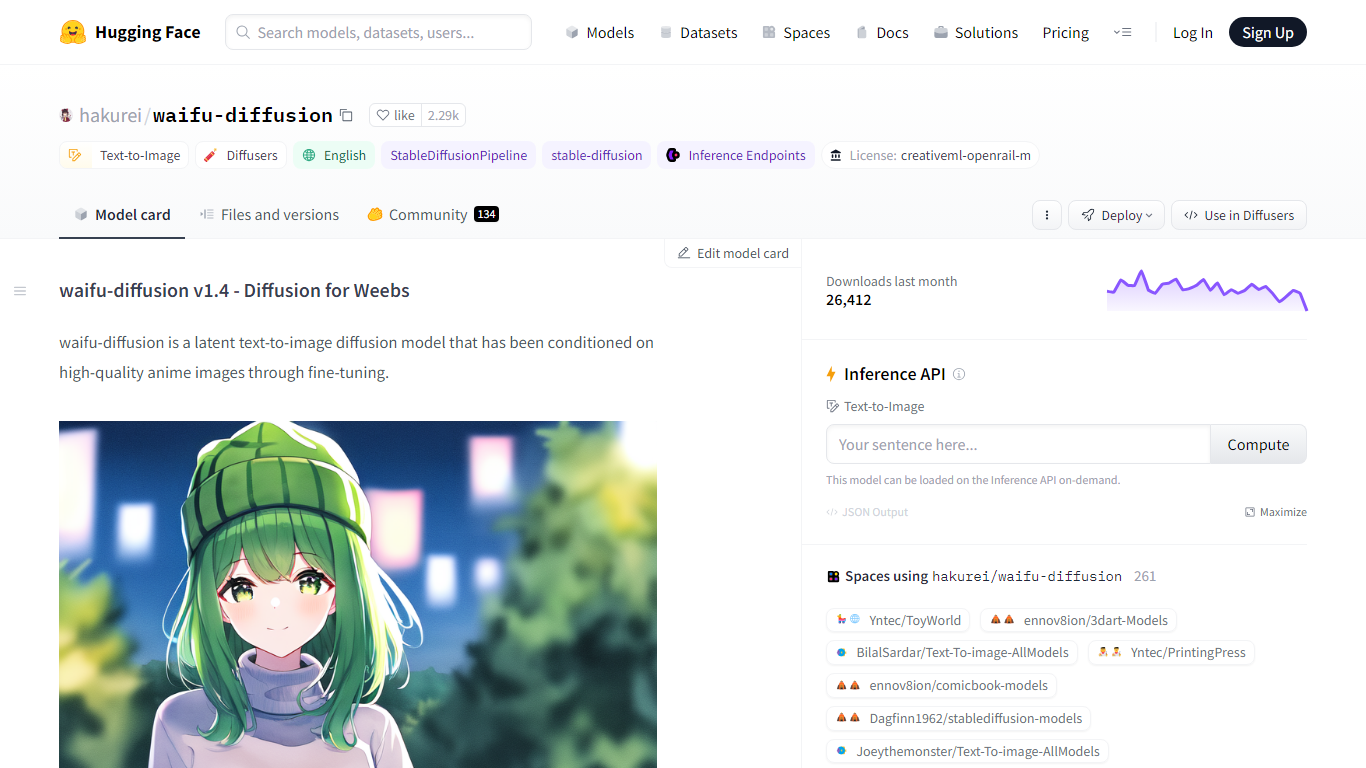

What is Waifu-diffusion on Hugging Face?
Waifu-diffusion on Hugging Face turns text prompts into anime-style images through a Stable Diffusion model fine-tuned on high-quality anime artwork. You load hakurei/waifu-diffusion with the Diffusers library in Python, pass a prompt, and get a generated image back. The model card includes ready-to-run code for CUDA, Apple MPS, Google Colab, and local apps like Draw Things and DiffusionBee.
Compared with general-purpose Stable Diffusion checkpoints, this model is tuned specifically for anime aesthetics rather than photorealism. That narrow focus makes it a common base for fan art, character concepts, and stylized illustrations, while general SD models often need heavier prompting to stay on-anime. The v1.4 weights ship under CreativeML OpenRAIL-M with 2,500+ community likes and about 1,166 downloads in the last month on Hugging Face.
The model weighs 0.9 billion parameters in Safetensors format and works with the StableDiffusionPipeline in Diffusers. Creators can fine-tune or adapt it further, with four adapter models, two finetunes, and one quantization listed in the Hugging Face model tree.
Waifu-diffusion suits illustrators, hobbyists, and developers who want anime image generation they can run locally or in notebooks without building a model from scratch.
Drag Your GAN
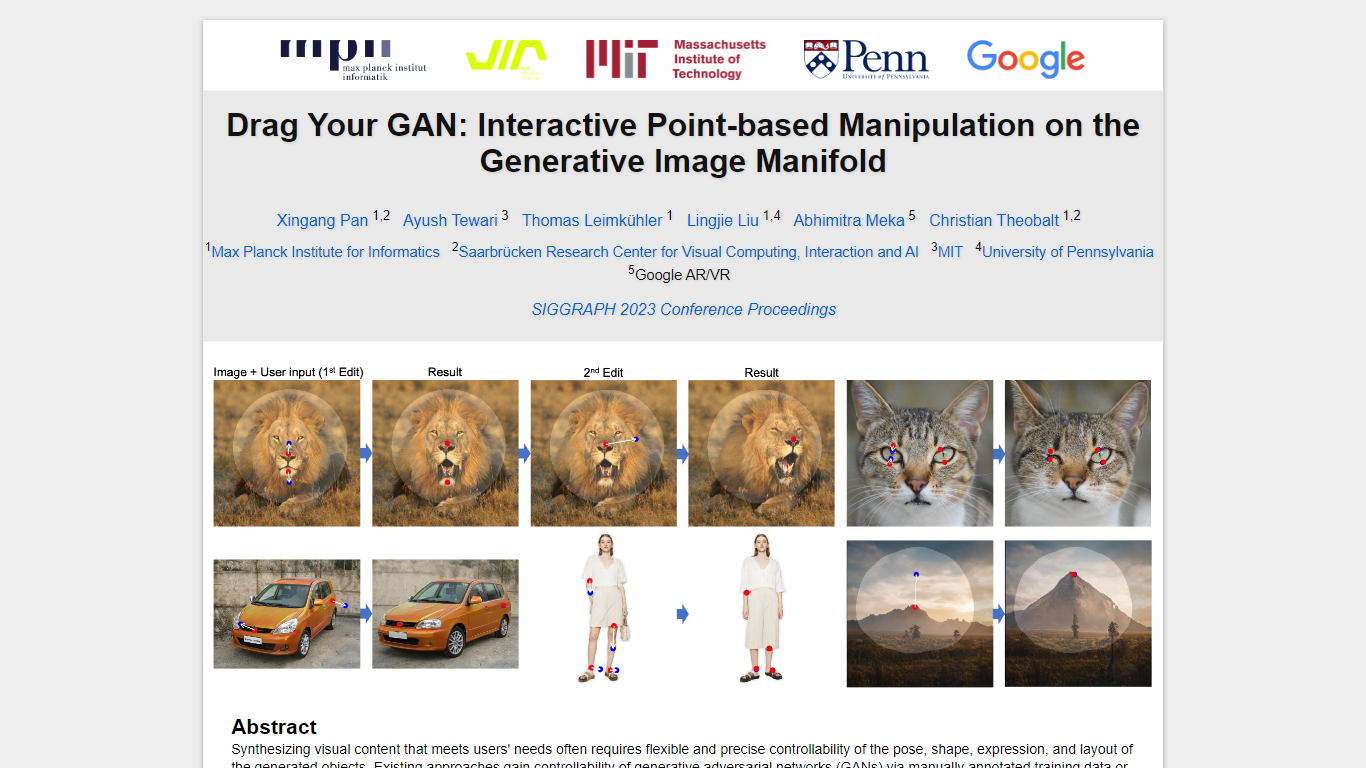
What is Drag Your GAN?
Drag Your GAN lets you reshape a generated image by dragging handle points to target spots on the canvas. Instead of training on labeled pose data or 3D priors, DragGAN moves pixels inside a pretrained GAN's image manifold so edits stay photorealistic even when occluded regions get hallucinated. The project page hosts the SIGGRAPH 2023 paper, demo clips, and links to open source code.
Most GAN editors rely on fixed training annotations or 3D meshes, which limits what you can deform. DragGAN pairs feature-based motion supervision with discriminative point tracking so handle points follow your cursor while staying on the object surface. That makes it useful for nudging animal poses, facial expressions, car angles, and landscape layouts without retraining the generator.
Researchers, graphics students, and computer vision engineers use it to prototype interactive image editing workflows. The Max Planck Institute page distributes the paper PDF and GitHub repo under a non-commercial Creative Commons license, with contact details for the lead author.
Waifu-diffusion on Hugging Face Upvotes
Drag Your GAN Upvotes
Waifu-diffusion on Hugging Face Top Features
0.9B parameter latent text-to-image model fine-tuned on anime artwork
Runs with Diffusers StableDiffusionPipeline and example CUDA code on the model card
2,500+ likes and 1,166 downloads last month on Hugging Face
CreativeML OpenRAIL-M license allows commercial redistribution with use restrictions
Google Colab and Kaggle notebook links included for cloud testing
Imports into Draw Things and DiffusionBee local apps from the model page
100+ Hugging Face Spaces build on hakurei/waifu-diffusion as a base model
Drag Your GAN Top Features
Drag handle points to target positions for precise pixel-level control
Feature-based motion supervision drives handles without 3D priors
Point tracking uses discriminative GAN features to localize handles
Deforms animals, cars, humans, landscapes, and inverted real photos
Open source code published at github.com/XingangPan/DragGAN
Paper and demo videos from SIGGRAPH 2023 Conference Proceedings
Waifu-diffusion on Hugging Face Category
- Image Generation Model
Drag Your GAN Category
- Image Generation Model
Waifu-diffusion on Hugging Face Pricing Type
- Free
Drag Your GAN Pricing Type
- Free