Waifu-diffusion on Hugging Face vs Inkpunk-Diffusion on Hugging Face
Explore the showdown between Waifu-diffusion on Hugging Face vs Inkpunk-Diffusion on Hugging Face and find out which AI Image Generation Model tool wins. We analyze upvotes, features, reviews, pricing, alternatives, and more.
When comparing Waifu-diffusion on Hugging Face and Inkpunk-Diffusion on Hugging Face, which one rises above the other?
When we contrast Waifu-diffusion on Hugging Face with Inkpunk-Diffusion on Hugging Face, both of which are exceptional AI-operated image generation model tools, and place them side by side, we can spot several crucial similarities and divergences. The community has spoken, Waifu-diffusion on Hugging Face leads with more upvotes. Waifu-diffusion on Hugging Face has 7 upvotes, and Inkpunk-Diffusion on Hugging Face has 6 upvotes.
Don't agree with the result? Cast your vote and be a part of the decision-making process!
Waifu-diffusion on Hugging Face
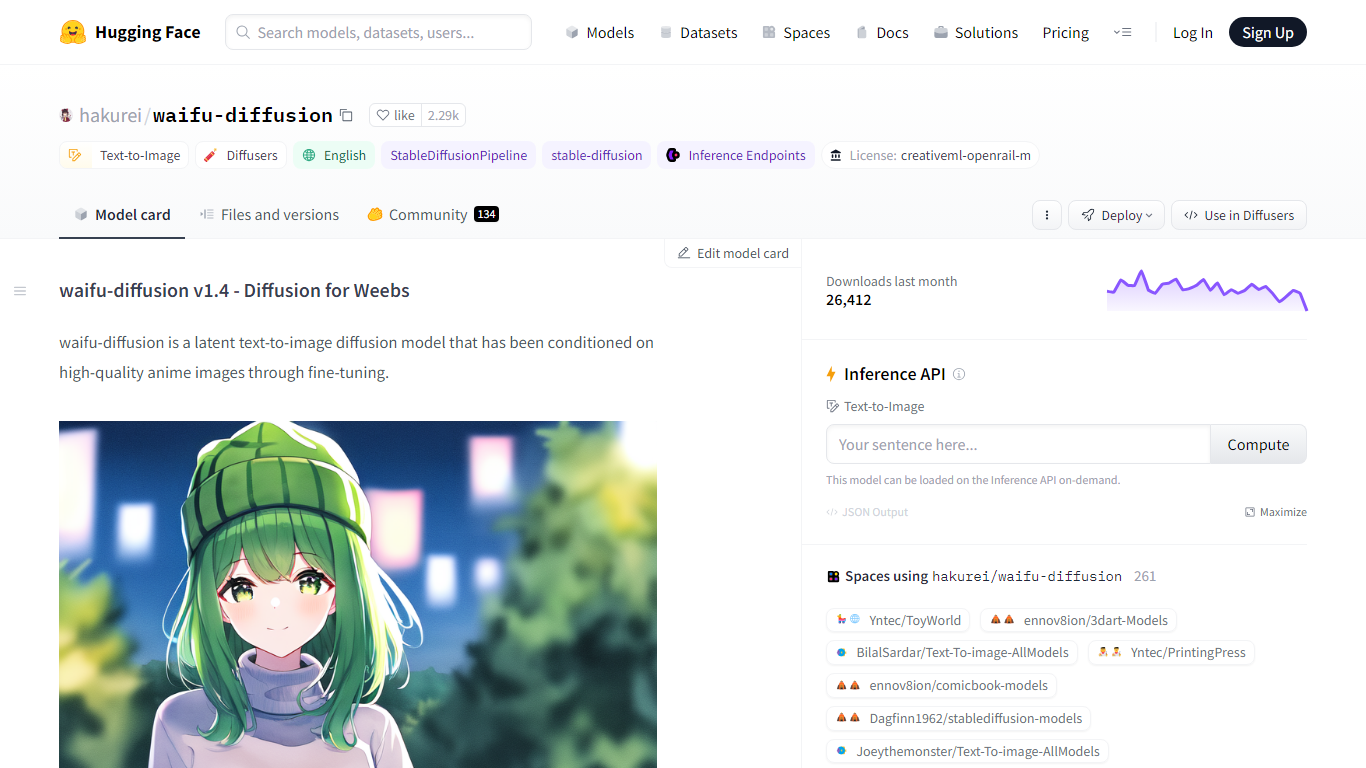

What is Waifu-diffusion on Hugging Face?
Waifu-diffusion on Hugging Face turns text prompts into anime-style images through a Stable Diffusion model fine-tuned on high-quality anime artwork. You load hakurei/waifu-diffusion with the Diffusers library in Python, pass a prompt, and get a generated image back. The model card includes ready-to-run code for CUDA, Apple MPS, Google Colab, and local apps like Draw Things and DiffusionBee.
Compared with general-purpose Stable Diffusion checkpoints, this model is tuned specifically for anime aesthetics rather than photorealism. That narrow focus makes it a common base for fan art, character concepts, and stylized illustrations, while general SD models often need heavier prompting to stay on-anime. The v1.4 weights ship under CreativeML OpenRAIL-M with 2,500+ community likes and about 1,166 downloads in the last month on Hugging Face.
The model weighs 0.9 billion parameters in Safetensors format and works with the StableDiffusionPipeline in Diffusers. Creators can fine-tune or adapt it further, with four adapter models, two finetunes, and one quantization listed in the Hugging Face model tree.
Waifu-diffusion suits illustrators, hobbyists, and developers who want anime image generation they can run locally or in notebooks without building a model from scratch.
Inkpunk-Diffusion on Hugging Face
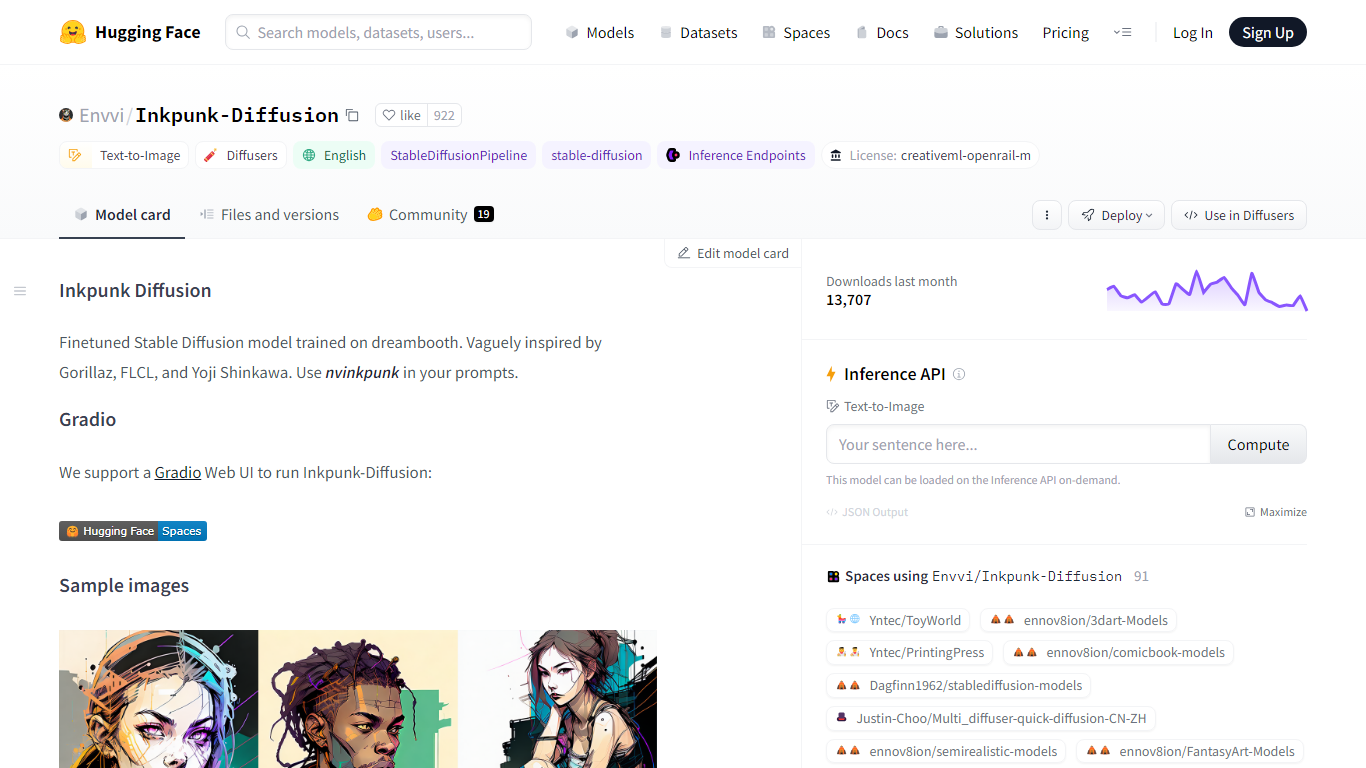
What is Inkpunk-Diffusion on Hugging Face?
Inkpunk-Diffusion is a Dreambooth-finetuned Stable Diffusion checkpoint on Hugging Face that renders bold ink-and-neon illustrations. Add the trigger token nvinkpunk to your prompt and you get a look influenced by Gorillaz, FLCL, and Yoji Shinkawa concept art. The weights ship under the CreativeML OpenRAIL-M license and run through the standard Diffusers text-to-image pipeline.
General-purpose SD checkpoints produce photorealistic output by default. Inkpunk-Diffusion narrows the aesthetic to stylized line work and saturated color palettes, which is why over 100 Hugging Face Spaces and community adapters build on top of it. You can load it locally with Diffusers, open the Gradio demo Space, or import into Draw Things and DiffusionBee without training your own LoRA.
The model card includes Colab and Kaggle notebooks plus sample images on the repo. Downloads hit roughly 400 per month with 988 community likes on the Hub. Inference Providers do not host it yet, so you run it on your own GPU, a local app, or a Hugging Face Space.
Waifu-diffusion on Hugging Face Upvotes
Inkpunk-Diffusion on Hugging Face Upvotes
Waifu-diffusion on Hugging Face Top Features
0.9B parameter latent text-to-image model fine-tuned on anime artwork
Runs with Diffusers StableDiffusionPipeline and example CUDA code on the model card
2,500+ likes and 1,166 downloads last month on Hugging Face
CreativeML OpenRAIL-M license allows commercial redistribution with use restrictions
Google Colab and Kaggle notebook links included for cloud testing
Imports into Draw Things and DiffusionBee local apps from the model page
100+ Hugging Face Spaces build on hakurei/waifu-diffusion as a base model
Inkpunk-Diffusion on Hugging Face Top Features
Dreambooth-finetuned Stable Diffusion checkpoint with nvinkpunk trigger token for consistent inkpunk styling
Runs through Hugging Face Diffusers with pip install diffusers transformers accelerate
Gradio Web UI demo available via the akhaliq/Inkpunk-Diffusion Space
Import into local apps Draw Things and DiffusionBee from the model card links
100 Hugging Face Spaces and 2 adapter models build on this checkpoint
CreativeML OpenRAIL-M license with Colab and Kaggle notebook links on the card
Waifu-diffusion on Hugging Face Category
- Image Generation Model
Inkpunk-Diffusion on Hugging Face Category
- Image Generation Model
Waifu-diffusion on Hugging Face Pricing Type
- Free
Inkpunk-Diffusion on Hugging Face Pricing Type
- Free