Warp vs GitHub Next
In the clash of Warp vs GitHub Next, which AI Code Assistant tool emerges victorious? We assess reviews, pricing, alternatives, features, upvotes, and more.
When we put Warp and GitHub Next head to head, which one emerges as the victor?
Let's take a closer look at Warp and GitHub Next, both of which are AI-driven code assistant tools, and see what sets them apart. The community has spoken, Warp leads with more upvotes. Warp has been upvoted 8 times by aitools.fyi users, and GitHub Next has been upvoted 6 times.
Disagree with the result? Upvote your favorite tool and help it win!
Warp
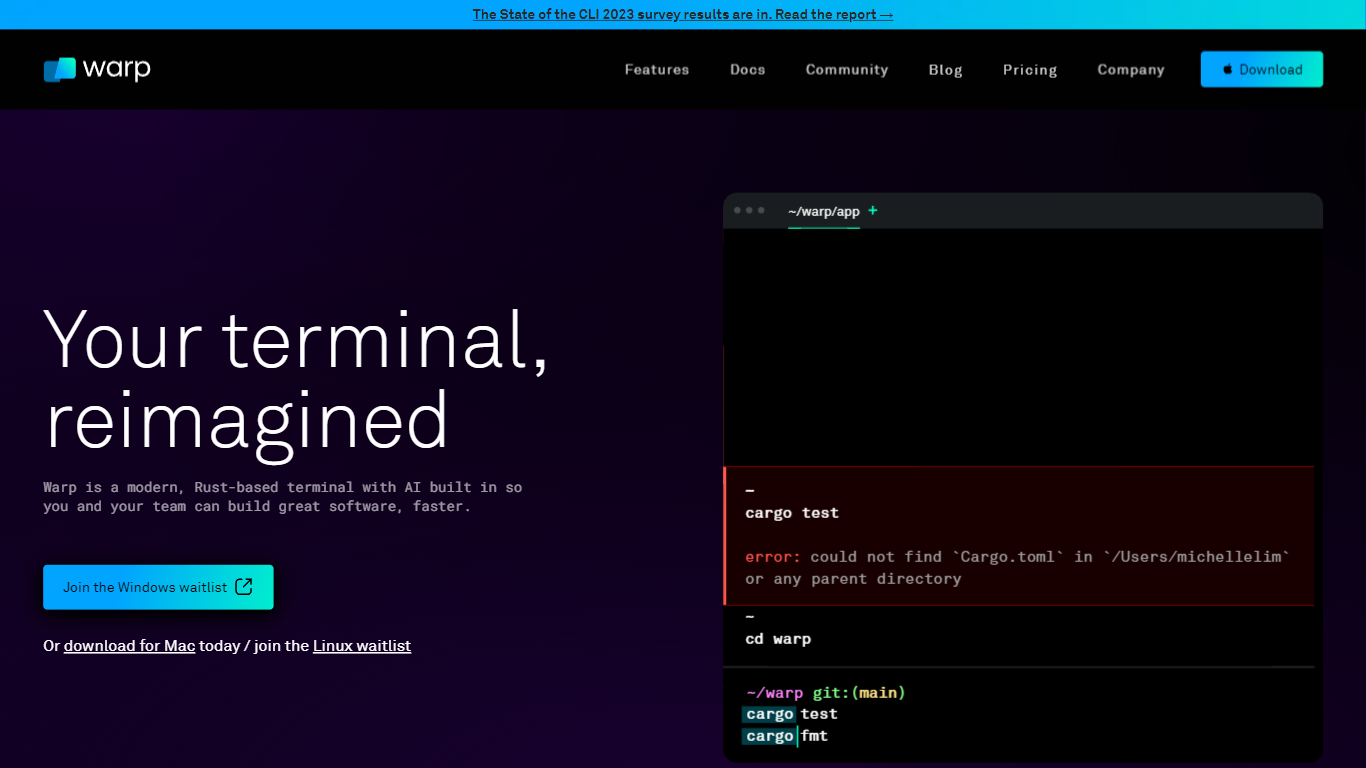

What is Warp?
Warp is revolutionizing the terminal experience for developers worldwide. At its core, Warp is a modern, Rust-based terminal designed to enhance productivity, speed, and efficiency. With a built-in AI and knowledge-sharing tools, Warp offers smart autocompletions and intelligent command executions that significantly accelerate the development process.
In addition to its performance advantages, Warp prioritizes privacy and security, never collecting input or output data and ensuring any saved data is encrypted. The terminal's user interface is highly customizable with popular themes, and the modern text input editor provides a convenient and familiar IDE experience.
Leading developers have praised Warp for its exceptional features such as easy navigation, one-click output copying, and its ability to execute saved workflows on-demand. The terminal is not just about speed; it's about providing a seamless and smart development environment that resonates with today's technological demands. Warp is available for Mac, with a waitlist for Windows and Linux users, promising a future where all developers can benefit from its advanced features.
GitHub Next
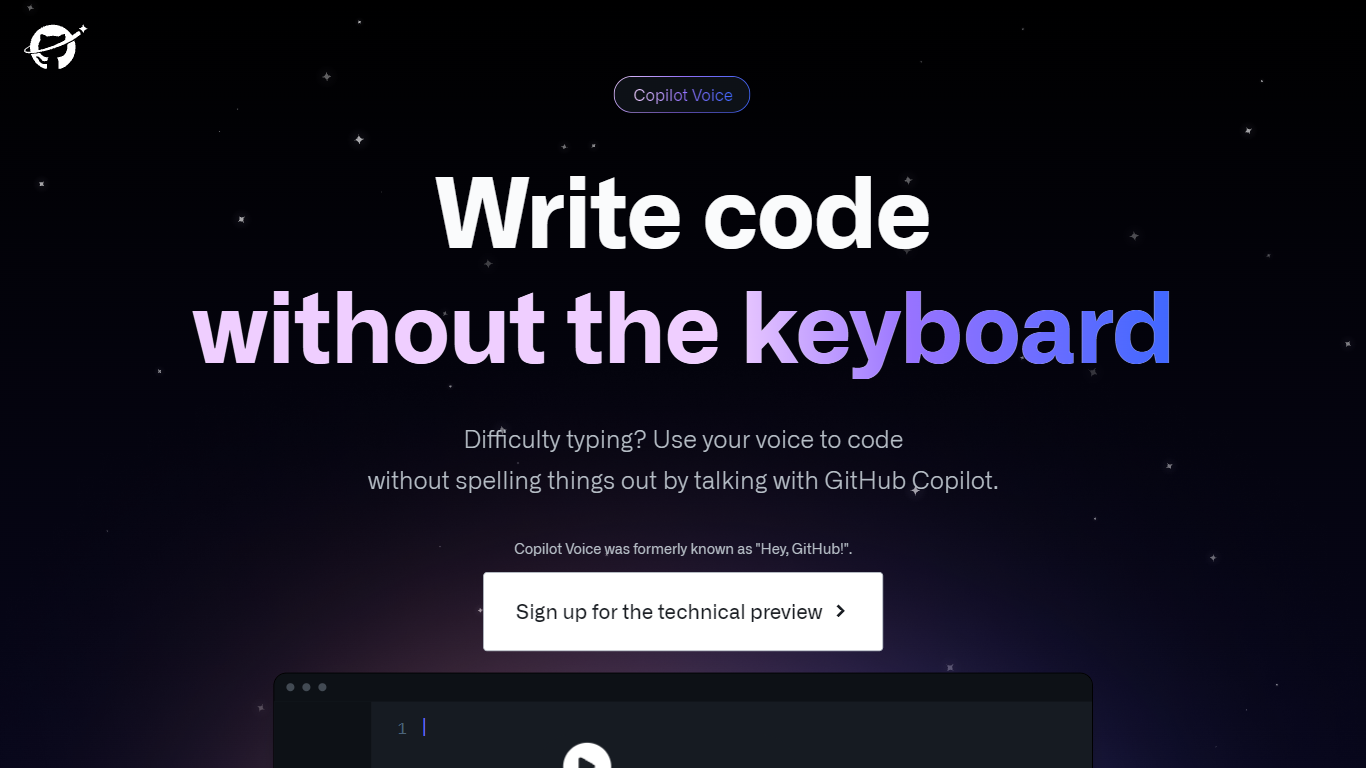
What is GitHub Next?
GitHub Next is an innovative project that revolutionizes the way we write code. Are you tired of constantly typing and making spelling mistakes? With GitHub Copilot, you can now use your voice to code without the need to spell everything out. This cutting-edge technology allows developers to dictate their code, making coding accessible to those who struggle with typing or have difficulty with spelling.
Using GitHub Copilot, you can simply speak your code and have it translated into written code automatically. Whether you're a beginner learning to code or an experienced developer looking to increase productivity, GitHub Next has got you covered. This powerful tool understands natural language and can generate accurate code based on your verbal instructions. It not only saves you time but also helps in reducing errors that may occur due to manual typing.
With GitHub Next, coding becomes more intuitive and efficient. It allows you to focus on the logic and structure of your code rather than spending time on manual input. Whether you're coding in Python, JavaScript, C++, or any other programming language, GitHub Copilot has extensive language support, ensuring that you can code seamlessly in your preferred language.
Aside from its voice coding capabilities, GitHub Next also provides a range of features to enhance your coding experience. It includes code completion suggestions, intelligent error detection, and helpful code snippets, making it a comprehensive code assistant. The tool is constantly learning and improving its suggestions based on community feedback and industry best practices. This means that as you use GitHub Copilot, it becomes more tailored to your coding style and preferences, ultimately becoming an indispensable tool in your coding workflow.
In addition to its coding features, GitHub Next offers seamless integration with the GitHub platform. You can easily sync your projects, collaborate with fellow developers, and access version control functionalities, all within the same environment. This integration ensures that your code remains organized, secure, and easily accessible, allowing for efficient collaboration and version management.
Warp Upvotes
GitHub Next Upvotes
Warp Top Features
Smart Autocompletions: Utilize AI-powered tools and knowledge sharing for faster coding.
Modern Text Input Editor: Enjoy a coding experience akin to modern IDEs with advanced text editing.
Increased Efficiency: Speed through tasks with Rust-based performance optimized for quick command execution.
Privacy and Security First: Trust in a terminal that safeguards your data encrypting information at rest.
Customizable UI: Tailor Warp to your preferences with a selection of themes and visual customization options.
GitHub Next Top Features
No top features listedWarp Category
- Code Assistant
GitHub Next Category
- Code Assistant
Warp Pricing Type
- Freemium
GitHub Next Pricing Type
- Freemium