WebWise ChatGPT vs AI Data Sidekick
In the battle of WebWise ChatGPT vs AI Data Sidekick, which AI Productivity tool comes out on top? We compare reviews, pricing, alternatives, upvotes, features, and more.
Which one is better? WebWise ChatGPT or AI Data Sidekick?
Upon comparing WebWise ChatGPT with AI Data Sidekick, which are both AI-powered productivity tools, WebWise ChatGPT is the clear winner in terms of upvotes. The number of upvotes for WebWise ChatGPT stands at 6, and for AI Data Sidekick it's 3.
You don't agree with the result? Cast your vote to help us decide!
WebWise ChatGPT

What is WebWise ChatGPT?
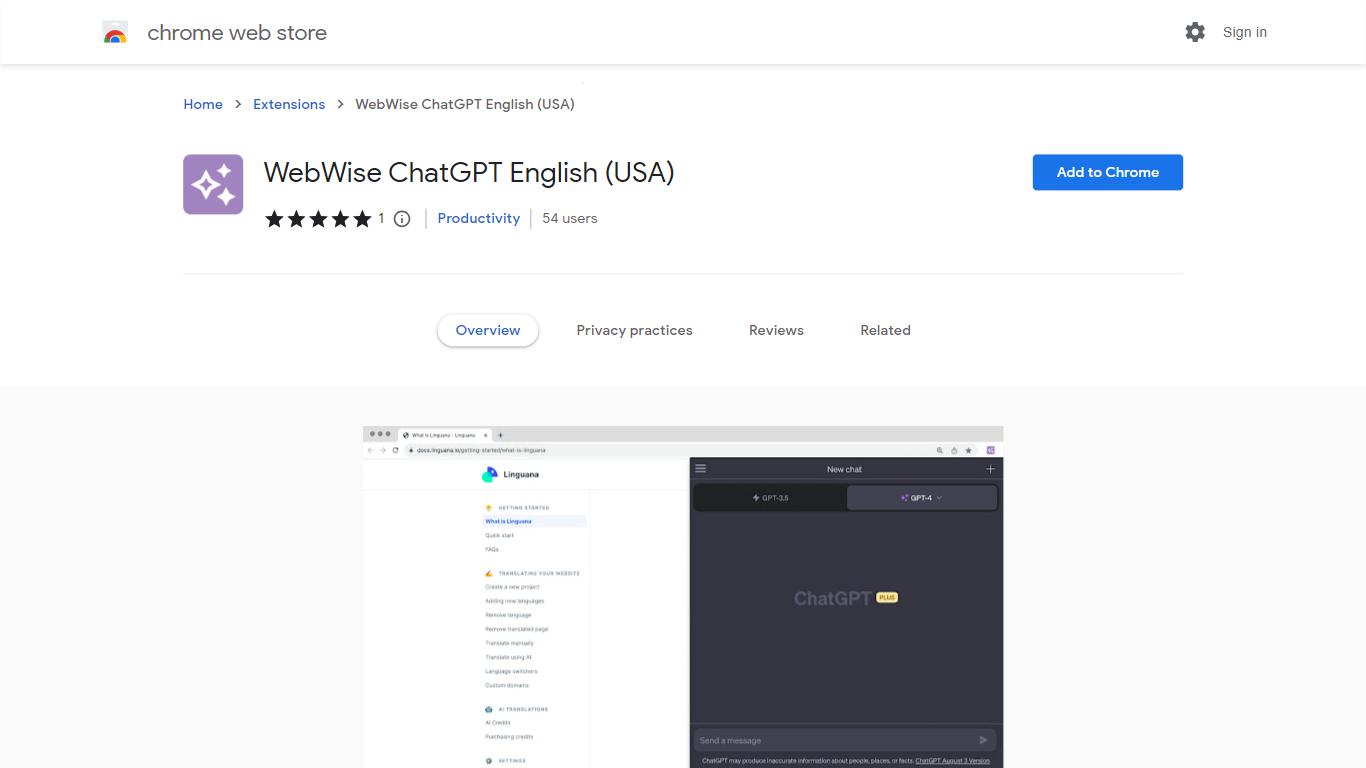
WebWise ChatGPT is a browser extension for Chrome that puts ChatGPT one click away in your toolbar, omnibox, context menu, and search result pages. It works with your existing ChatGPT Free or Plus login at chat.openai.com and does not require a separate API key.
Plenty of ChatGPT sidebar extensions add a floating panel, but WebWise focuses on fast entry points: open a popup from the toolbar, type gpt plus space in the address bar, or pull answers alongside Google, Bing, and Yahoo results. It also pings your ChatGPT session to keep it alive longer during long browsing stretches. The trade-off is that it depends entirely on OpenAI's web interface, so outages or login issues on chat.openai.com affect the extension too.
Researchers, students, and office workers who already pay for or use free ChatGPT install WebWise to avoid tab-switching. The extension lists 335 Chrome Web Store users, supports 54 languages, and last updated in August 2023 at version 1.0.1.
AI Data Sidekick
What is AI Data Sidekick?
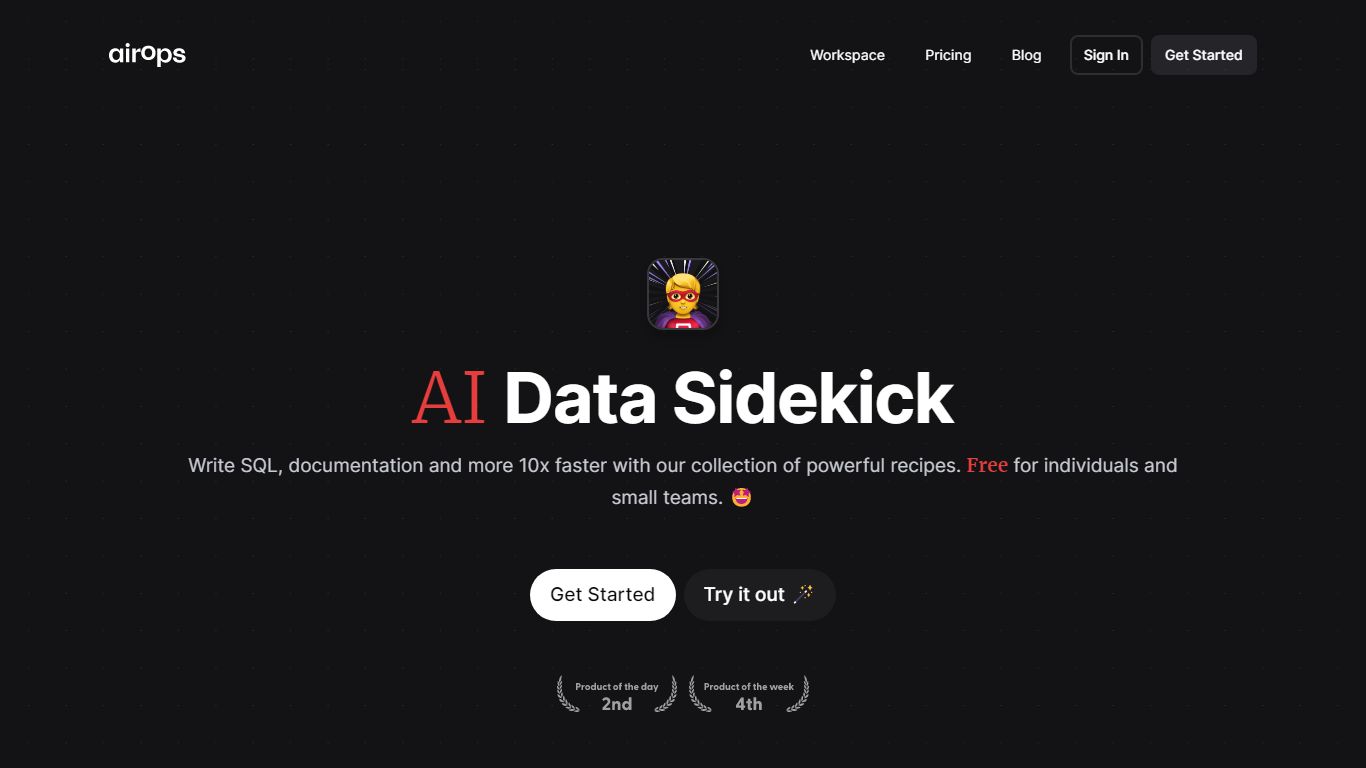
AI Data Sidekick accelerates SQL database interactions by converting natural language into SQL queries, automating schema documentation, and generating related scripts. It simplifies complex SQL tasks, enabling users to write, debug, and modify queries more efficiently.
What distinguishes AI Data Sidekick is its collection of over 10 AI-powered recipes that not only translate natural language to SQL but also generate Python scripts and dbt YAML files. This integration of multiple database-related functions into one tool streamlines workflows for developers and analysts.
The tool supports automatic documentation of database schemas and offers explanations and fixes for existing SQL queries, which helps users understand and improve their database operations. Its ability to generate code for Python and dbt workflows further enhances productivity.
AI Data Sidekick offers a free plan with core features and a Pro plan with higher usage limits and priority support, catering to different user needs. It is designed for professionals familiar with SQL and database concepts who want to speed up their database-related tasks effectively.
WebWise ChatGPT Upvotes
AI Data Sidekick Upvotes
WebWise ChatGPT Top Features
Opens ChatGPT in a toolbar popup with one click, no API key required
Omnibox shortcut: type gpt then space in the address bar to launch ChatGPT
Shows ChatGPT answers alongside Google, Bing, Yahoo, and other search results
Context menu access to run ChatGPT on selected page content
Keeps ChatGPT web sessions alive longer with periodic background pings
Supports 54 languages and works with both ChatGPT Free and Plus accounts
AI Data Sidekick Top Features
Convert natural language into SQL queries instantly
Automatically document database table schemas
Explain and fix existing SQL queries for clarity
Generate Python scripts and dbt YAML files effortlessly
Access over 10 AI-powered recipes to boost database productivity
Free plan available with core features
Pro plan offers higher usage limits and priority support
WebWise ChatGPT Category
- Productivity
AI Data Sidekick Category
- Productivity
WebWise ChatGPT Pricing Type
- Free
AI Data Sidekick Pricing Type
- Freemium