Weet vs Timebolt
In the clash of Weet vs Timebolt, which AI Video Editing tool emerges victorious? We assess reviews, pricing, alternatives, features, upvotes, and more.
When we put Weet and Timebolt head to head, which one emerges as the victor?
Let's take a closer look at Weet and Timebolt, both of which are AI-driven video editing tools, and see what sets them apart. The community has spoken, Timebolt leads with more upvotes. Timebolt has been upvoted 18 times by aitools.fyi users, and Weet has been upvoted 6 times.
Disagree with the result? Upvote your favorite tool and help it win!
Weet

What is Weet?
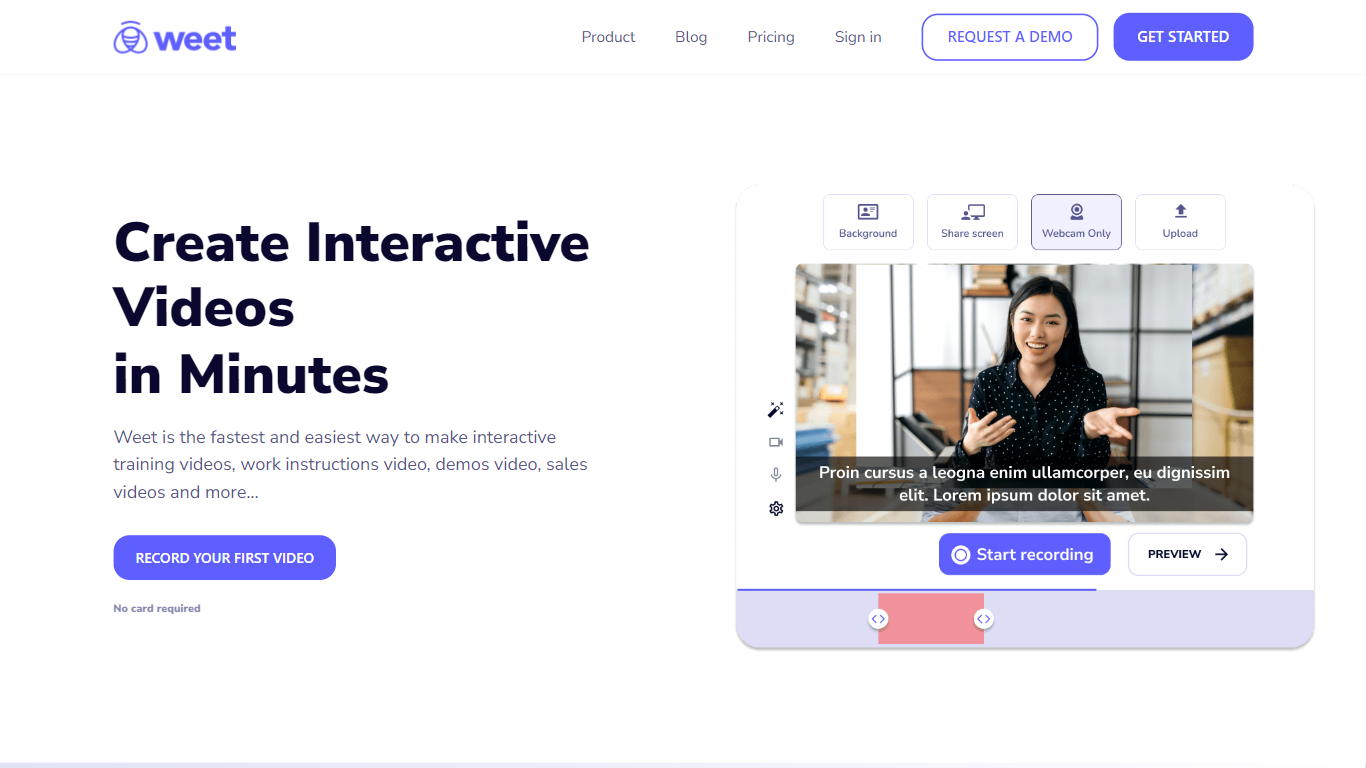
Weet is a dynamic and intuitive platform designed for the rapid creation of interactive training videos. The solution is tailored to meet the needs of organizations looking to enhance the training experience for clients and employees alike. With Weet, users can effortlessly record their screen and webcam feeds or upload pre-existing videos to produce professional-looking content quickly. The platform offers an array of features to enrich video content, such as automated trimming, noise removal, subtitle generation, and translation into over 30 languages with a few clicks. Moreover, Weet enables real-time collaboration, making it easier for teams to work together in the video editing process. Videos can be made interactive by adding elements like spotlights, images, texts, buttons, and chapters, thereby improving viewers' engagement and comprehension. Weet's powerful analytics tracks viewer engagement to help organizations measure the effectiveness of their video content. Lastly, all videos become easily searchable within the platform, keeping them organized and accessible. Weet addresses the demands of the contemporary workplace by providing a quick, versatile, and savvy solution for interactive video training.
Timebolt

What is Timebolt?
Timebolt is a desktop video editor built around waveform-first jump cuts for podcasts, interviews, and screen recordings. It strips silence, filler words, and bad takes with 0.01 second cut control, then exports timelines to Premiere Pro, Final Cut Pro, DaVinci Resolve, or Camtasia without re-cutting by hand.
Most text-based AI editors guess where pauses live and leave hundreds of missed cuts per hour. Timebolt measures the audio waveform first, which is why its benchmark claims zero mistakes left per hour while rivals like Descript and Gling still need manual cleanup. That trade-off favors editors who want frame-tight cuts over a chat-style transcript workflow.
Podcasters, YouTubers, and course creators use Timebolt to shrink raw talking-head footage before publishing. Post-production teams also route Riverside multicam sessions through Timebolt XML exports so senior editors finish polish work in their preferred NLE.
Weet Upvotes
Timebolt Upvotes
Weet Top Features
Record and Upload: Instantly record your screen and webcam or upload existing videos.
Subtitle and Translate: Automatically generate and translate subtitles in over 30 languages.
Edit Trim and Publish: One-click enhancements include automatic trimming and background noise removal.
Track Engagement: Receive notifications and measure engagement with detailed analytics.
Interactive Videos: Add various interactive elements like text images and buttons to videos.
Timebolt Top Features
0.01 second cut control on waveform-based silence removal
Processes an hour of footage in about 13 seconds for jump cuts
Exports XML timelines to Premiere Pro, Final Cut Pro, and DaVinci Resolve
UMCHECK removes filler words automatically from recorded speech
Free 4K screen capture tool for Mac and Windows
Benchmark reports zero missed cuts per hour versus hundreds on rival AI editors
Weet Category
- Video Editing
Timebolt Category
- Video Editing
Weet Pricing Type
- Freemium
Timebolt Pricing Type
- Freemium