What If vs Clipchamp
When comparing What If vs Clipchamp, which AI Video Editing tool shines brighter? We look at pricing, alternatives, upvotes, features, reviews, and more.
In a comparison between What If and Clipchamp, which one comes out on top?
When we put What If and Clipchamp side by side, both being AI-powered video editing tools, The community has spoken, What If leads with more upvotes. What If has attracted 7 upvotes from aitools.fyi users, and Clipchamp has attracted 6 upvotes.
Does the result make you go "hmm"? Cast your vote and turn that frown upside down!
What If
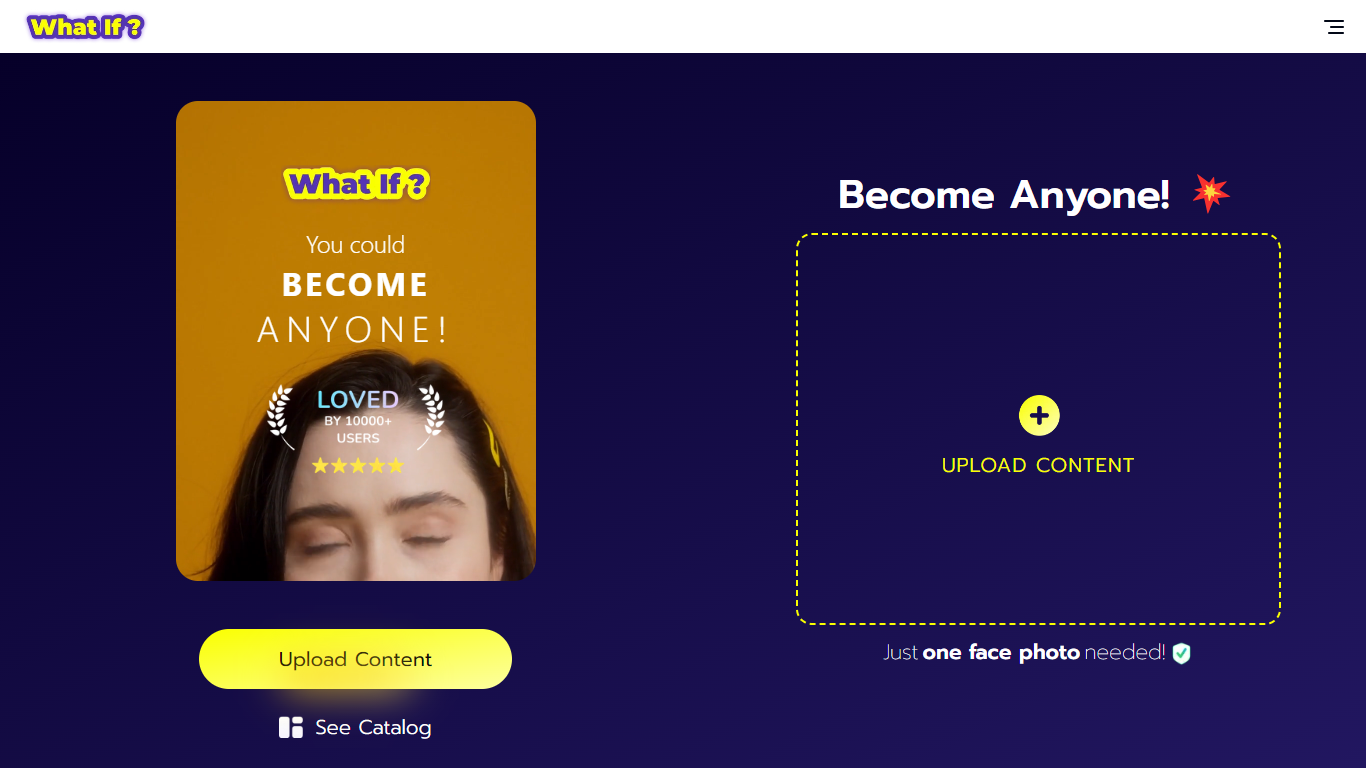

What is What If ?
What If is a face swap video creation tool that uses AI to generate ultra-realistic videos from a single selfie. Users upload one photo, select a character from a large catalog, and the app produces a video with their face on that character. This process requires no technical skills or multiple photos, making it accessible to everyone.
What sets What If apart is its focus on high-quality visuals and smooth animations that make the face swaps believable. The app also emphasizes privacy by carefully managing uploaded content. Unlike other face swap tools, What If balances ease of use with advanced AI processing for fast and realistic results.
The interface is designed to be user-friendly for all ages, making it suitable for casual users, content creators, and social media enthusiasts. It offers a fresh way to explore new identities and share creative videos quickly. Overall, What If provides a unique and enjoyable experience for anyone interested in face swapping.
Clipchamp
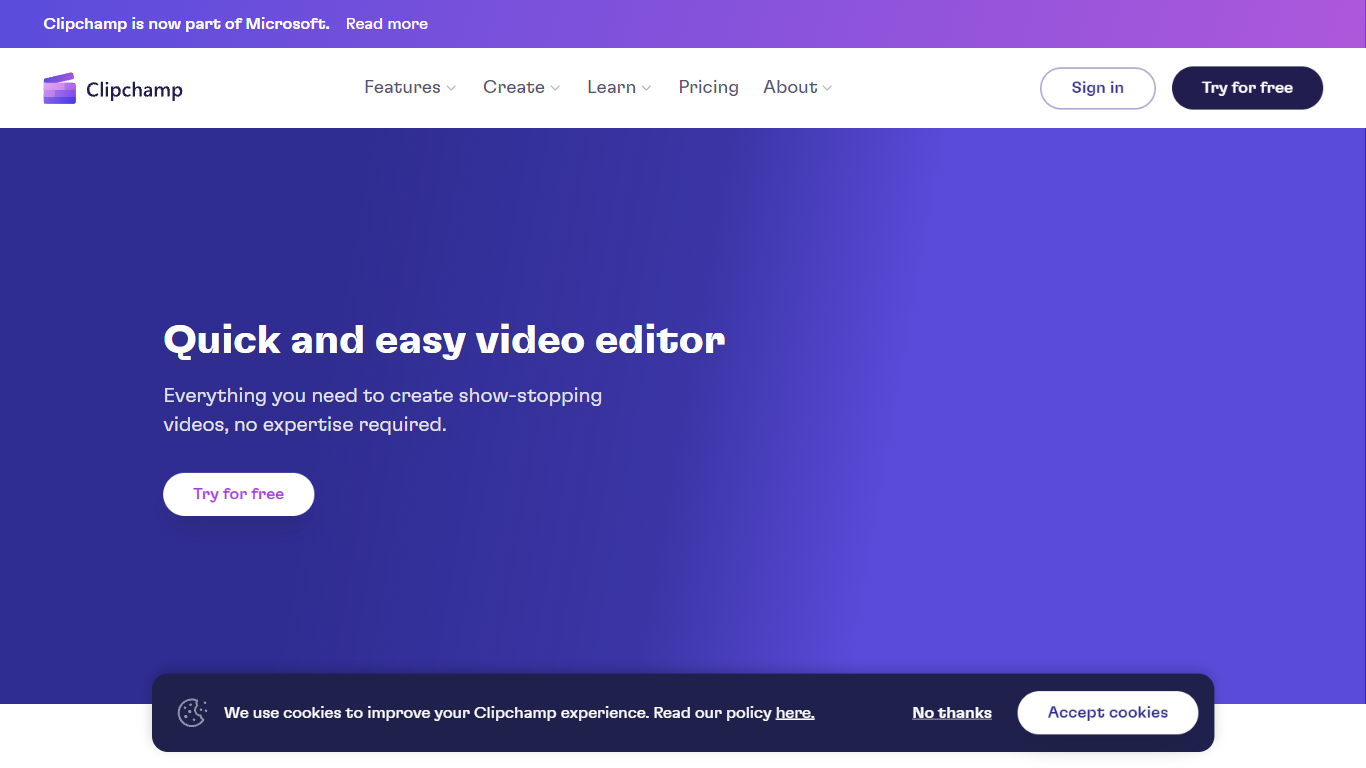
What is Clipchamp?
Clipchamp enables users to record, edit, and share high-definition videos directly from their web browser or Windows app. It offers tools for creating videos with webcam, screen, and voice recordings, combined with AI-powered editing features like noise suppression and automatic subtitle generation.
What distinguishes Clipchamp from other video editors is its integration of advanced AI tools such as a natural voiceover generator with over 400 voices and an AI silence remover that automatically cuts long pauses. It also provides customizable color and gradient backgrounds and supports exporting videos up to 4K resolution without watermarks for premium users.
Clipchamp's content library includes royalty-free stock videos, images, music, and templates tailored for social media, education, and business use. Its privacy-first approach ensures all recordings remain on the user's device unless shared, making it a secure choice for video creation.
With features like multi-item editing, grouping, and a flexible video resizer supporting multiple aspect ratios, Clipchamp offers a comprehensive editing experience suitable for creators of all skill levels. It works seamlessly in Microsoft Edge and Google Chrome browsers, with an optional Windows app available for enhanced performance.
What If Upvotes
Clipchamp Upvotes
What If Top Features
Ultra-realistic face swap videos from one selfie for quick results
Large catalog of characters including celebrities and fictional personas
Privacy-focused content management to protect your data
User-friendly interface designed for all skill levels
Fast AI processing for smooth and believable video creation
Clipchamp Top Features
🎤 Natural AI voiceover generator with 400+ voices and adjustable pitch and pace
📝 AI subtitle generator creating accurate captions in 80+ languages with editable styles
📹 Screen and webcam recorder with unlimited retakes and no watermarks
🔇 AI silence remover to automatically cut long pauses and silences from videos
🎨 Custom color and gradient video backgrounds with HSV and HEX color picker
📺 Video exports up to 4K resolution available with premium subscription
🎬 Multi-item editing and grouping tools for efficient workflow
What If Category
- Video Editing
Clipchamp Category
- Video Editing
What If Pricing Type
- Freemium
Clipchamp Pricing Type
- Freemium