What If vs Timebolt
When comparing What If vs Timebolt, which AI Video Editing tool shines brighter? We look at pricing, alternatives, upvotes, features, reviews, and more.
Between What If and Timebolt, which one is superior?
When we put What If and Timebolt side by side, both being AI-powered video editing tools, Timebolt stands out as the clear frontrunner in terms of upvotes. The number of upvotes for Timebolt stands at 18, and for What If it's 7.
Does the result make you go "hmm"? Cast your vote and turn that frown upside down!
What If

What is What If ?
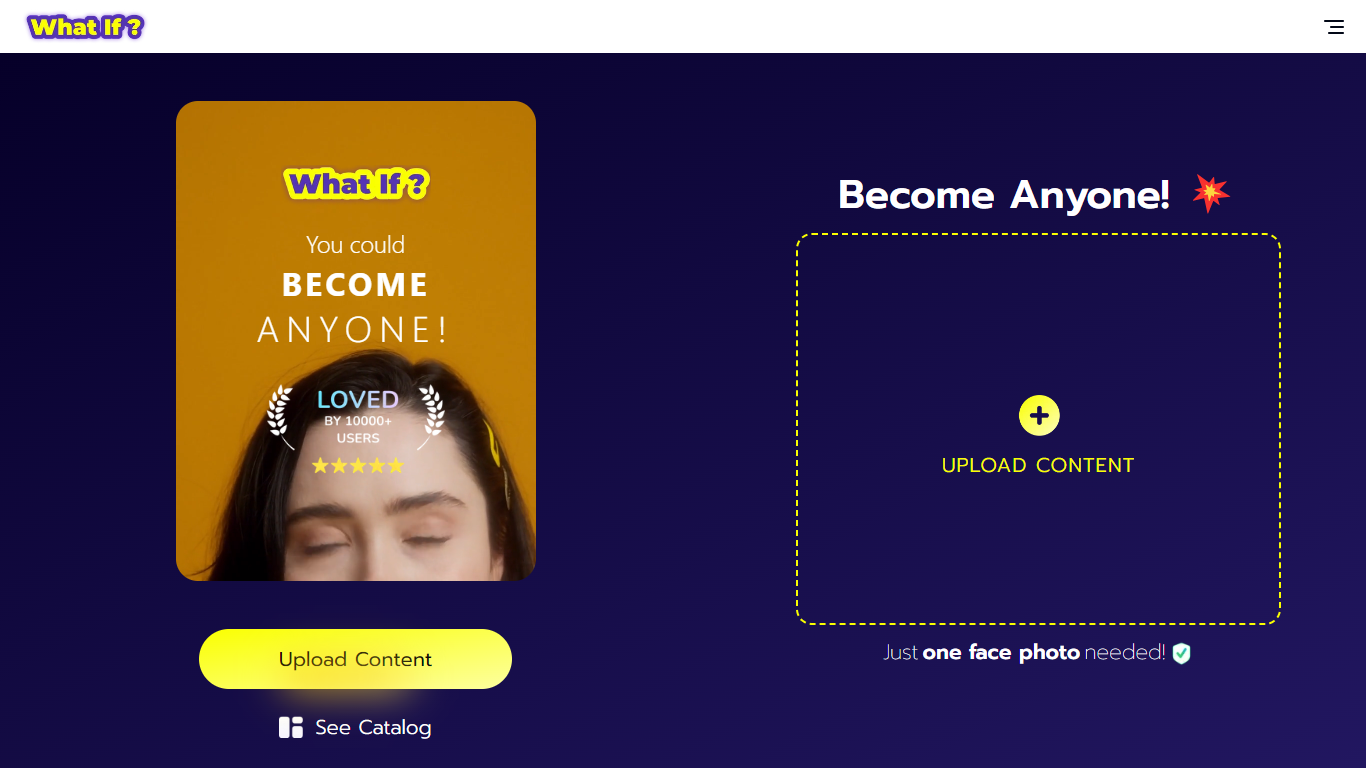
What If is a face swap video creation tool that uses AI to generate ultra-realistic videos from a single selfie. Users upload one photo, select a character from a large catalog, and the app produces a video with their face on that character. This process requires no technical skills or multiple photos, making it accessible to everyone.
What sets What If apart is its focus on high-quality visuals and smooth animations that make the face swaps believable. The app also emphasizes privacy by carefully managing uploaded content. Unlike other face swap tools, What If balances ease of use with advanced AI processing for fast and realistic results.
The interface is designed to be user-friendly for all ages, making it suitable for casual users, content creators, and social media enthusiasts. It offers a fresh way to explore new identities and share creative videos quickly. Overall, What If provides a unique and enjoyable experience for anyone interested in face swapping.
Timebolt

What is Timebolt?
Timebolt is a desktop video editor built around waveform-first jump cuts for podcasts, interviews, and screen recordings. It strips silence, filler words, and bad takes with 0.01 second cut control, then exports timelines to Premiere Pro, Final Cut Pro, DaVinci Resolve, or Camtasia without re-cutting by hand.
Most text-based AI editors guess where pauses live and leave hundreds of missed cuts per hour. Timebolt measures the audio waveform first, which is why its benchmark claims zero mistakes left per hour while rivals like Descript and Gling still need manual cleanup. That trade-off favors editors who want frame-tight cuts over a chat-style transcript workflow.
Podcasters, YouTubers, and course creators use Timebolt to shrink raw talking-head footage before publishing. Post-production teams also route Riverside multicam sessions through Timebolt XML exports so senior editors finish polish work in their preferred NLE.
What If Upvotes
Timebolt Upvotes
What If Top Features
Ultra-realistic face swap videos from one selfie for quick results
Large catalog of characters including celebrities and fictional personas
Privacy-focused content management to protect your data
User-friendly interface designed for all skill levels
Fast AI processing for smooth and believable video creation
Timebolt Top Features
0.01 second cut control on waveform-based silence removal
Processes an hour of footage in about 13 seconds for jump cuts
Exports XML timelines to Premiere Pro, Final Cut Pro, and DaVinci Resolve
UMCHECK removes filler words automatically from recorded speech
Free 4K screen capture tool for Mac and Windows
Benchmark reports zero missed cuts per hour versus hundreds on rival AI editors
What If Category
- Video Editing
Timebolt Category
- Video Editing
What If Pricing Type
- Freemium
Timebolt Pricing Type
- Freemium