What If vs Typeframes
In the contest of What If vs Typeframes, which AI Video Editing tool is the champion? We evaluate pricing, alternatives, upvotes, features, reviews, and more.
If you had to choose between What If and Typeframes, which one would you go for?
When we examine What If and Typeframes, both of which are AI-enabled video editing tools, what unique characteristics do we discover? Interestingly, both tools have managed to secure the same number of upvotes. Be a part of the decision-making process. Your vote could determine the winner.
Don't agree with the result? Cast your vote and be a part of the decision-making process!
What If
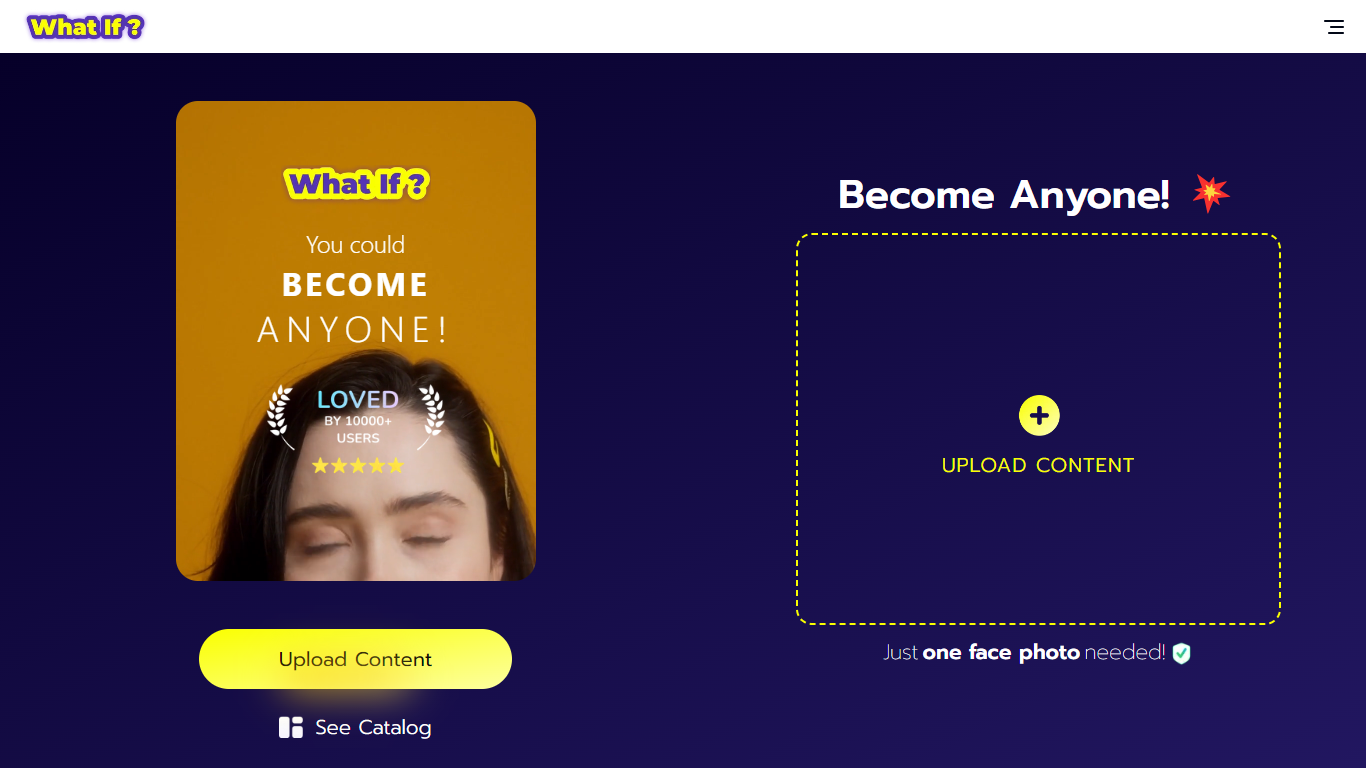

What is What If ?
What If is a face swap video creation tool that uses AI to generate ultra-realistic videos from a single selfie. Users upload one photo, select a character from a large catalog, and the app produces a video with their face on that character. This process requires no technical skills or multiple photos, making it accessible to everyone.
What sets What If apart is its focus on high-quality visuals and smooth animations that make the face swaps believable. The app also emphasizes privacy by carefully managing uploaded content. Unlike other face swap tools, What If balances ease of use with advanced AI processing for fast and realistic results.
The interface is designed to be user-friendly for all ages, making it suitable for casual users, content creators, and social media enthusiasts. It offers a fresh way to explore new identities and share creative videos quickly. Overall, What If provides a unique and enjoyable experience for anyone interested in face swapping.
Typeframes

What is Typeframes?
Typeframes converts simple text prompts into engaging product videos optimized for social media platforms like YouTube, Instagram, and TikTok. It enables users to produce high-quality videos quickly without advanced video editing skills.
What sets Typeframes apart is its AI-driven approach that simplifies video production by offering customizable templates and automated suggestions to boost engagement. Unlike traditional video editors, it focuses on speed and ease of use, allowing creators to generate videos in minutes rather than hours.
The platform supports exporting videos in multiple resolutions tailored for different social media formats, including vertical videos. This makes Typeframes especially useful for content creators and marketers aiming to produce consistent, platform-optimized video content efficiently.
By streamlining the video creation process, Typeframes helps users save time and resources while enhancing their social media presence with visually appealing videos.
What If Upvotes
Typeframes Upvotes
What If Top Features
Ultra-realistic face swap videos from one selfie for quick results
Large catalog of characters including celebrities and fictional personas
Privacy-focused content management to protect your data
User-friendly interface designed for all skill levels
Fast AI processing for smooth and believable video creation
Typeframes Top Features
Transform text prompts into engaging videos quickly
Customize templates to match your brand style easily
Create vertical videos optimized for social platforms
Simple interface requires no video editing skills
Export videos in multiple resolutions including high quality
AI-driven suggestions to boost video engagement
What If Category
- Video Editing
Typeframes Category
- Video Editing
What If Pricing Type
- Freemium
Typeframes Pricing Type
- Freemium