WhatLetter vs Bing Microsoft AI Translator
When comparing WhatLetter vs Bing Microsoft AI Translator, which AI Translation tool shines brighter? We look at pricing, alternatives, upvotes, features, reviews, and more.
In a comparison between WhatLetter and Bing Microsoft AI Translator, which one comes out on top?
When we put WhatLetter and Bing Microsoft AI Translator side by side, both being AI-powered translation tools, The upvote count favors Bing Microsoft AI Translator, making it the clear winner. Bing Microsoft AI Translator has attracted 10 upvotes from aitools.fyi users, and WhatLetter has attracted 6 upvotes.
Disagree with the result? Upvote your favorite tool and help it win!
WhatLetter

What is WhatLetter?
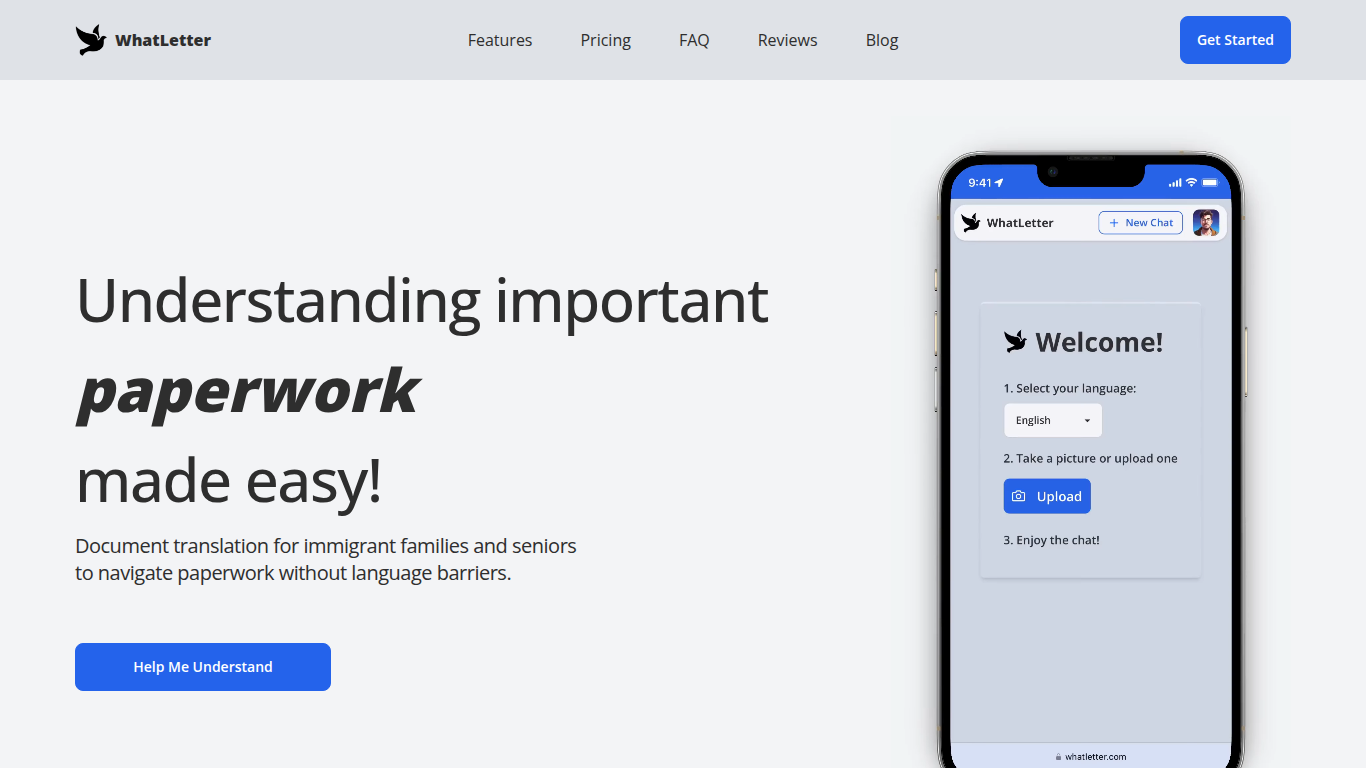
WhatLetter translates documents and texts into over 30 languages using photo capture and AI technology. Users can take pictures of menus, letters, or forms and receive instant translations in their preferred language. An AI chatbot further explains translated content and answers questions to clarify complex documents.
WhatLetter stands out by combining instant photo translation with an AI assistant that helps users understand the meaning behind translations. Unlike basic translators, it prioritizes privacy by not storing images or chat histories on servers. It is accessible through desktop and mobile browsers without requiring app downloads.
The tool serves diverse users such as immigrant families, seniors, and travelers who need quick, reliable translations for personal or business purposes. While the free plan offers limited translations, the WhatLetter Plus subscription unlocks unlimited access and enhanced AI features. Upcoming integrations with WhatsApp and Telegram will enable message translation within those platforms.
Bing Microsoft AI Translator

What is Bing Microsoft AI Translator?
Microsoft Translator on Bing is a free web translator for turning words and phrases between English and more than 100 languages. Paste text, pick languages from long dropdown lists, or let the page auto-detect the source language before you translate.
The Bing interface adds practical extras beyond basic text swap. You can listen to a translation, open an on-screen keyboard, capture or upload an image to translate text in photos, and regenerate results in Standard, Casual, or Formal tone. A phrase helper surfaces common expressions grouped by topics like travel, dining, and emergencies.
It fits travelers, students, and anyone who needs a quick translation in the browser without installing software. Navigation on the page also points to separate Microsoft Translator experiences for live conversation, mobile apps, and business use.
WhatLetter Upvotes
Bing Microsoft AI Translator Upvotes
WhatLetter Top Features
Instant photo translation in 30+ languages
AI chatbot explains translations and answers questions
No images or chat histories stored to protect privacy
Accessible on desktop and mobile browsers without app download
WhatLetter Plus plan offers unlimited translations and enhanced features
Upcoming WhatsApp and Telegram integrations for message translation
Bing Microsoft AI Translator Top Features
Auto-detect source language across more than 100 listed language options
Each translation request accepts up to 1,000 characters of input text
Regenerate results in Standard, Casual, or Formal tone with one click
Capture or upload an image to translate text found in photos
Speak to translate when typing is awkward on mobile or desktop
Listen to translations read aloud from the results panel
Browse common phrase sets for travel, dining, and emergencies
WhatLetter Category
- Translation
Bing Microsoft AI Translator Category
- Translation
WhatLetter Pricing Type
- Freemium
Bing Microsoft AI Translator Pricing Type
- Free