Windframe vs Blend AI Studio
In the face-off between Windframe vs Blend AI Studio, which AI Design tool takes the crown? We scrutinize features, alternatives, upvotes, reviews, pricing, and more.
In a face-off between Windframe and Blend AI Studio, which one takes the crown?
If we were to analyze Windframe and Blend AI Studio, both of which are AI-powered design tools, what would we find? The upvote count favors Windframe, making it the clear winner. The number of upvotes for Windframe stands at 7, and for Blend AI Studio it's 6.
You don't agree with the result? Cast your vote to help us decide!
Windframe
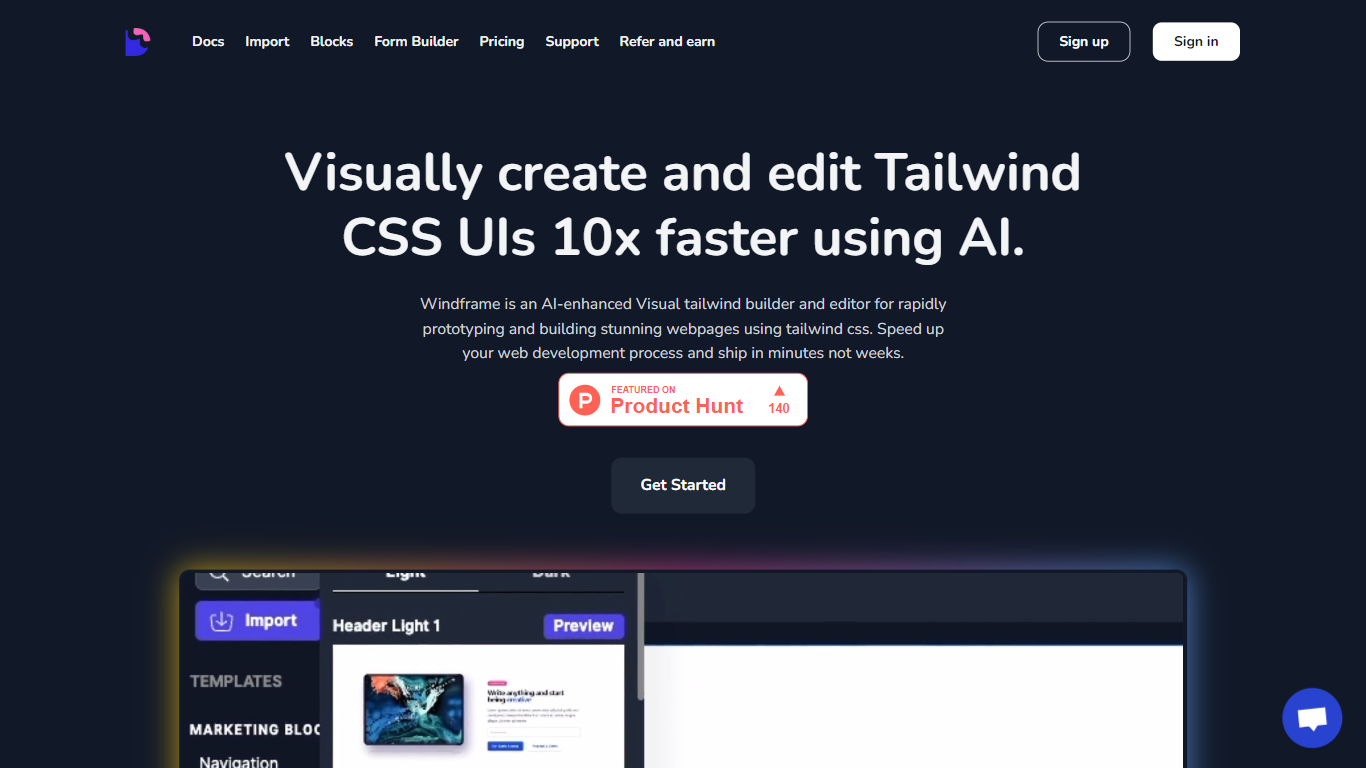

What is Windframe?
Windframe is a visual Tailwind CSS builder that turns layouts into production code for React, Vue, Svelte, and other frameworks. You start from AI prompts or 1,000+ prebuilt templates, refine everything in a drag-and-drop editor, and export clean utility classes without rewriting styles by hand. Screenshot-to-code and multi-page projects sit in the same workspace, so you can go from mockup to shippable front end in one tool.
Where prompt-only builders stop at generated snippets, Windframe keeps you in a full editor with version history, team sharing, and imports for your own Tailwind components. Its style guides borrow layout patterns from products like Linear and Apple, which gives AI output a more finished look than raw Tailwind guesses. A separate MCP server also feeds those design tokens straight into Cursor, Claude Code, and VS Code for agent-driven UI work.
Frontend developers, indie founders, and agencies use it to prototype landing pages, dashboards, and client sites without a dedicated design team. Backend-heavy teams let less technical members draft pages in the evening and hand off exportable code the next morning. The tool stays narrow on Tailwind CSS on purpose, which is why exported code drops into existing JavaScript stacks more cleanly than general site builders do.
Blend AI Studio
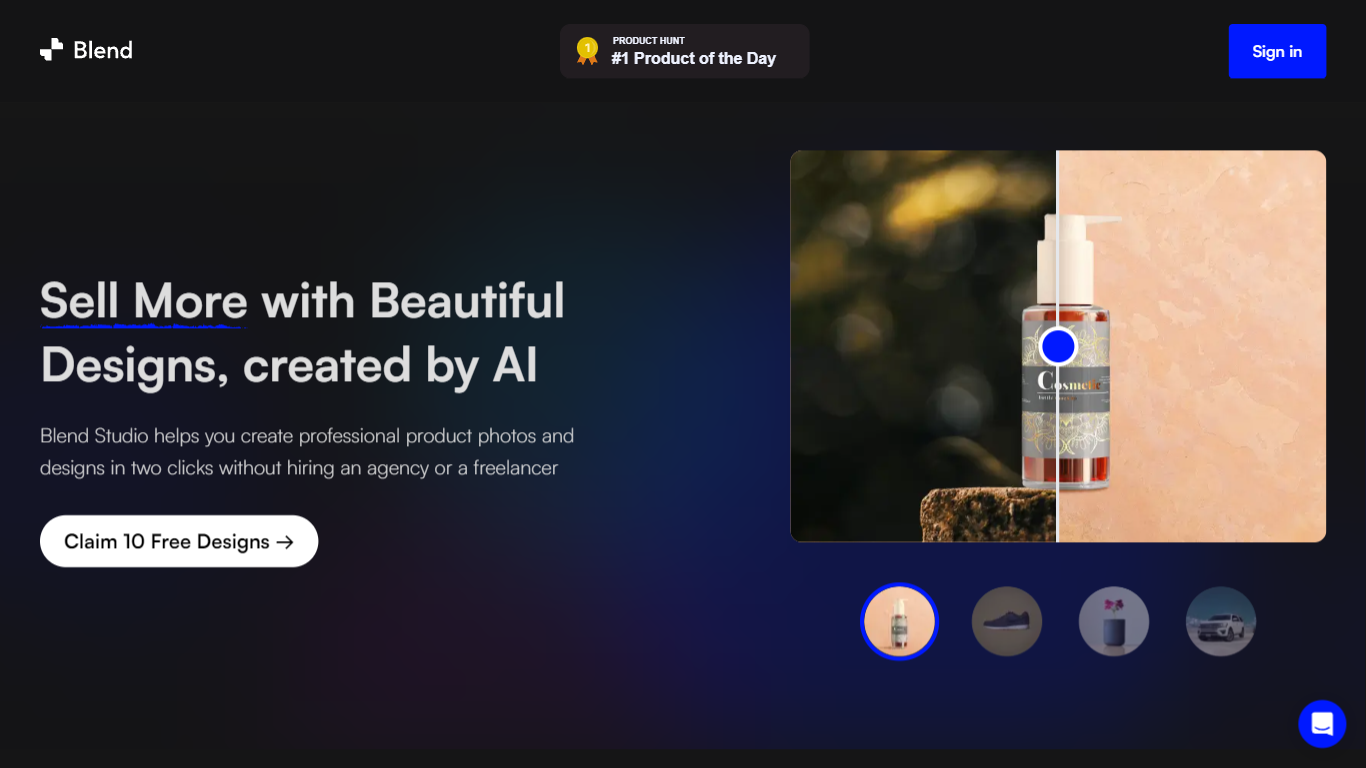
What is Blend AI Studio?
Blend AI Studio is an ecommerce design studio for product photos, model shots, lifestyle scenes, and short product videos without booking a studio or photographer. Upload a product image, pick a workflow like studio shots, ghost mannequin, or virtual try-on, and export listing-ready visuals in minutes.
The platform bundles background removal, AI backgrounds, on-model try-on, logo design, poster creation, and AI video into one web and mobile workflow. Sellers on Amazon, Etsy, Shopify, and DTC storefronts use it to replace scattered editing tools and expensive shoots with batch-friendly production.
Blend is built by BlendIt Studios and positions itself for fashion, beauty, home goods, and high-volume catalog teams that need consistent visuals across thousands of SKUs. The company reports 10M+ images created and 3.5M sellers using the product.
Windframe Upvotes
Blend AI Studio Upvotes
Windframe Top Features
1,000+ prebuilt Tailwind blocks for headers, heroes, pricing tables, dashboards, and full pages
Exports to React, Next.js, Vue, Nuxt, Angular, Svelte, Astro, SolidJS, Rails, and HTML
Pro Monthly plan includes 50 AI credits per month at $25; Annual plan includes 480 credits for $189
MCP server connects to Cursor, Claude Code, and VS Code with OAuth and 3 free trial calls
Screenshot-to-code converts uploaded mockups into editable Tailwind layouts
Built on Tailwind CSS v4 with curated style guides like Linear, Apple, and Notion
Blend AI Studio Top Features
Turn flat product photos into white-background studio shots in one upload
Show apparel and jewelry on diverse AI models or your own model photo
Place products in lifestyle scenes without location shoots or props
Generate short AI product videos for ads, reels, and marketplace listings
Batch process large catalogs with ghost mannequin, recolor, and background tools
Design logos, posters, and brand kits alongside product photography workflows
Windframe Category
- Design
Blend AI Studio Category
- Design
Windframe Pricing Type
- Freemium
Blend AI Studio Pricing Type
- Freemium