Wondershare Filmora vs Clipchamp
Explore the showdown between Wondershare Filmora vs Clipchamp and find out which AI Video Editing tool wins. We analyze upvotes, features, reviews, pricing, alternatives, and more.
When comparing Wondershare Filmora and Clipchamp, which one rises above the other?
When we contrast Wondershare Filmora with Clipchamp, both of which are exceptional AI-operated video editing tools, and place them side by side, we can spot several crucial similarities and divergences. Wondershare Filmora is the clear winner in terms of upvotes. Wondershare Filmora has garnered 72 upvotes, and Clipchamp has garnered 6 upvotes.
Feeling rebellious? Cast your vote and shake things up!
Wondershare Filmora
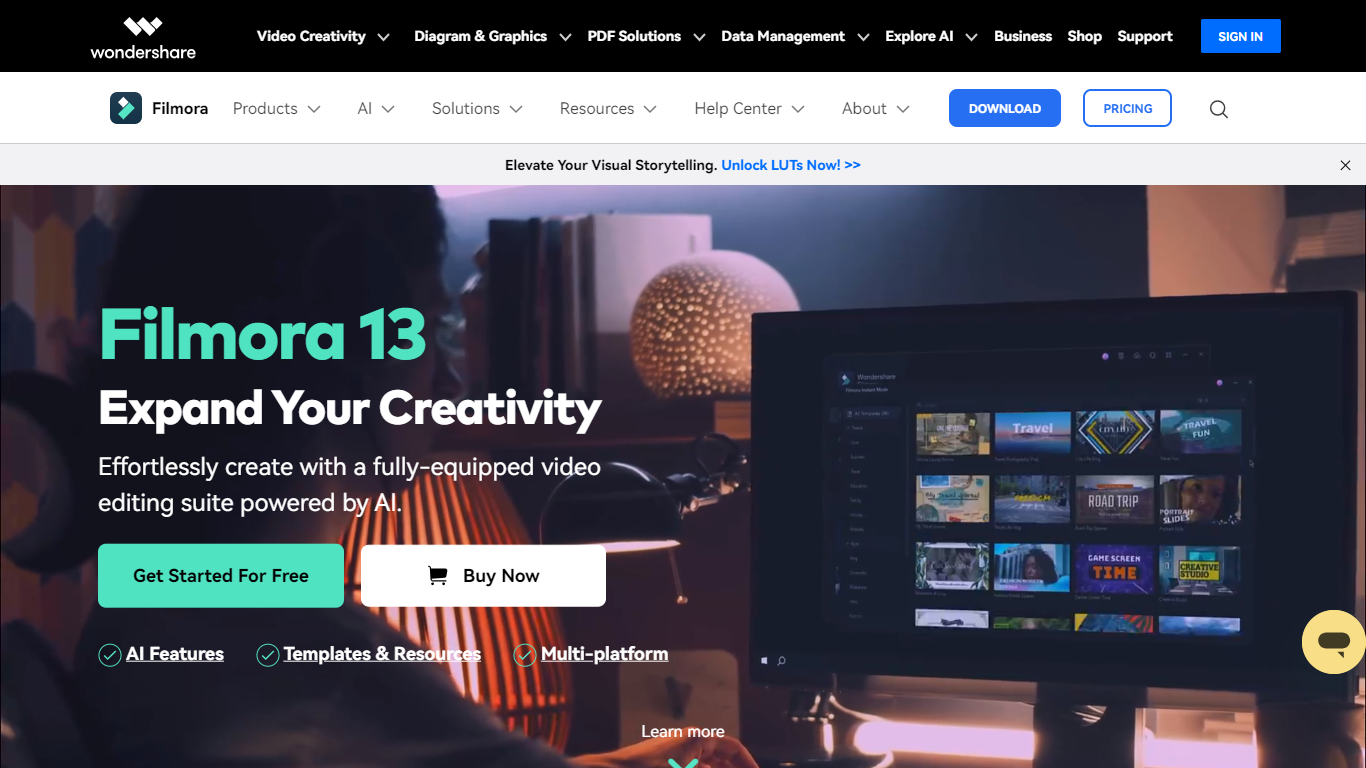

What is Wondershare Filmora?
Filmora is a cross-platform video editor from Wondershare that pairs a drag-and-drop timeline with a large built-in library of effects, templates, music, and stock footage. Filmora 15 adds AI generation (text-to-video with Veo 3.1, image-to-video, smart short clips from long footage), auto captions, background removal, and an AI editing assistant called AI Mate. You can edit on Windows, macOS, iOS, Android, and iPadOS, then export with presets for YouTube, TikTok, and other platforms.
Where Premiere Pro expects you to know NLE conventions and CapCut keeps you inside a mobile-first flow, Filmora targets the middle: enough timeline depth for dual-track editing, pen-tool paths, animated charts, and Mocha-powered tracking, but most tasks stay one or two clicks away. The trade-off is subscription tiers and AI credits for heavy generation work, and perpetual licenses lock you to Filmora 15 updates rather than future major versions.
The editor fits YouTubers, social media managers, small business marketers, educators, and freelancers who post often and want stock assets plus AI helpers inside one app rather than juggling separate tools for captions, B-roll, and shorts. G2 and Capterra both rate it around 4.5 out of 5.
Clipchamp

What is Clipchamp?
Clipchamp enables users to record, edit, and share high-definition videos directly from their web browser or Windows app. It offers tools for creating videos with webcam, screen, and voice recordings, combined with AI-powered editing features like noise suppression and automatic subtitle generation.
What distinguishes Clipchamp from other video editors is its integration of advanced AI tools such as a natural voiceover generator with over 400 voices and an AI silence remover that automatically cuts long pauses. It also provides customizable color and gradient backgrounds and supports exporting videos up to 4K resolution without watermarks for premium users.
Clipchamp's content library includes royalty-free stock videos, images, music, and templates tailored for social media, education, and business use. Its privacy-first approach ensures all recordings remain on the user's device unless shared, making it a secure choice for video creation.
With features like multi-item editing, grouping, and a flexible video resizer supporting multiple aspect ratios, Clipchamp offers a comprehensive editing experience suitable for creators of all skill levels. It works seamlessly in Microsoft Edge and Google Chrome browsers, with an optional Windows app available for enhanced performance.
Wondershare Filmora Upvotes
Clipchamp Upvotes
Wondershare Filmora Top Features
2.9 million-plus templates, effects, filters, music tracks, and stock media inside the editor
Text-to-video and image-to-video generation with Veo 3.1 from prompts in Filmora 15
Advanced plan includes 1,000 Filmora AI credits per month for 20+ AI features
Speech-to-text covers 27 languages; text-to-speech supports 28 languages
Dual-timeline editing, pen-tool motion paths, and animated charts from CSV or Excel data
Paid plans export up to 4K without watermarks; the free tier adds watermarks on exports
Native apps for Windows 7+, macOS 10.15+, iOS, Android, and iPad
Clipchamp Top Features
🎤 Natural AI voiceover generator with 400+ voices and adjustable pitch and pace
📝 AI subtitle generator creating accurate captions in 80+ languages with editable styles
📹 Screen and webcam recorder with unlimited retakes and no watermarks
🔇 AI silence remover to automatically cut long pauses and silences from videos
🎨 Custom color and gradient video backgrounds with HSV and HEX color picker
📺 Video exports up to 4K resolution available with premium subscription
🎬 Multi-item editing and grouping tools for efficient workflow
Wondershare Filmora Category
- Video Editing
Clipchamp Category
- Video Editing
Wondershare Filmora Pricing Type
- Freemium
Clipchamp Pricing Type
- Freemium