Wondershare Filmora vs Peech AI
In the face-off between Wondershare Filmora vs Peech AI, which AI Video Editing tool takes the crown? We scrutinize features, alternatives, upvotes, reviews, pricing, and more.
In a face-off between Wondershare Filmora and Peech AI, which one takes the crown?
If we were to analyze Wondershare Filmora and Peech AI, both of which are AI-powered video editing tools, what would we find? Wondershare Filmora is the clear winner in terms of upvotes. Wondershare Filmora has attracted 72 upvotes from aitools.fyi users, and Peech AI has attracted 5 upvotes.
Want to flip the script? Upvote your favorite tool and change the game!
Wondershare Filmora
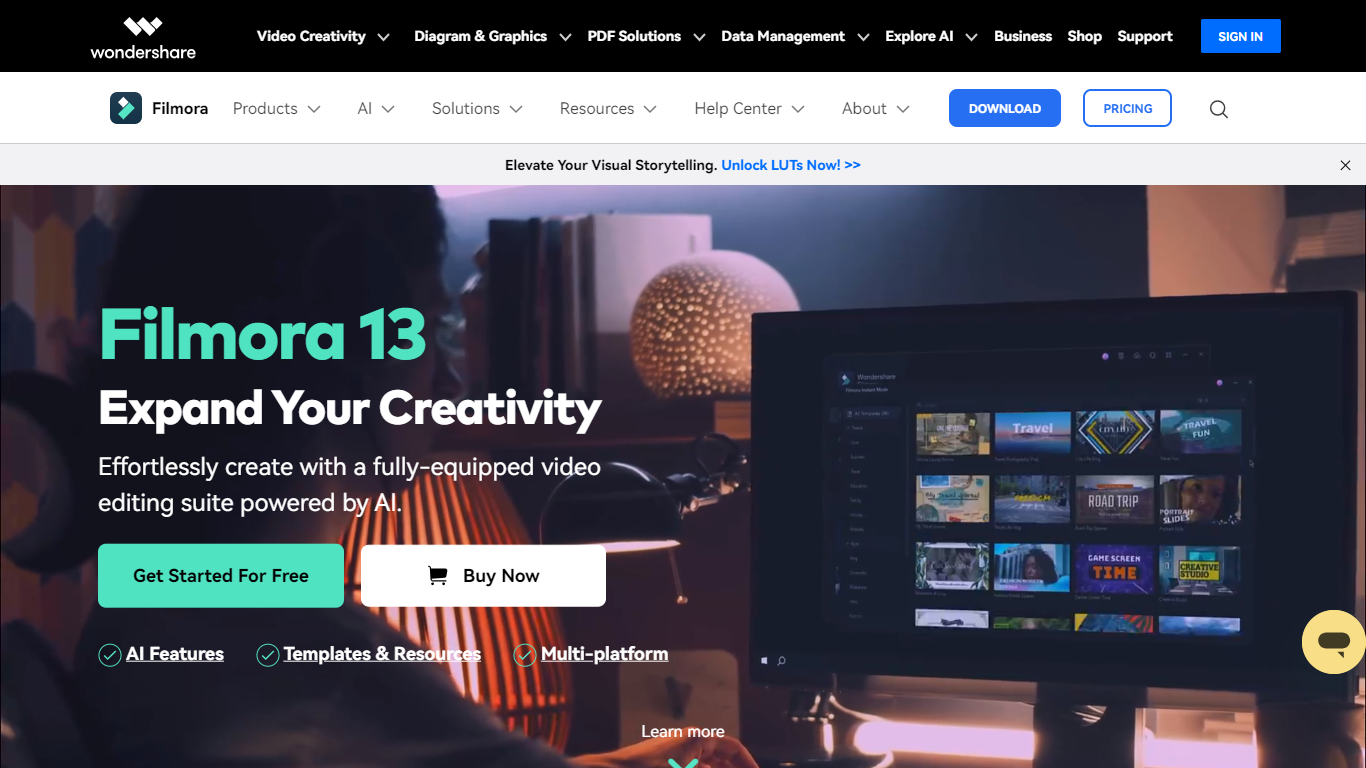

What is Wondershare Filmora?
Filmora is a cross-platform video editor from Wondershare that pairs a drag-and-drop timeline with a large built-in library of effects, templates, music, and stock footage. Filmora 15 adds AI generation (text-to-video with Veo 3.1, image-to-video, smart short clips from long footage), auto captions, background removal, and an AI editing assistant called AI Mate. You can edit on Windows, macOS, iOS, Android, and iPadOS, then export with presets for YouTube, TikTok, and other platforms.
Where Premiere Pro expects you to know NLE conventions and CapCut keeps you inside a mobile-first flow, Filmora targets the middle: enough timeline depth for dual-track editing, pen-tool paths, animated charts, and Mocha-powered tracking, but most tasks stay one or two clicks away. The trade-off is subscription tiers and AI credits for heavy generation work, and perpetual licenses lock you to Filmora 15 updates rather than future major versions.
The editor fits YouTubers, social media managers, small business marketers, educators, and freelancers who post often and want stock assets plus AI helpers inside one app rather than juggling separate tools for captions, B-roll, and shorts. G2 and Capterra both rate it around 4.5 out of 5.
Peech AI

What is Peech AI?
Peech turns raw video footage into branded, platform-ready clips through automated post-production. Upload your content and the platform tags scenes, transcribes speech, applies your brand elements, and outputs resized versions for social, web, and ads. A text-to-video editor lets you trim clips and remove filler words as easily as editing a document.
Agency-style post-production usually means days of editor time for every batch of marketing videos. Peech automates transcription in 20+ languages, facial-recognition framing, aspect-ratio cropping, and highlight clip generation in one workflow. Media teams report cutting post-production time by up to 95% and design costs by over 80% compared to hiring external editors.
Marketing teams at B2B companies like Peerspot and Datarails use Peech to repurpose webinars and interviews into daily social clips. Media companies organize large footage libraries with automatic tagging and topic-based highlight recommendations. You can start free without a credit card, then scale to dozens of branded videos per month through the app at app.peech-ai.com.
Wondershare Filmora Upvotes
Peech AI Upvotes
Wondershare Filmora Top Features
2.9 million-plus templates, effects, filters, music tracks, and stock media inside the editor
Text-to-video and image-to-video generation with Veo 3.1 from prompts in Filmora 15
Advanced plan includes 1,000 Filmora AI credits per month for 20+ AI features
Speech-to-text covers 27 languages; text-to-speech supports 28 languages
Dual-timeline editing, pen-tool motion paths, and animated charts from CSV or Excel data
Paid plans export up to 4K without watermarks; the free tier adds watermarks on exports
Native apps for Windows 7+, macOS 10.15+, iOS, Android, and iPad
Peech AI Top Features
Real-time transcription and translation into 20+ languages with subtitle export
Text-to-video editor cuts clips and removes filler words like editing a doc
Automated brand elements applied across every output with one-click execution
Frame cropper centers speakers via facial recognition across aspect ratios
Clip Generator produces ready-to-publish social videos from long-form footage
Wondershare Filmora Category
- Video Editing
Peech AI Category
- Video Editing
Wondershare Filmora Pricing Type
- Freemium
Peech AI Pricing Type
- Freemium