WowTo vs Gling
Dive into the comparison of WowTo vs Gling and discover which AI Video Editing tool stands out. We examine alternatives, upvotes, features, reviews, pricing, and beyond.
When comparing WowTo and Gling, which one rises above the other?
When we compare WowTo and Gling, two exceptional video editing tools powered by artificial intelligence, and place them side by side, several key similarities and differences come to light. The users have made their preference clear, WowTo leads in upvotes. The number of upvotes for WowTo stands at 9, and for Gling it's 4.
Feeling rebellious? Cast your vote and shake things up!
WowTo
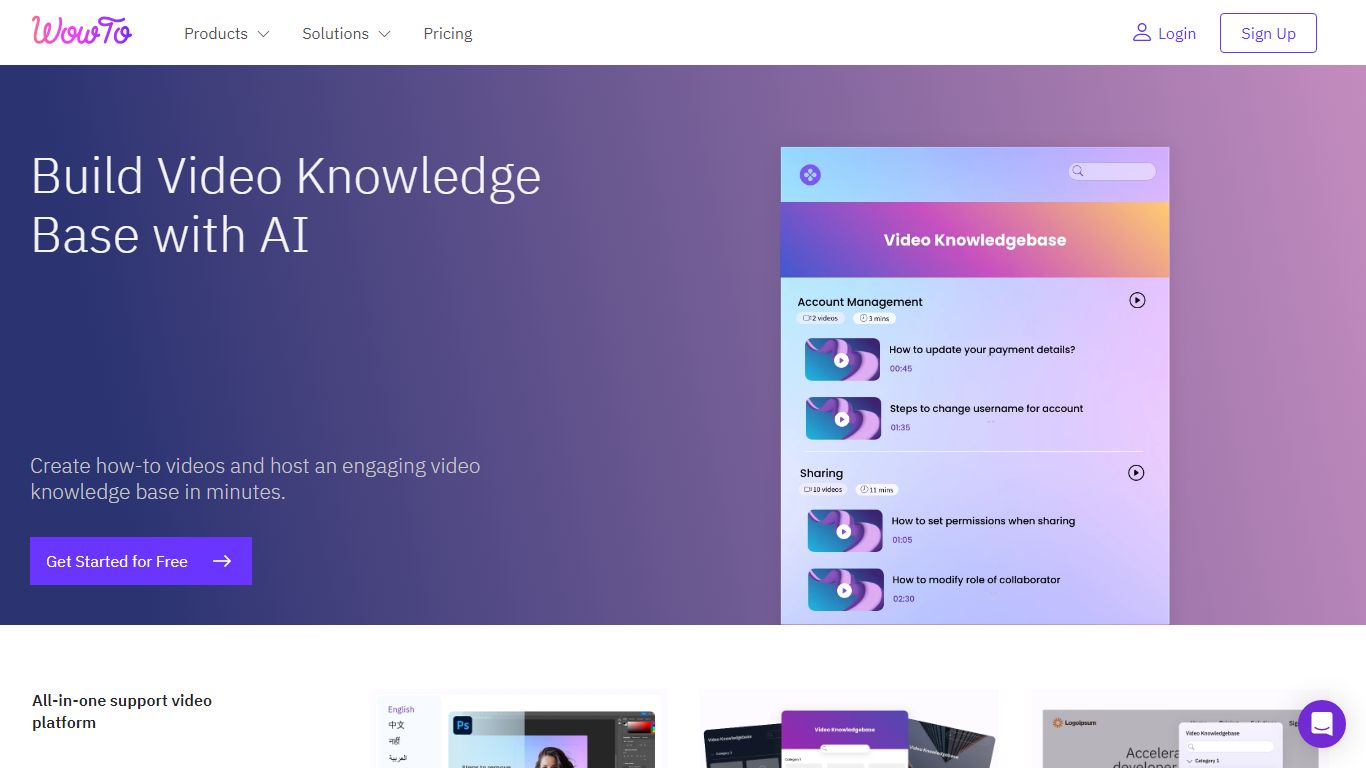

What is WowTo?
Build a professional video help center for your company, product, or service with just a few clicks.
👼 Anyone from your team with no technical or video editing knowledge can create how-to videos and video tutorials like help videos, instructional videos, customer service videos, and step-by-step videos within minutes.
🚀 Launch a no-hassle and no-code video knowledge base for your website with your customized brand colors. Choose from multiple themes and layouts.
⚡️ WowTo's chrome extension is the fastest way to create workflow videos.
▶️ Step up your customer success by bringing self-serve help for your customers within the app using the WowTo video widget.
🔗 Video sharing is made easy with a video knowledge base link, video URL, or by embedding the link. Or, you can download your WowTo videos and share them.
👩💻 Make the communication inside your existing apps like Intercom, Slack, Zendesk, Jira, and Confluence more engaging by Integrating WowTo into these apps.
Gling

What is Gling?
Gling is desktop video editing software that uses transcription to cut bad takes, silences, and filler words from raw recordings before you export to Premiere, Final Cut Pro, or DaVinci Resolve. Upload a talking-head or voiceover file, review an AI-trimmed timeline, tweak cuts in text form, and download MP4, MP3, or SRT captions. It also generates YouTube titles, chapters, and short viral clips from links.
Manual timeline scrubbing eats hours on repetitive cleanup, while Gling automates the boring first pass and leaves creative decisions to you. That trade-off suits creators who record long sessions but do not want a fully automated publish pipeline. Desktop-only delivery keeps processing local-friendly, though you need a Mac or PC rather than a browser tab.
YouTube creators and podcast-style video makers use Gling to shrink edit time on tutorials, vlogs, and multicam sessions. The free plan includes 1 hour of AI-edited media per month with watermarked exports, Plus costs $20 per month with 10 hours, and Pro adds 30 hours without watermarks plus premium support.
WowTo Upvotes
Gling Upvotes
WowTo Top Features
No top features listedGling Top Features
Automatically remove bad takes, silences, and filler words from uploaded recordings
Edit cuts through a text-based transcript instead of scrubbing the timeline manually
Export XML projects to Adobe Premiere, Final Cut Pro, or DaVinci Resolve
Generate AI captions, YouTube titles, chapters, and viral clips from links
Plus plan includes 10 hours of AI-edited media per month for $20
WowTo Category
- Video Editing
Gling Category
- Video Editing
WowTo Pricing Type
- Freemium
Gling Pricing Type
- Freemium