WP Dev AI vs Gorilla Terminal
In the contest of WP Dev AI vs Gorilla Terminal, which AI Code Assistant tool is the champion? We evaluate pricing, alternatives, upvotes, features, reviews, and more.
If you had to choose between WP Dev AI and Gorilla Terminal, which one would you go for?
When we examine WP Dev AI and Gorilla Terminal, both of which are AI-enabled code assistant tools, what unique characteristics do we discover? There's no clear winner in terms of upvotes, as both tools have received the same number. You can help us determine the winner by casting your vote and tipping the scales in favor of one of the tools.
Feeling rebellious? Cast your vote and shake things up!
WP Dev AI

What is WP Dev AI?
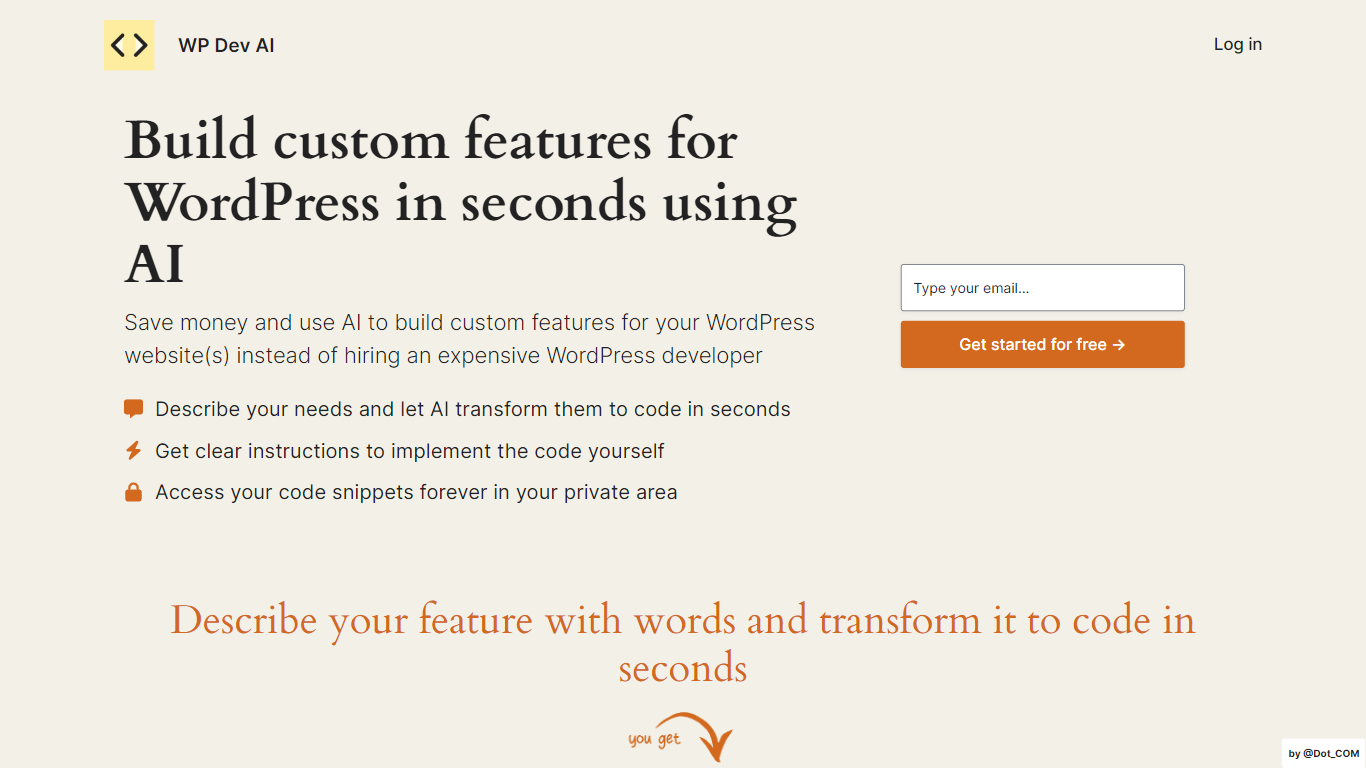
WP Dev AI is a groundbreaking tool designed to transform the way WordPress site owners and developers create custom features for their websites. By leveraging the power of artificial intelligence, WP Dev AI offers a cost-effective alternative to hiring expensive WordPress developers.
This platform is particularly suitable for freelancers, solopreneurs, and small to medium-sized businesses that need a moderate number of custom features without breaking the bank. It streamlines the development process, allowing for the easy integration of advanced functionalities tailored to the needs of each WordPress website.
Users interested in taking advantage of WP Dev AI's offerings can take advantage of a special launch offer, promising a 50% discount and a price lock on the Premium Annual plan, plus an easy payment method through Stripe for the Pro Monthly plan.
Gorilla Terminal

What is Gorilla Terminal?
Gorilla Terminal pulls stock data, SEC filings, macro indicators, and earnings call transcripts into one terminal-style dashboard in your browser. Search by ticker and you get charts, quarterly reports, insider trades, Twitter sentiment, and live futures without hopping between Bloomberg tabs and scattered finance sites.
Most research terminals either dump raw data tables or lean on generic summaries. Gorilla Terminal focuses on earnings calls: it runs sentiment analysis on what executives actually said, flags positive and negative statements, and lets you filter by quarter. That transcript-first angle is the trade-off. You get deeper call breakdowns than a charting site, but the product is built for equity research rather than crypto or forex.
Portfolio managers, solo investors, and finance students use this investment research tool to prep for earnings season, scan sector averages, and stress-test holdings with value-at-risk and regression tools. The macro panel covers CPI, unemployment, retail sales, and consumer sentiment in one click.
WP Dev AI Upvotes
Gorilla Terminal Upvotes
WP Dev AI Top Features
Cost-Effective Development: Utilize AI to create custom WordPress features rather than hiring developers.
Tailored for Various Users: Ideal for freelancers, solopreneurs, and small to medium-sized businesses.
Special Launch Offer: 50% discount and price lock for early subscribers to the Premium Annual plan.
Easy Monthly or Annual Plans: Flexible Pro Monthly and Premium Annual plan options available.
Simple Payment Process: Secure checkout with "Pay with Stripe" button for hassle-free payment.
Gorilla Terminal Top Features
Earnings call transcripts with AI sentiment scoring and positive/negative statement filters per quarter
Macro dashboard covering CPI, unemployment, retail sales, and consumer sentiment in one view
Stock search returns charts, 10-Ks, 10-Qs, insider buying, and Twitter sentiment on one page
Value-at-risk and regression analysis for portfolio risk modeling
Industry average metrics across revenue growth, margins, and tax rates by sector
Pro plan at $29 per month, down from a listed $49 per month on the pricing page
7-day pass at $9.99 for short-term access without a monthly commitment
WP Dev AI Category
- Code Assistant
Gorilla Terminal Category
- Code Assistant
WP Dev AI Pricing Type
- Freemium
Gorilla Terminal Pricing Type
- Paid