Yomu AI vs Shakespeare Ai Toolbar
In the clash of Yomu AI vs Shakespeare Ai Toolbar, which AI Writing Assistant tool emerges victorious? We assess reviews, pricing, alternatives, features, upvotes, and more.
When we put Yomu AI and Shakespeare Ai Toolbar head to head, which one emerges as the victor?
Let's take a closer look at Yomu AI and Shakespeare Ai Toolbar, both of which are AI-driven writing assistant tools, and see what sets them apart. The community has spoken, Yomu AI leads with more upvotes. Yomu AI has been upvoted 6 times by aitools.fyi users, and Shakespeare Ai Toolbar has been upvoted 5 times.
Not your cup of tea? Upvote your preferred tool and stir things up!
Yomu AI
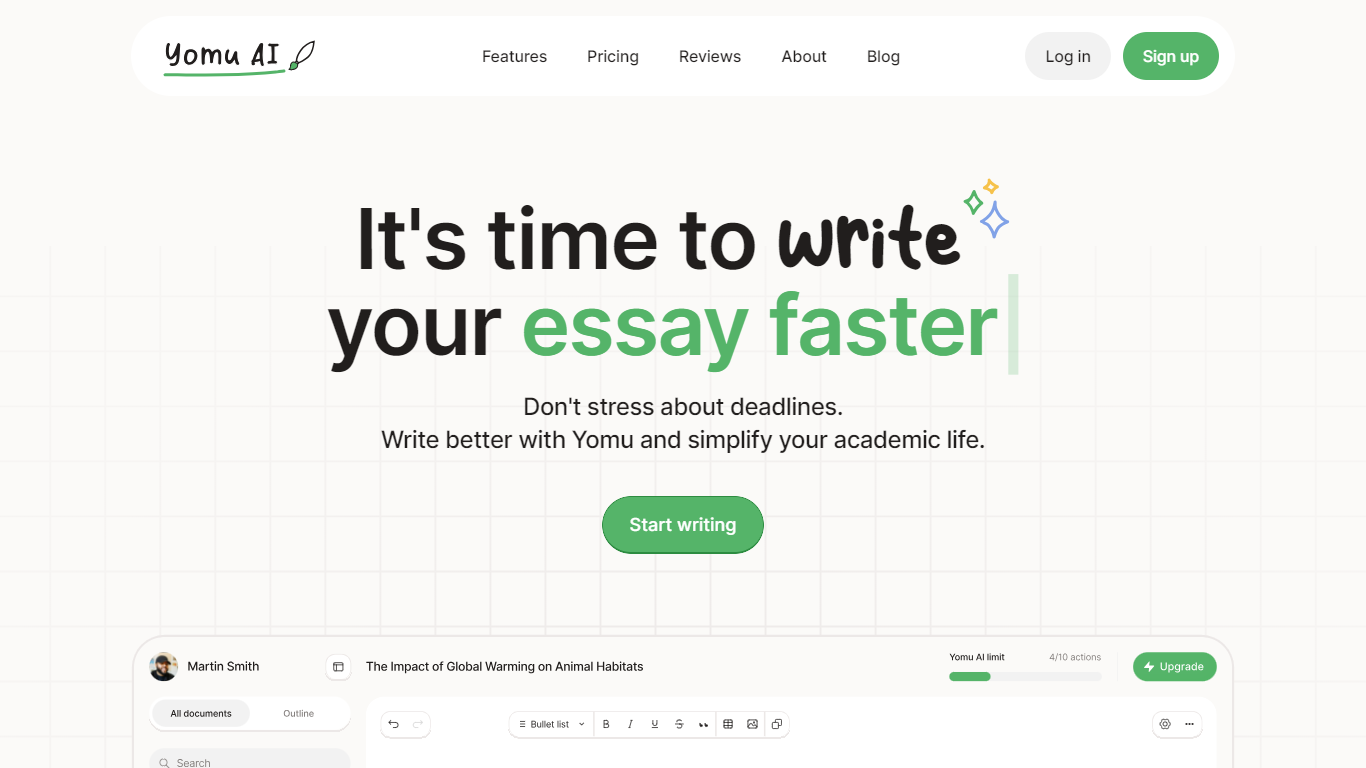

What is Yomu AI ?
Yomu AI offers an advanced AI-powered writing assistant designed to simplify and enhance the process of academic writing. By utilizing Yomu AI, users can seamlessly write papers and essays with higher efficiency, creativity, and integrity.
The platform features a variety and innovative tools including a smart Document Assistant, AI autocomplete for essay writing, comprehensive editing functionalities, and an AI-powered citation tool that streamlines the referencing process. Additionally, Yomu AI ensures the originality of your work with an advanced plagiarism checker, thereby maintaining academic integrity.
With a focus on multiple language support and accessibility, Yomu AI aims to empower writers to produce high-quality content effortlessly. Embrace the future of academic writing with Yomu AI.
Shakespeare Ai Toolbar
What is Shakespeare Ai Toolbar?
Shakespeare, the AI-powered writing toolbar that brings the power of ChatGPT directly to your browser. Seamlessly integrated and always accessible, Shakespeare enhances your writing process, allowing you to summarize, rephrase, and create engaging content on any platform. Experience the future of writing with an AI assistant that follows you everywhere.
Yomu AI Upvotes
Shakespeare Ai Toolbar Upvotes
Yomu AI Top Features
Intelligent Document Assistant: A tool to help write entire sections and provide feedback.
AI Autocomplete: Completes sentences and paragraphs to elevate essay writing.
Advanced Editing Tools: Includes paraphrasing, expanding, shortening, summarizing, and transforming bullet points into detailed text.
AI-Powered Citation Tool: Easily find, include, and format citations in your paper, powered by Sourcely.
Plagiarism Checker: Advanced tool to ensure original work and provide insights on maintaining authenticity.
Shakespeare Ai Toolbar Top Features
No top features listedYomu AI Category
- Writing Assistant
Shakespeare Ai Toolbar Category
- Writing Assistant
Yomu AI Pricing Type
- Freemium
Shakespeare Ai Toolbar Pricing Type
- Freemium