Youbooks vs Timebolt
In the contest of Youbooks vs Timebolt, which AI tool is the champion? We evaluate pricing, alternatives, upvotes, features, reviews, and more.
If you had to choose between Youbooks and Timebolt, which one would you go for?
When we examine Youbooks and Timebolt, both of which are AI-enabled tools, what unique characteristics do we discover? The upvote count favors Timebolt, making it the clear winner. Timebolt has been upvoted 18 times by aitools.fyi users, and Youbooks has been upvoted 6 times.
You don't agree with the result? Cast your vote to help us decide!
Youbooks
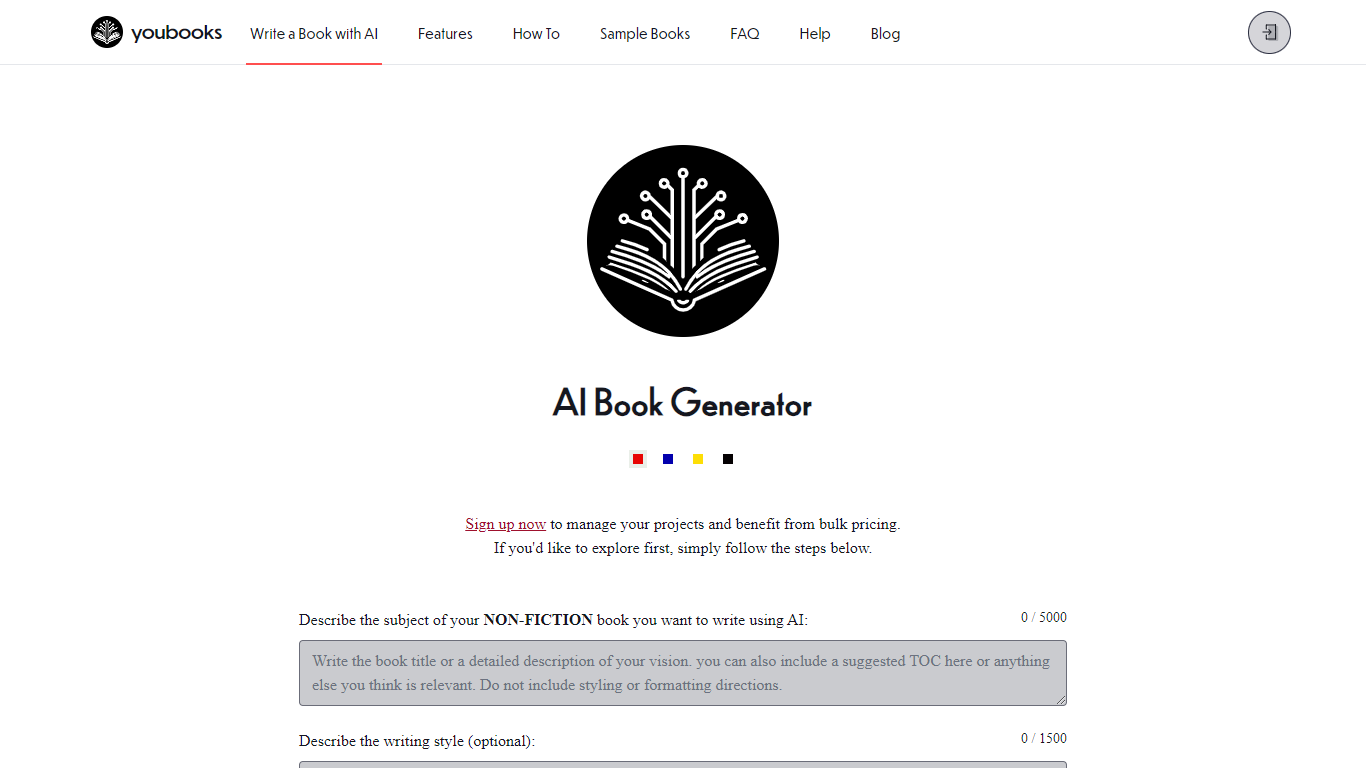

What is Youbooks?
Youbooks is a long-form non-fiction book generator that turns prompts and optional source documents into publish-ready drafts. You describe the topic, attach PDFs, DOCX files, or notes when you want chapters grounded in your research, and export finished manuscripts in DOCX, EPUB, Markdown, or RTF.
The platform runs a multi-stage workflow across thousands of steps, using agentic brainstorming with models including ChatGPT, Claude, Gemini, and Llama before writing and editing chapters. You can set structure and word count targets up to 300K words, approve the table of contents before drafting starts, and optionally train a Human Model on 20K to 200K words of your writing so the voice matches your own.
Youbooks is built for practical non-fiction such as how-to guides, business books, and educational explainers. Fiction projects are rejected and refunded. Premium books typically take days to complete rather than minutes, with coherence checks and editing levels to tighten longer manuscripts.
Timebolt

What is Timebolt?
Timebolt is a desktop video editor built around waveform-first jump cuts for podcasts, interviews, and screen recordings. It strips silence, filler words, and bad takes with 0.01 second cut control, then exports timelines to Premiere Pro, Final Cut Pro, DaVinci Resolve, or Camtasia without re-cutting by hand.
Most text-based AI editors guess where pauses live and leave hundreds of missed cuts per hour. Timebolt measures the audio waveform first, which is why its benchmark claims zero mistakes left per hour while rivals like Descript and Gling still need manual cleanup. That trade-off favors editors who want frame-tight cuts over a chat-style transcript workflow.
Podcasters, YouTubers, and course creators use Timebolt to shrink raw talking-head footage before publishing. Post-production teams also route Riverside multicam sessions through Timebolt XML exports so senior editors finish polish work in their preferred NLE.
Youbooks Upvotes
Timebolt Upvotes
Youbooks Top Features
Draft non-fiction books up to 300K words from a prompt, with optional PDF, DOCX, TXT, or pasted source uploads
Ground chapters in up to three Content Sources per project, with optional internet research for supporting context
Train a Human Model on your writing samples so generated prose mirrors your tone and structure
Export finished manuscripts to DOCX, EPUB, Markdown, or RTF in one click
Pause for TOC Approval to edit the outline before the full draft is written
Choose editing levels, premium model tiers, or bring your own API keys on Enterprise plans
Timebolt Top Features
0.01 second cut control on waveform-based silence removal
Processes an hour of footage in about 13 seconds for jump cuts
Exports XML timelines to Premiere Pro, Final Cut Pro, and DaVinci Resolve
UMCHECK removes filler words automatically from recorded speech
Free 4K screen capture tool for Mac and Windows
Benchmark reports zero missed cuts per hour versus hundreds on rival AI editors
Youbooks Category
- Content Creation
Timebolt Category
- Video Editing
Youbooks Pricing Type
- Paid
Timebolt Pricing Type
- Freemium