
Last updated 07-24-2026
Category:
Reviews:
Join thousands of AI enthusiasts in the World of AI!
CurseCut
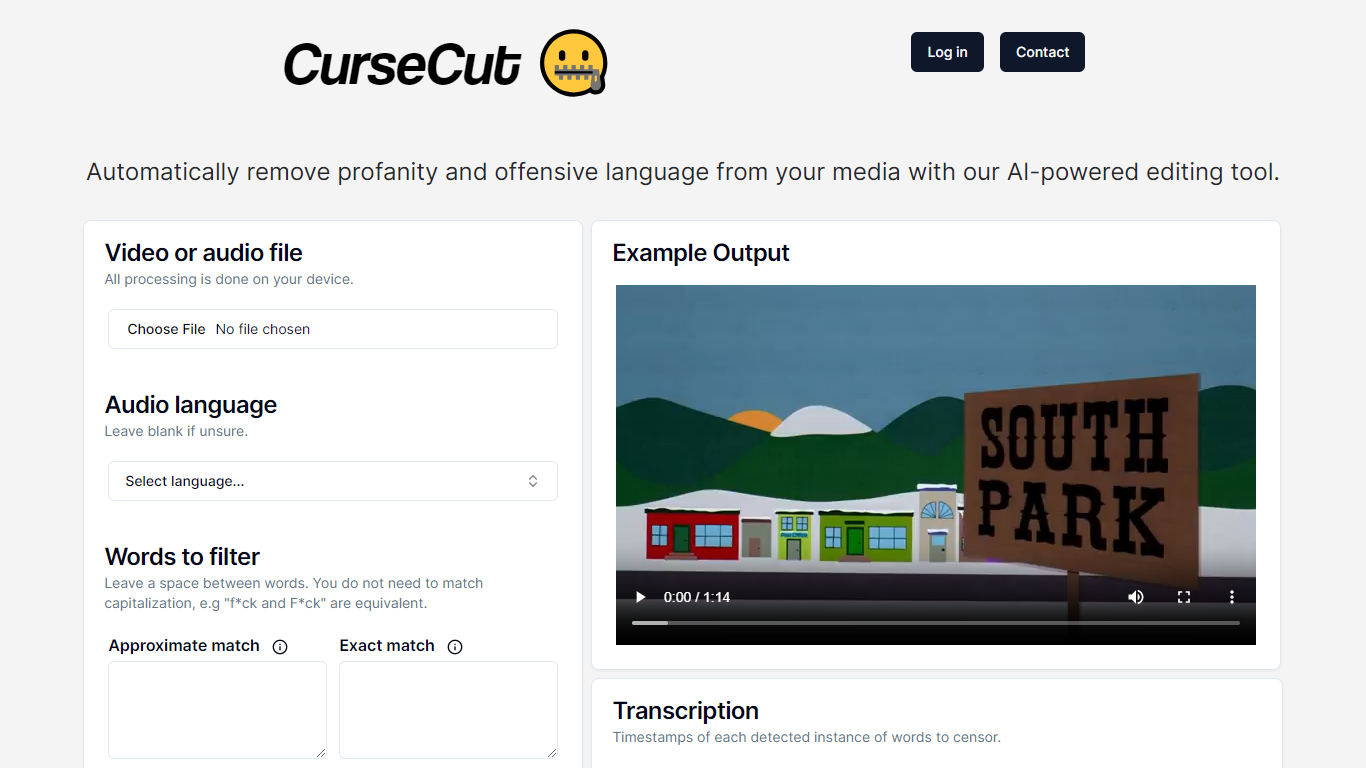
CurseCut is a profanity filter for video and audio built for creators who need clean content without spending hours in an editing timeline. Upload a file, define which words to catch, and the service mutes or replaces them automatically.
The platform targets podcasters, vloggers, livestream archivers, and anyone publishing to advertiser-sensitive platforms. It handles long-form content with files up to 2GB and works across common audio and video formats.
What sets CurseCut apart is how much control you get over censorship. You pick the word list, choose between exact or fuzzy matching, and decide how each flagged segment gets handled: beep tones, silence, custom sound effects, or audio reversal.
Processing runs locally on your machine via ffmpeg, so files never get uploaded to CurseCut servers. That local-first model matters if you're working with unreleased footage or sensitive interview audio.
Handles MP3, WAV, MP4, AVI, MOV, and more, with support for files up to 2GB
Queue up a whole folder and batch-process podcasts, vlogs, or video series overnight
Catches profanity in 30+ languages with automatic detection or manual language selection
Build a custom blocklist with exact-match or approximate matching for broader coverage
Swap beeps for silence, custom SFX, or reversed audio depending on your content style
Re-run files as many times as you want at no extra charge while you dial in settings
All censorship happens on your device, so raw footage never touches their servers
Local processing keeps your raw audio and video off third-party servers.
Custom word lists let you define exactly what gets censored instead of relying on preset filters.
Batch processing handles multiple files at once, useful for podcast series or vlog backlogs.
Free unlimited reprocessing lets you tweak settings and rerun without extra charges.
The /pricing page returns a 404, so paid plan details are not published on the site.
No mobile app; the tool runs through a web interface with local desktop processing.
Requires running local processing on your machine rather than a fully cloud-based workflow.
Is CurseCut free to use?
Yes. CurseCut offers free credits for new users, and the homepage invites you to start for free. Paid usage likely applies once free credits are used, though specific plan prices are not published on the site.
Does CurseCut upload my files to the cloud?
No. CurseCut processes files locally on your computer using ffmpeg. Your audio and video never leave your device during censorship.
What file formats does CurseCut support?
CurseCut supports video formats including MP4, MOV, WMV, and FLV, plus audio formats such as MP3, WAV, AAC, FLAC, and OGG.
How many languages does CurseCut support?
CurseCut supports profanity detection and censorship in more than 30 languages, with automatic language detection or manual selection.
What censorship methods are available?
You can censor flagged words with beep tones, silence, custom sound effects, or audio reversal, and adjust how much of each word gets muted.