
Last updated 08-21-2026
Category:
Reviews:
Join thousands of AI enthusiasts in the World of AI!
Doodara
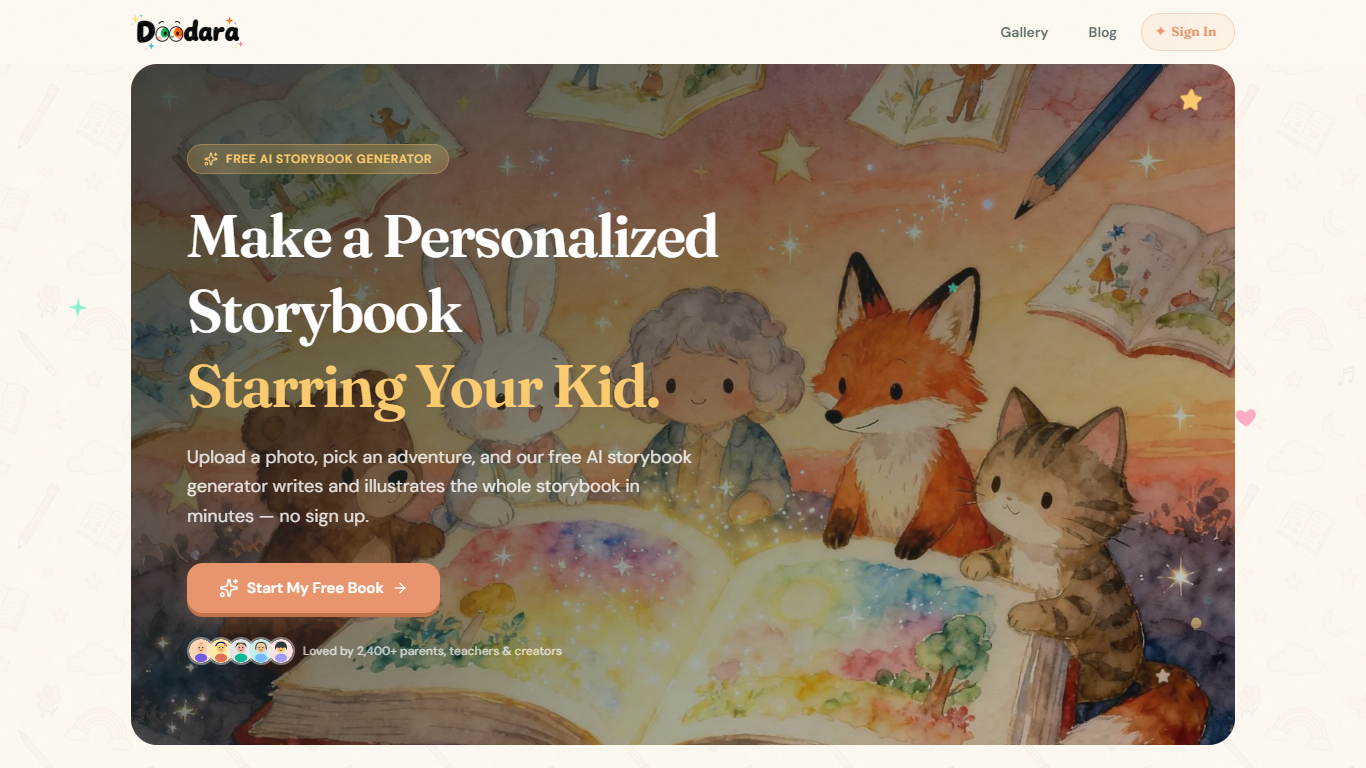
Doodara turns a child's photo into a personalized picture book with AI-written stories and page-by-page illustrations. Upload a photo on the homepage, pick an adventure from 20 or more templates, choose one of 16 art styles, and the tool generates a full storybook in minutes without requiring signup.
Most kids book generators either charge per book or lock creation behind an account wall. Doodara keeps unlimited generation on its free tier using the standard model, with commercial rights and PDF export reserved for Pro at $7.99 per month. Character consistency is locked across every page so the child does not get a different face on page five.
The workflow runs in four steps: create a character portrait, choose a story theme like first day of school or fear of the dark, let AI write and illustrate each page while you edit, then preview as a flipbook or share with a link. Pro adds all 16 art styles, priority queue, AI narration, and exports in PDF, EPUB, and image formats.
Parents, grandparents, and elementary teachers are the core audience. Doodara supports 10 languages including English, Spanish, French, German, Portuguese, Italian, Japanese, Korean, Chinese, and Arabic, which makes it useful for bilingual families and classroom story projects.
Generate unlimited storybooks on the free tier with the standard Doodara model
Choose from 16 art styles including watercolor, crayon, anime, and 3D rounded
Lock character appearance so the same face appears on every page
Pick from 20 or more story templates or write a custom adventure
Create books in 10 languages including English, Spanish, Japanese, and Arabic
Pro plan at $7.99 per month unlocks PDF, EPUB, and image exports plus commercial rights
Unlimited free storybook generation on the basic model without signup
Character consistency keeps the same face across every page
16 art styles and 20 or more story templates cover varied creative needs
Supports 10 languages for bilingual families and classrooms
Interactive flipbook preview and share links work on the free tier
Free tier is limited to watercolor style and personal use only
PDF and EPUB exports require the $7.99 per month Pro plan
Advanced model images are capped at 100 or 300 per month on paid tiers
What does Doodara cost?
Doodara includes a free tier with unlimited storybook generation on the standard model for personal use. The Pro plan is $7.99 per month with 100 advanced-model images per month, and Premium is $19.99 per month with 300 advanced-model images.
Does Doodara require signup?
Doodara lets you create your first storybook directly on the homepage without signing up. You only need a free account when you want to save, share, or print your books.
How many storybooks can I make on Doodara?
Doodara places unlimited storybooks on the free tier with the basic model. There is no hard cap on how many books you can generate for bedtime, birthdays, or classroom lessons.
What art styles does Doodara offer?
Doodara offers 16 art styles including watercolor, flat cartoon, pencil, 3D rounded, anime, oil painting, collage, crayon, and pixel art. The free tier includes watercolor, while Pro unlocks all 16 styles.
Can I export or print Doodara storybooks?
Doodara lets you preview books as an interactive flipbook and share them with a link on any plan. Exporting print-ready PDF, EPUB, and image files requires the Pro subscription.
What languages does Doodara support?
Doodara creates storybooks in 10 languages: English, Spanish, French, German, Portuguese, Italian, Japanese, Korean, Chinese, and Arabic. You pick the language before generating the book.