
Última actualización 07-24-2026
Categoría:
Reviews:
Join thousands of AI enthusiasts in the World of AI!
Superforce
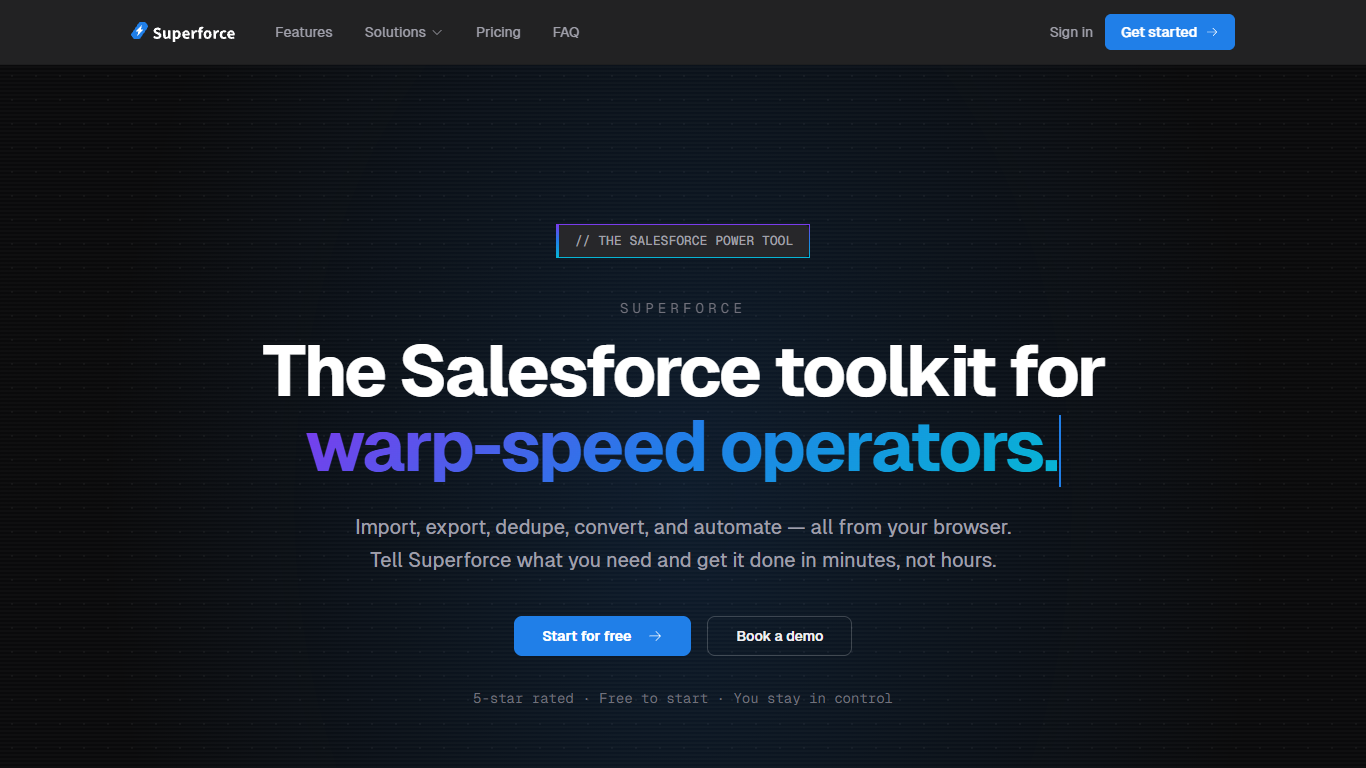
Superforce is a browser-based Salesforce toolkit built for admins, consultants, and RevOps teams who need to move data without wrestling with Data Loader. Connect your org via OAuth, pick an operation, and review a full preview before anything runs. Nothing touches your Salesforce records without your explicit approval.
The web app covers the full data lifecycle: drag-and-drop CSV imports with auto field mapping, SOQL-based exports, bulk deletes with safety previews, fuzzy deduplication with configurable winner rules, lead conversion at scale, record matching, mass ownership transfers, and field usage analysis. You can also toggle flows, triggers, and validation rules without digging through Setup, and schedule recurring dedup, export, and conversion jobs on paid plans.
A Chrome extension adds keyboard-driven navigation inside Salesforce. Open the command palette with Cmd+J to jump to Setup pages, create custom fields, manage users, run SOQL with autocomplete, execute anonymous Apex, merge records, and monitor org limits. Superforce is built by SMOPS, LLC and targets teams that want Data Loader-style power without Java installs or desktop apps.
Import, export, update, upsert, and delete Salesforce records from your browser with CSV drag-and-drop
Deduplicate and merge records with fuzzy matching, winner rules, and scheduled scans
Bulk convert leads with smart matching to existing accounts and contacts
Chrome extension command palette (Cmd+J) for keyboard-speed Salesforce navigation and setup tasks
Toggle flows, triggers, and validation rules without leaving your current page
Runs entirely in the browser with no Java or desktop installs required.
Shows a full preview and requires explicit approval before any data operation runs.
Flat monthly pricing with no per-user fees or record limits.
Salesforce-only; no support for other CRM platforms.
Advanced features like deduplication and scheduled jobs require a paid plan starting at $49/month.
Chrome extension is limited to Salesforce domains and requires a separate install.
What can Superforce do?
Superforce handles most Salesforce data operations: imports, exports, deduplication, lead conversion, mass updates, record matching, and more. Each operation shows a full preview before anything executes.
How do I get started with Superforce?
Sign up for a free account and connect your Salesforce org using secure OAuth. Superforce learns your schema automatically. Most users are running operations in under five minutes.
What is included in the Superforce free plan?
The free plan includes the data loader (import, export, update, delete), field usage analysis, automation control, and the Chrome extension with one Salesforce org connection.
Is my Salesforce data secure with Superforce?
Superforce uses OAuth 2.0 with PKCE and never stores your Salesforce password. All data is encrypted in transit via TLS, processed in real time, and not permanently warehoused. Every operation is logged with a full audit trail.
How is Superforce different from Salesforce Data Loader?
Data Loader is a desktop app that requires Java and manual SOQL. Superforce runs in the browser, picks the right API automatically, and adds deduplication, lead conversion, automation control, scheduled jobs, and a Chrome extension command palette for faster navigation.