
Last updated 07-29-2026
Category:
Reviews:
Join thousands of AI enthusiasts in the World of AI!
Fast Cut
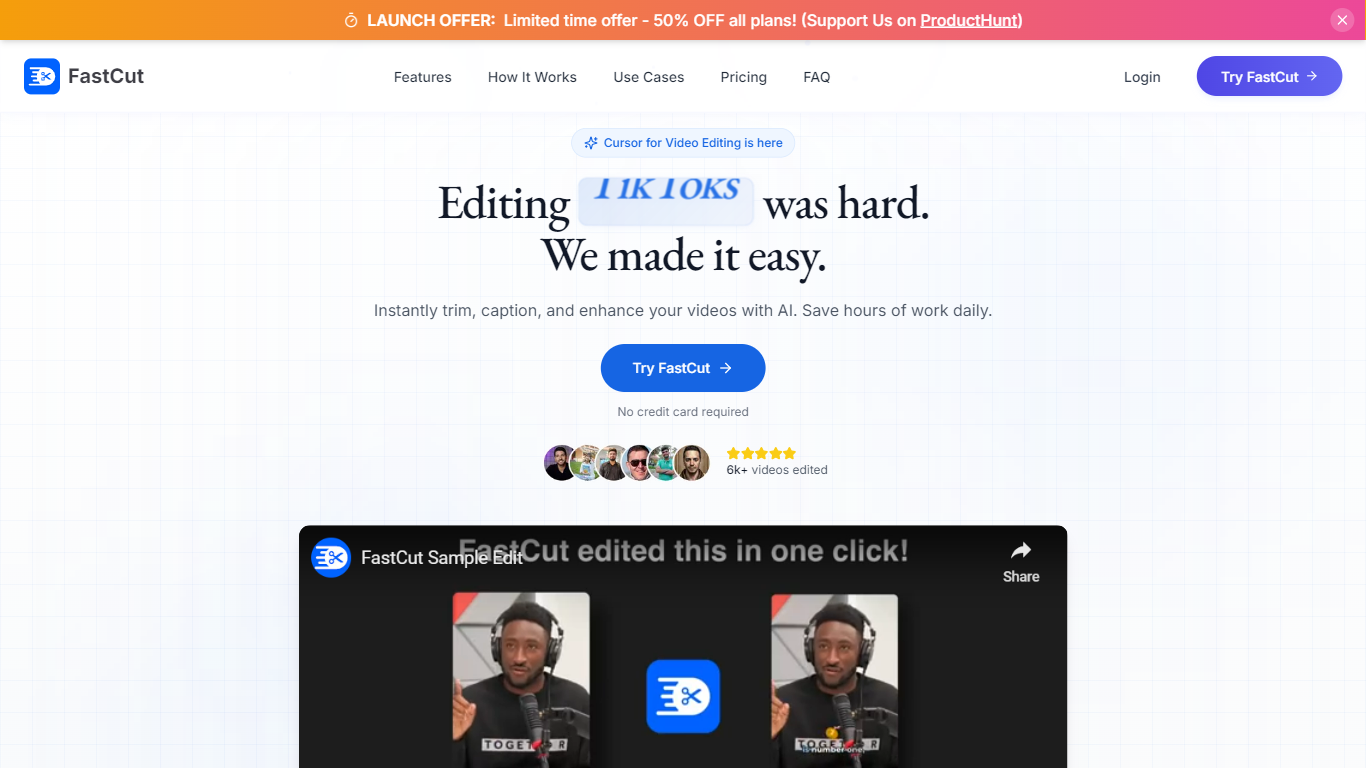
Fast Cut is a short-form video editor that turns raw clips into captioned TikToks, Reels, and Shorts in about two minutes. You upload footage and the tool handles trimming, animated captions, silence removal, B-roll inserts, and background music without a traditional timeline grind.
Where desktop editors like Premiere expect you to mark every cut yourself, Fast Cut automates the first pass with text-based trimming and template-driven captions. The homepage claims 90% faster editing and highlights one-click workflows for creators who publish daily rather than finishing one polished film.
It targets TikTok creators, social media managers, and ad teams who need more shorts per week. The free plan includes 3 videos with no credit card, and paid tiers raise monthly export limits up to 40 videos on Pro.
Free plan includes 3 videos total with no credit card required
Starter plan costs $20 per month for 10 exported videos
Essential plan supports 5-minute videos up to 300 MB and 4K export
Pro plan allows 40 videos per month up to 10 minutes each
Auto captions, silence removal, and text-based trimming on every tier
Essential and Pro add auto AI B-rolls, images, GIFs, and background music
Automates captions, silence cuts, and B-roll so daily shorts take minutes instead of hours.
Clear tiered pricing with a no-card free trial of 3 videos.
Export presets cover TikTok, Reels, Shorts, and paid social formats.
Free exports carry a watermark and stop at 2 minutes.
Full editing still relies on desktop browsers; mobile apps are limited today.
Is Fast Cut free to try?
Fast Cut includes a free tier with 3 total video exports. The pricing page lists 2-minute, 100 MB videos with a watermark and no payment details needed to start.
How much does Fast Cut Starter cost?
Fast Cut Starter costs $20 per month on the pricing page. It includes 10 videos per month, 2-minute duration limits, and watermark-free exports up to 1080p.
What does Fast Cut's AI editing do?
Fast Cut analyzes footage for key moments, speech, and silence, then trims dead air and builds transitions automatically. You can still reorder clips and adjust cuts after the first draft.
Which social platforms does Fast Cut target?
Fast Cut is built for TikTok, Instagram Reels, YouTube Shorts, and social ads. Its FAQ lists export presets for YouTube, Instagram, TikTok, Facebook, and Twitter aspect ratios.
What are Fast Cut's video length limits?
Fast Cut's free and Starter plans cap videos at 2 minutes, Essential allows 5 minutes, and Pro allows 10 minutes per export. The FAQ notes longer limits on higher business tiers.
Does Fast Cut have a mobile app?
Fast Cut recommends desktop browsers for full editing. Its FAQ says companion iOS and Android apps exist for capture and basic edits, with a fuller mobile editor on the roadmap.