
Last updated 08-21-2026
Category:
Reviews:
Join thousands of AI enthusiasts in the World of AI!
Figma Motion
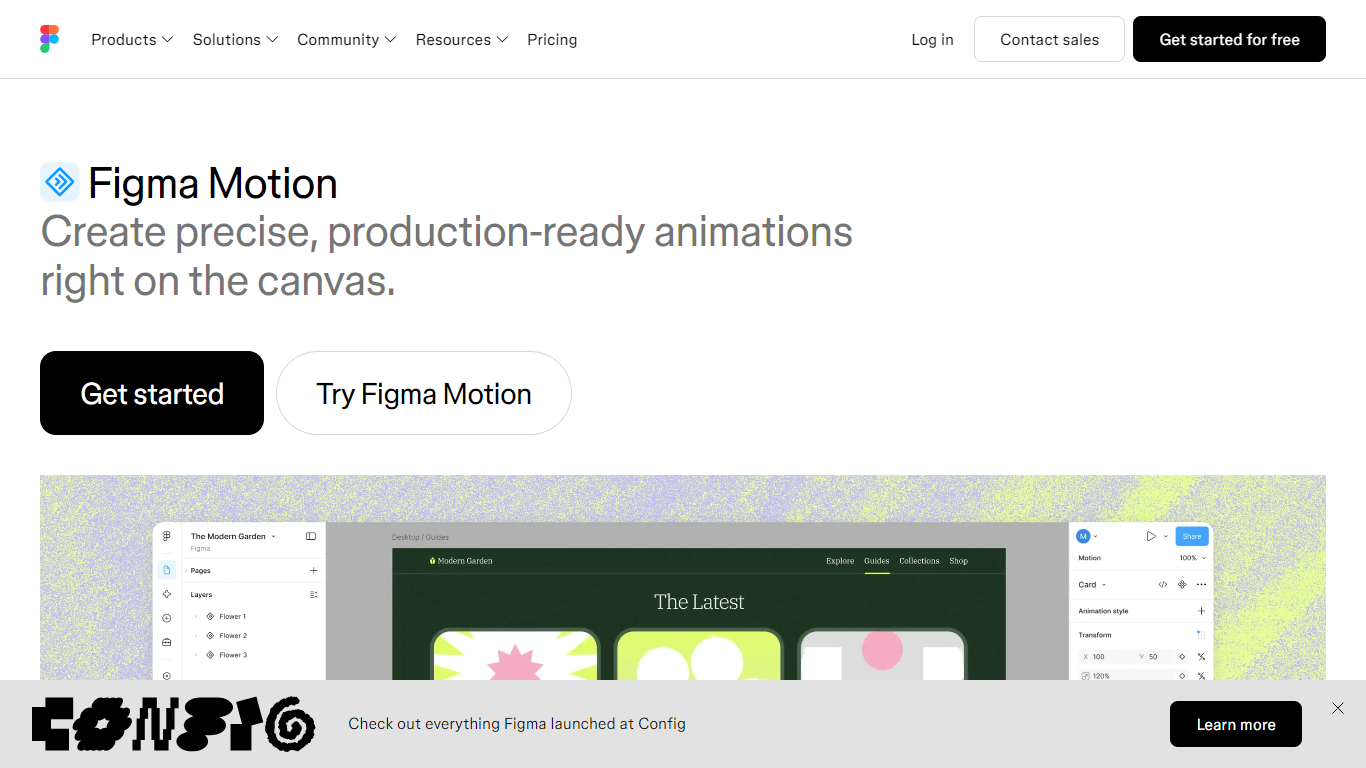
Figma Motion adds a native animation timeline to the same Figma canvas where your components, variables, and team already work. Designers switch a frame to Motion mode to keyframe position, scale, rotation, and opacity without exporting to a separate motion tool.
Preset animation styles like fade, move, and scale provide a fast starting point, while the Figma agent can build keyframes from prompts. Animated components and motion variables let teams publish reusable motion systems that update across files when modes change.
Figma Motion is in open beta for design and dev teams who want production-ready handoffs. Dev Mode exposes the full timeline, and developers can copy CSS, JSON, React, or motion.dev code or share context through the Figma MCP server.
Keyframe position, scale, rotation, and opacity on the canvas timeline
Figma agent builds motion from prompts directly on the timeline
Animated components carry motion across every file that uses them
Export animated frames as MP4, GIF, SVG, or WebM from the file
Dev Mode copies CSS, JSON, React, or motion.dev animation code
Motion lives in the same file as components and variables, so reviews stay in context.
Dev Mode handoff includes readable timing, easing, and copyable production code.
Motion variables with modes update animations across a file when switched.
Still in open beta, so export limits apply on Starter and some features are coming soon.
Full design system integration and the motion agent require a paid Full seat plan.
Is Figma Motion in beta?
Yes. Figma Motion is in open beta. Starter users can access motion with limited exports, while full seat users on all plans can access motion primitives and export. Full design system integration and the Figma agent for motion are available on paid plans.
Which Figma plans include Figma Motion?
Figma Motion beta is available on Full seats. Figma's pricing page lists motion timeline, motion systems authoring, animation export, and Dev Mode handoff under Figma Motion (Beta) features tied to Full seat plans.
Can developers inspect animations in Figma Motion?
Yes. In Dev Mode, developers can open the Motion tab to inspect the full timeline, read timing values and easing curves, and copy animation code in CSS, JSON, React, or motion.dev formats.
Does Figma Motion support shader animations?
Yes. Figma's launch post states that every property a shader exposes can be keyframed on the motion timeline, expanding animatable properties beyond traditional design attributes.
Can I export videos from Figma Motion?
Yes. Figma Motion lets you select an animated frame and export MP4, GIF, SVG, or WebM directly from the file for early reviews and sharing.
Is 3D transform animation available in Figma Motion?
3D transforms for rotating frames, vectors, and text on the z-axis are listed as coming soon on the Figma Motion product page, with a waitlist to join.