
Last updated 08-21-2026
Category:
Reviews:
Join thousands of AI enthusiasts in the World of AI!
Flux 3
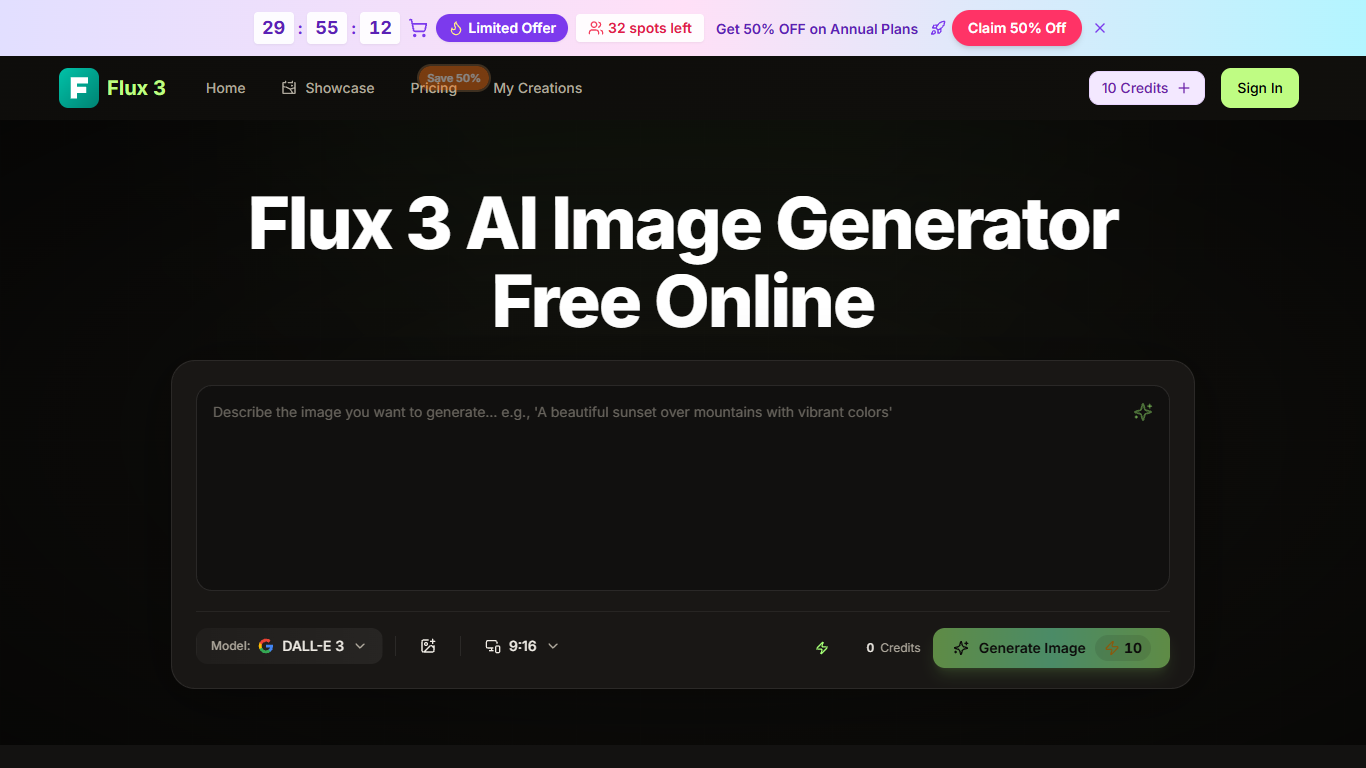
Flux 3 is a browser image generator built on Black Forest Labs Flux 3 that turns text prompts, uploaded photos, or a trio of reference images into 4K-ready pictures. You can run text-to-image, blend subject, scene, and style inputs, swap backgrounds, restore old photos, or remix styles without opening Photoshop first.
Compared with standalone model APIs, Flux 3 bundles editing jobs like virtual try-on, in-image text updates, and one-click style jumps (photorealistic, anime, painterly) inside one credit wallet. The free tier and Flux 3 Pro share the same engine; Pro mainly raises monthly image caps and unlocks yearly-only perks such as priority queue and no watermark.
Designers mocking campaign art, e-commerce sellers replacing studio shoots, and marketers spinning social thumbnails all fit here. Starter credits let you test prompts with no card, and paid plans add commercial licensing plus permanent generation history when volume picks up.
Multi-image blend merges separate subject, scene, and style uploads into one coherent frame
Text-to-image with automatic prompt enhancement for lighting and composition hints
10 credits generate one high-quality image; new users start with free starter credits
One-click style swaps across photorealistic, anime, and painterly looks without losing the concept
Built-in tools for background removal, photo restoration, virtual try-on, and in-image text edits
4K-ready exports suitable for web, print, and paid ad placements
Paid plans include commercial use license, AI enhancer, and permanent generation history
Multi-image blend keeps subject, scene, and style aligned in one generation pass.
Built-in restoration, try-on, and background tools reduce round trips to other editors.
Free starter credits let you test prompts before subscribing.
4K exports and commercial licensing on paid tiers suit ad and e-commerce work.
Style swaps preserve the core concept while changing art direction quickly.
Monthly credits do not roll over on subscription plans.
Priority queue and watermark removal require yearly billing.
Heavy iteration burns credits fast at 10 credits per image.
Advanced video models listed on pricing pages are yearly-only add-ons.
Is Flux 3 free to use?
Yes. Flux 3 offers a free browser tier with starter credits and no credit card required at signup. When you need higher monthly caps or Flux 3 Pro controls, Basic, Professional, and Enterprise plans add recurring credit refills.
How many credits does Flux 3 use per image?
Flux 3 spends 10 credits on each high-quality image. Basic plans include 500 credits per month (6,000 per year), Professional adds 2,000 monthly credits, and Enterprise provides 6,000 monthly credits for heavier production.
What is Flux 3 built on?
Flux 3 runs on Black Forest Labs Flux 3 models inside a cloud browser workflow branded Flux.3 AI. Both the free generator and Flux 3 Pro call the same underlying engine with different monthly limits.
Can Flux 3 images be used commercially?
Yes on paid Flux 3 plans, which include a commercial use license for marketing, client work, and monetized channels. Free trial outputs may carry restrictions, so confirm your plan before running paid campaigns.
Does Flux 3 work on mobile?
Yes. Flux 3 runs in mobile, tablet, and desktop browsers with no app install. Sign in to access the same generation history and credit balance across devices.
What can I make with Flux 3 besides text prompts?
Flux 3 supports product and lifestyle shots, profile avatars, photo restoration, background replacement, virtual try-on previews, and creative remixes from reference images. Multi-image blend lets you combine subject, setting, and style inputs in one pass.