
Dernière mise à jour 07-24-2026
Catégorie:
Reviews:
Rejoignez des milliers d'enthousiastes de l'IA dans le Monde de l'IA !
Kimi.ai
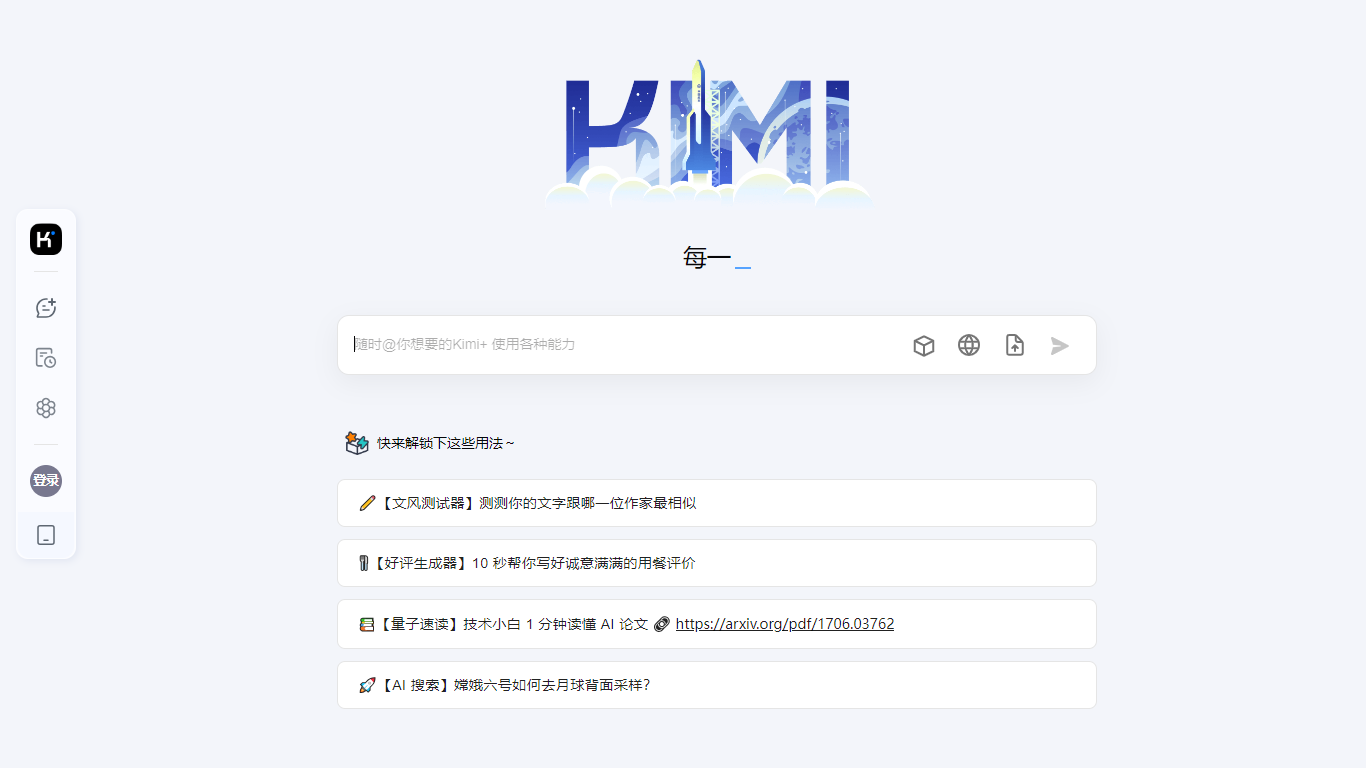
Kimi is Moonshot AI's conversational assistant built around the K3 model, designed for agentic coding and knowledge work. You can chat, delegate multi-step tasks to specialized agents, and generate slides, documents, spreadsheets, and even playable games from a single prompt.
The platform spans a web app, a desktop agent called Kimi Work, and Kimi Code, a CLI that drops into terminal and IDE workflows. Agent modes include Swarm for parallel tasks, Deep Research for investigation, and dedicated tools for slides, websites, docs, and sheets.
Kimi Work extends the assistant to your desktop with local file access, browser automation through WebBridge, scheduled cron tasks, and built-in market data for A-shares, Hong Kong, and US equities. Kimi Code targets developers with up to 1 million context tokens, shell command execution, and subagent support for parallel coding tasks.
K3 model with up to 1 million context tokens for long documents and codebases
Agent Swarm coordinates parallel agents for complex multi-step tasks
Kimi Code CLI installs in terminal and IDE with shell and web search tools
Kimi Work desktop agent automates local files, cron tasks, and browser actions
Built-in modes for slides, deep research, websites, docs, and spreadsheets
1 million token context window on K3 handles entire codebases and long documents.
Agent Swarm and specialized modes cover research, slides, docs, and coding in one platform.
Kimi Work brings local file access and browser automation to desktop workflows.
Consumer subscription pricing is not clearly published on the main website.
Primary domain redirects from kimi.moonshot.cn to kimi.com, which may confuse bookmarked links.
What is Kimi K3?
K3 is Moonshot AI's flagship model powering Kimi. It supports up to 1 million context tokens and is designed for agentic coding, knowledge work, and multi-step task execution across Kimi's web, desktop, and CLI products.
What is the difference between Kimi and Kimi Work?
The Kimi web app handles quick chat and agent tasks in the browser. Kimi Work is a desktop agent that mounts local folders, runs scheduled cron jobs, automates browsers via WebBridge, and includes native stock market data for A-shares, HK, and US equities.
How do I install Kimi Code?
Kimi Code installs via a one-line curl command: curl -fsSL https://code.kimi.com/kimi-code/install.sh | bash. It runs in the terminal, IDE, and as a standalone CLI with access to the K3 coding model.
What agent modes does Kimi offer?
Kimi includes Swarm for parallel agent tasks, Deep Research for investigations, and dedicated agents for slides, websites, documents, and spreadsheets. Plugins and scheduled tasks extend automation further.
Is Kimi free to use?
Kimi offers free access with account login on the web. Kimi Code and advanced agent features require a paid subscription plan, though specific tier pricing is managed within the Kimi account settings.