
Last updated 12-03-2025
Category:
Reviews:
Join thousands of AI enthusiasts in the World of AI!
Free AI Photo Upscaler
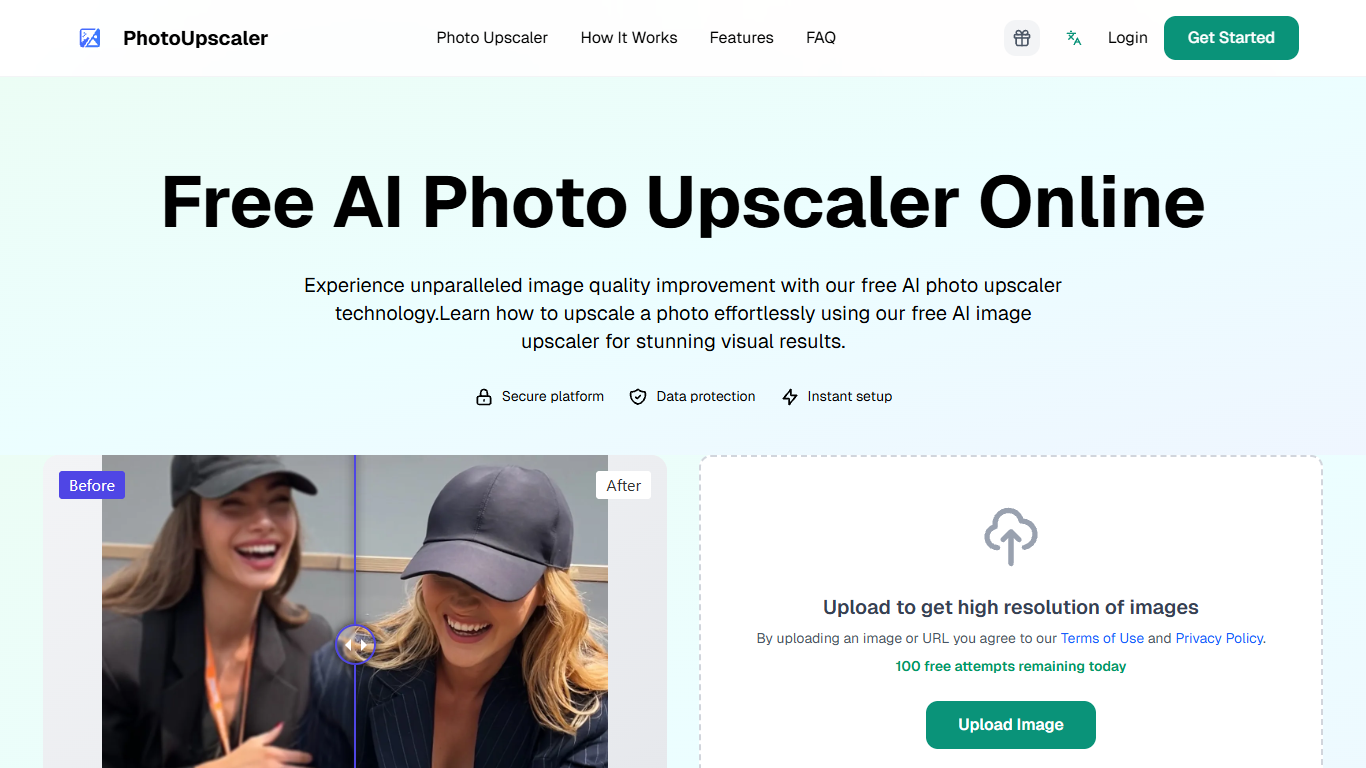
PhotoUpscaler is an AI-powered tool designed to enhance the resolution and quality of images without losing important details. It transforms low-resolution or blurry photos into sharp, high-quality images instantly, making it useful for anyone needing clearer visuals from existing pictures. The tool is accessible via uploading images or providing image URLs, offering a straightforward way to improve photo clarity.
The primary audience includes photographers, designers, marketers, and everyday users who want to improve their images for professional or personal use. It caters to those who need quick and effective image enhancement without complex software or technical skills.
What sets PhotoUpscaler apart is its focus on preserving image details while increasing resolution, avoiding the common issue of quality loss during enlargement. This balance ensures that enhanced images look natural and detailed rather than artificially smoothed or pixelated.
The service operates through an online platform where users upload images and receive enhanced versions. While specific technical details are limited, it leverages advanced AI technology to analyze and reconstruct image details, improving sharpness and resolution.
PhotoUpscaler offers a user-friendly interface with a simple three-step process: upload an image, let the AI process it, and download the enhanced photo. This ease of use makes it accessible to users with varying levels of technical expertise.
Overall, PhotoUpscaler provides a practical solution for improving image quality quickly and effectively, making it a valuable tool for anyone needing better photos without investing in complex editing software.
🖼️ Enhance low-res images instantly to high quality
⚡ Fast processing for quick photo improvements
🔗 Upload images or use URLs for flexibility
🔍 Preserve fine details while enlarging photos
📱 Easy three-step process for all skill levels
Improves image resolution without losing detail
Simple and quick to use with minimal steps
Supports image uploads and URL inputs
Free attempts available daily for casual users
AI technology ensures natural-looking results
Limited detailed technical information available
Free usage capped by daily attempt limits
No explicit mention of batch processing capabilities
How many free image upscales can I do each day?
You can perform up to 100 free image upscaling attempts daily on PhotoUpscaler.
Can I upload images directly or use image URLs?
PhotoUpscaler allows both direct image uploads and the use of image URLs for enhancement.
Does PhotoUpscaler preserve details when enlarging photos?
Yes, it uses AI technology to enhance resolution while maintaining important image details.
Is PhotoUpscaler suitable for users without technical skills?
Absolutely, the tool features a simple three-step process that anyone can follow easily.
What types of images can I enhance with PhotoUpscaler?
You can enhance various low-resolution or blurry photos to improve their clarity and quality.