
Last updated 10-23-2025
Category:
Reviews:
Join thousands of AI enthusiasts in the World of AI!
Free Online Image Converter
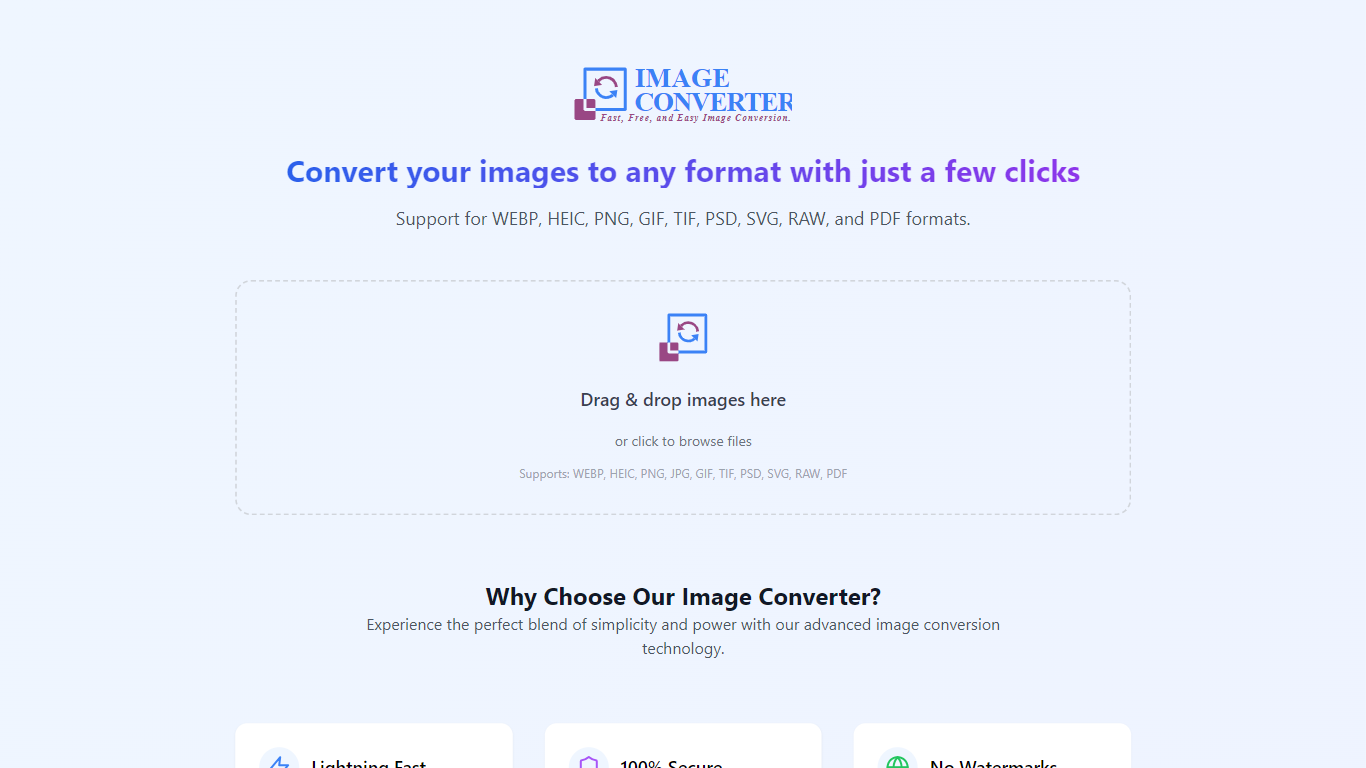
The Free Online Image Converter App is a versatile tool designed to facilitate the conversion of images across various formats. It supports a wide range of file types, including WEBP, HEIC, PNG, GIF, TIF, PSD, SVG, RAW, and PDF, making it an essential resource for users who require flexibility in their image handling. The app is particularly beneficial for graphic designers, photographers, and content creators who often work with different image formats and need a reliable solution for conversion without compromising quality.
Targeting both casual users and professionals, the app provides a user-friendly interface that simplifies the conversion process. Users can easily upload their images, select the desired output format, and initiate the conversion with just a few clicks. This accessibility ensures that even those with minimal technical expertise can utilize the tool effectively.
The unique value proposition of the Free Online Image Converter App lies in its comprehensive format support and ease of use. Unlike many other conversion tools that may limit the number of formats or require software installation, this app operates entirely online, allowing for quick and convenient access from any device with internet connectivity. Additionally, the app's commitment to maintaining high-quality output sets it apart from competitors, ensuring that users receive images that meet their professional standards.
Key differentiators include its extensive format compatibility, the absence of download requirements, and a focus on user experience. By providing a free service that does not compromise on quality or functionality, the Free Online Image Converter App stands out as a reliable choice for anyone in need of image conversion services.
Wide Format Support: Supports multiple image formats including WEBP, HEIC, PNG, GIF, TIF, PSD, SVG, RAW, and PDF, allowing users to convert images to and from various types seamlessly.
User-Friendly Interface: Designed for ease of use, the app allows users to upload images and select output formats with minimal effort, catering to both novice and experienced users.
High-Quality Output: Ensures that converted images maintain their original quality, making it suitable for professional use in graphic design and photography.
No Software Installation Required: Operates entirely online, eliminating the need for users to download or install any software, thus enhancing accessibility.
Fast Conversion Process: Provides quick conversion times, enabling users to efficiently process multiple images without significant delays.
What image formats can I convert using this app?
The Free Online Image Converter App supports a wide range of formats including WEBP, HEIC, PNG, GIF, TIF, PSD, SVG, RAW, and PDF, allowing for versatile image handling.
Is there a limit to the number of images I can convert?
The app does not specify a limit on the number of images you can convert, but users should be mindful of file size restrictions that may apply during the upload process.
Do I need to create an account to use the converter?
No, the Free Online Image Converter App does not require users to create an account, making it easy to access and use without any registration process.
How long does the conversion process take?
The conversion process is typically fast, depending on the size of the image and the current server load, allowing users to quickly obtain their converted files.
Is my data safe when using this online tool?
Yes, the app prioritizes user privacy and data security, ensuring that uploaded images are not stored or shared after conversion.
Can I convert images from my mobile device?
Yes, the Free Online Image Converter App is accessible from any device with internet connectivity, including smartphones and tablets, making it convenient for on-the-go use.
What should I do if the conversion fails?
If a conversion fails, users are advised to check the file format and size, and try again. If issues persist, contacting support may be necessary.