
Last updated 08-15-2026
Category:
Reviews:
Join thousands of AI enthusiasts in the World of AI!
Free Videoswapface
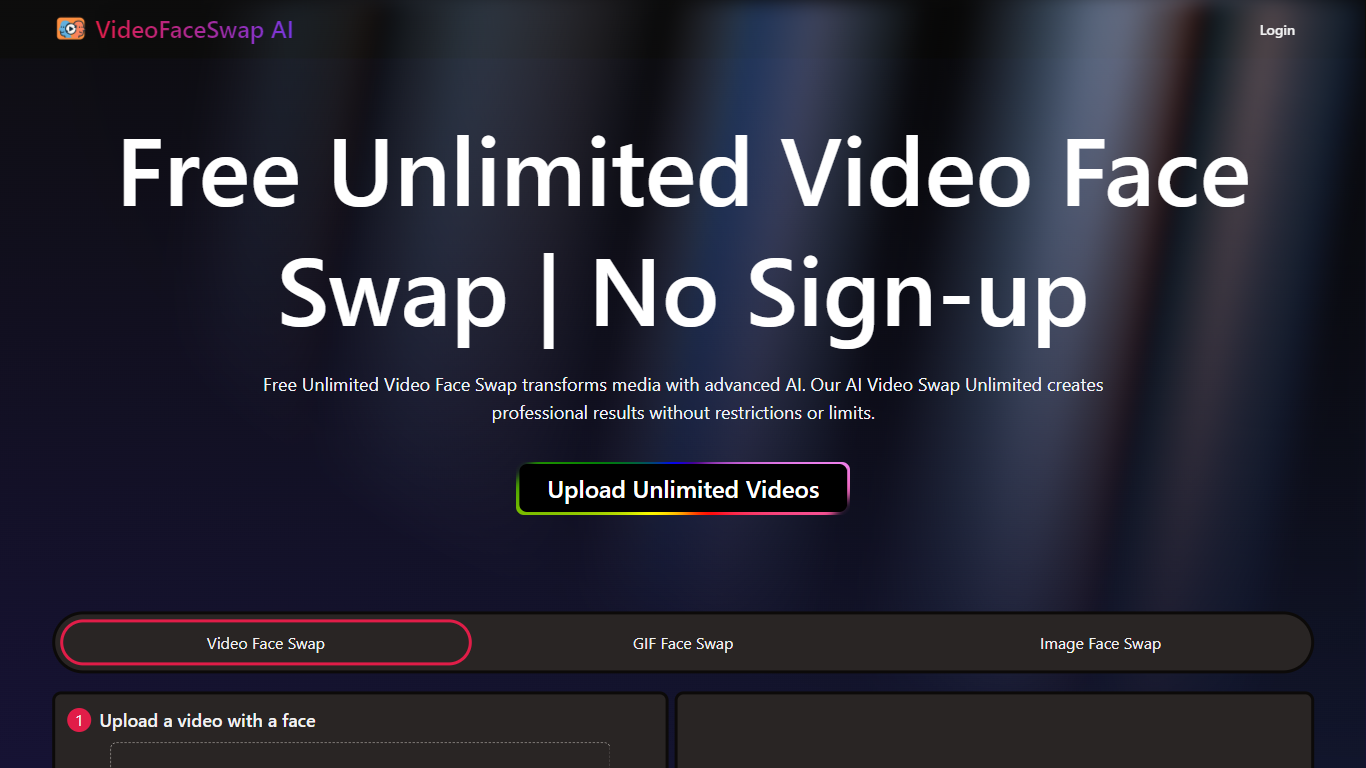
Free Videoswapface swaps faces inside uploaded clips from your browser. You add an MP4, WEBM, or MOV file plus a replacement face photo, trim the section you want, and generate a swapped video without installing desktop software. The homepage advertises guest access with no sign-up for a first test run.
Compared with general video editors that treat face swap as one filter among dozens, VideoSwapFace builds the workflow around clip trimming, single versus multi-face detection, and explicit consent reminders before download. Free generation covers outputs up to 60 seconds, while longer clips or heavier use pull from credit packs that never expire according to the pricing page.
Short-form creators, meme editors, and marketing teams testing casting ideas are the audiences named on the site. The editor also lists separate pages for photo head swap, GIF face swap, and multi-person group swaps when a clip needs more than one replacement face.
Accepts MP4, WEBM, and MOV uploads under 300MB plus face photos under 20MB
Free generation outputs up to 60 seconds before credits are required
Single mode replaces one face; Multiple mode maps a photo to each detected person
Built-in trim controls set start and end points before rendering the swap
Guest trials need no account; signed-in users keep creations for 2 days versus 2 hours
Credit packs start at 800 credits for $9.99 with automatic refunds on failed jobs
No sign-up required for guest tests on short clips
Clear published upload limits for video and photo files
Multiple face mapping for group footage in one workflow
Credit packs never expire with automatic refunds on failures
Separate pages for photo head swap and GIF swaps beyond video mode
Guest outputs expire after 2 hours unless you create an account
Free tier caps rendered clips at 60 seconds
Commercial use depends on securing rights to every likeness and source clip
Is Free Videoswapface free to try?
Free Videoswapface offers a free generation option for outputs up to 60 seconds in the video editor. Longer clips or higher-volume use require credits, and the editor shows the current cost before you generate.
What files does VideoSwapFace accept?
Free Videoswapface accepts MP4, WEBM, and MOV videos under 300MB. Replacement faces can be JPG, PNG, WEBP, or HEIC images under 20MB according to the homepage upload limits.
Do I need an account on VideoSwapFace?
Free Videoswapface lets guests run free generations without signing up. Guest creations expire after 2 hours, while signed-in accounts keep results for 2 days.
Can VideoSwapFace swap multiple faces?
Free Videoswapface includes a Multiple mode that detects faces in a chosen frame and lets you assign one replacement photo per person. Single mode handles one-face clips on the same editor.
How much do VideoSwapFace credits cost?
Free Videoswapface sells credit packs such as 800 credits for $9.99, 2400 for $19.99, 6000 for $39.99, and 16000 for $99.99 on its pricing page. Credits never expire and failed generations are refunded automatically.
Can I use VideoSwapFace results commercially?
Free Videoswapface states you may use outputs commercially only when you hold rights to the source video, replacement face, and likenesses shown. Review the Terms and applicable law before publishing or monetizing a swap.