
Last updated 07-26-2026
Category:
Reviews:
Join thousands of AI enthusiasts in the World of AI!
Frontitude
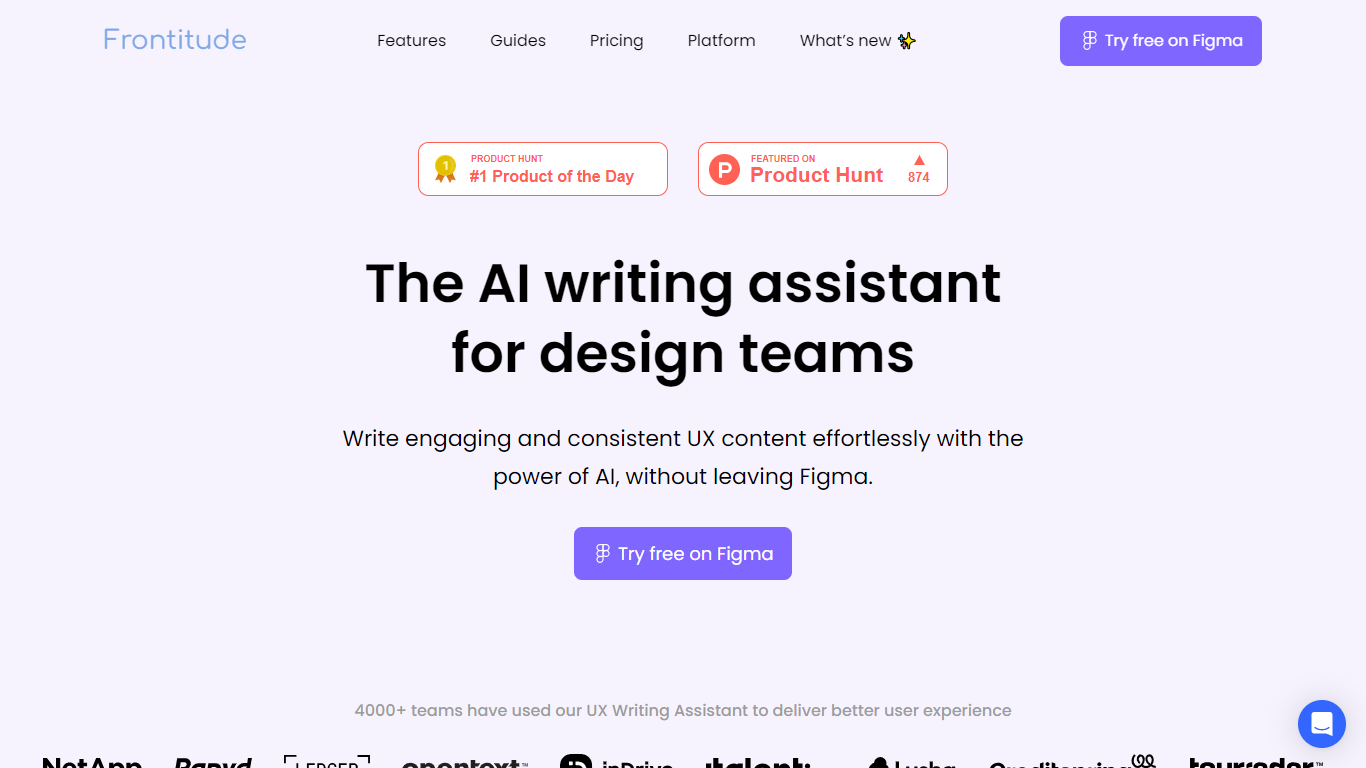
Frontitude offers a specialized UX Writing Assistant designed to integrate directly within Figma, helping design teams create clear, consistent, and engaging product copy without leaving their design environment. It leverages a customized AI model tailored for UX writing, providing context-aware suggestions that respect design constraints like character limits and tone. This tool is especially useful for product and content designers who want to maintain a unified voice across user interfaces while saving time on writing and review processes. The assistant supports teams by embedding content guidelines directly into design components, enabling quick audits and ensuring adherence to style rules.
This integration streamlines collaboration and reduces the back-and-forth typically involved in content reviews. Frontitude also allows teams to create and manage their own writing guidelines, linking them to design systems for consistent application across projects. Security and privacy are core to Frontitude's offering. The platform uses secure AWS infrastructure and complies with industry standards, ensuring that user data and design content remain protected.
The AI features are powered by Microsoft Azure OpenAI, with strict data isolation policies that prevent customer data from being used to train external models. Frontitude is suitable for individual designers as well as teams of various sizes, offering flexible plans to accommodate different needs. While currently supporting English, plans are in place to expand language support to help teams reach global audiences. The tool requires users to sign in and offers a freemium model with options for scaling up to larger teams and enterprises.
Overall, Frontitude stands out by combining AI-powered UX writing assistance with deep integration into design workflows, focusing on product copy quality, consistency, and team collaboration.
📝 Rewrite Feature: Generate and apply UX copy suggestions instantly within Figma to overcome writer's block and speed up writing.
📏 Design Context Awareness: AI considers design constraints like character limits and tone for relevant, fitting copy.
📚 Customizable Guidelines: Create and embed team content guidelines linked to design components for consistent writing.
🔍 AI-Powered Content Audits: Quickly scan designs for content violations to maintain quality and reduce review time.
🔒 Secure Infrastructure: Built on AWS with strict data privacy and security measures, ensuring user data protection.
Deep integration with Figma for in-context UX writing
Customizable content guidelines linked to design systems
AI-powered audits speed up content review cycles
Strong focus on product copy quality and consistency
Robust security and privacy measures with AWS and Azure
Currently supports English only
Requires sign-in and paid seats for team features
Organization plan pricing is custom and not publicly listed
How does Frontitude's UX Writing Assistant differ from other AI writing tools?
Frontitude it integrates business and design context by collecting info about your audience and design elements, ensuring copy fits your product and style guidelines.
Who needs a paid seat on Frontitude?
Frontitude anyone using the Figma plugin for generating content suggestions or managing guidelines must have a paid seat to maintain consistency across the team.
What are Guidelines in Frontitude?
Frontitude guidelines are AI-interpreted rules linked to design components that help teams write consistent UX content faster by embedding style rules into the design system.
Is my data used to train Frontitude's AI models?
No, Frontitude, your content is kept private and only used to generate suggestions. It is not used to improve or train the AI models.
How secure is Frontitude?
Frontitude uses AWS infrastructure with encryption, firewalls, and follows industry best practices to protect your data and privacy.
Do I need to sign in to use the plugin?
Yes, signing in with a Frontitude account is required to use the UX Writing Assistant plugin in Figma.
What languages does Frontitude support?
, Frontitude supports English, with plans to add more languages to support global product copy needs.