
Last updated 08-20-2026
Category:
Reviews:
Join thousands of AI enthusiasts in the World of AI!
Gempix 2
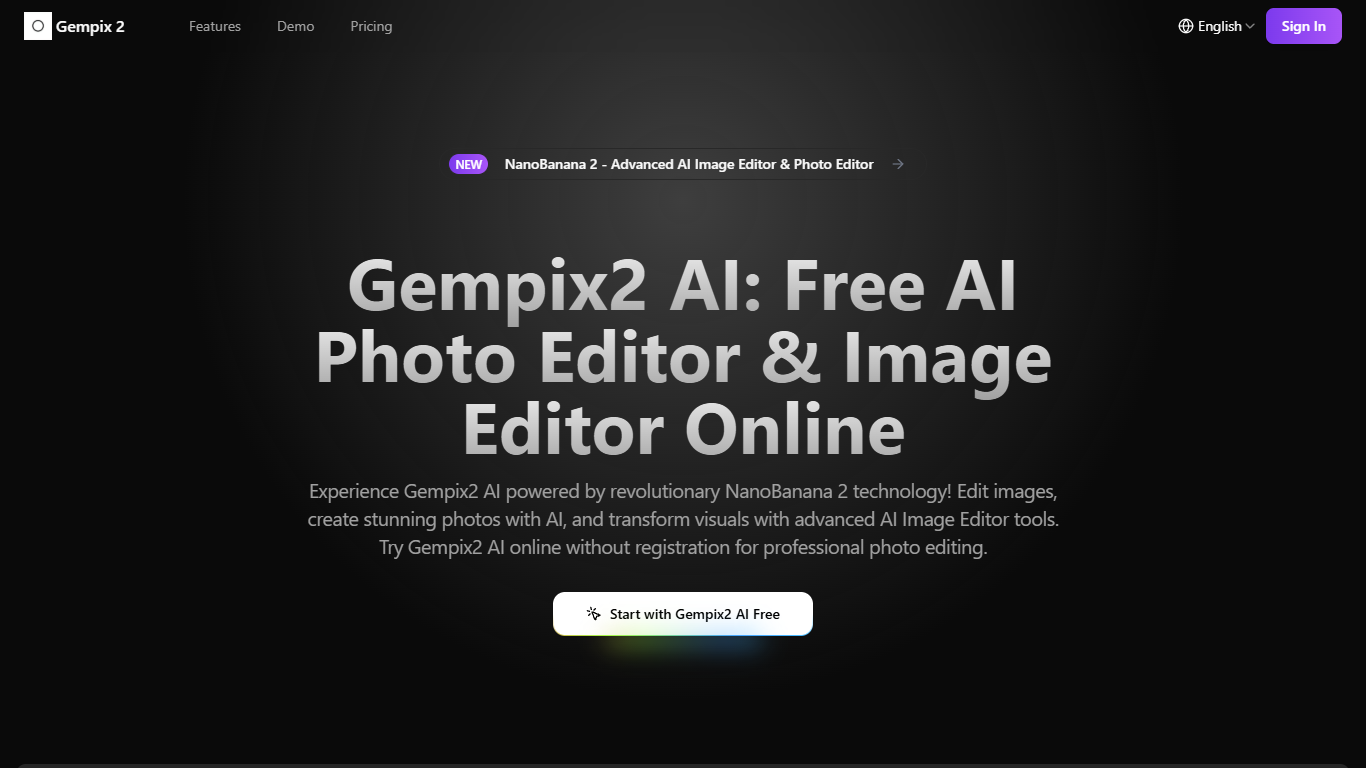
Gempix 2 runs a browser-based photo editing workspace where you upload an image, write a prompt up to 2,000 characters, and spend credits on AI edits or generations. The homepage lists Image Edit, Text to Image, Text to Video, Image to Video, Video Edit, and Wan Animate tabs powered by NanoBanana 2 and SeeDream V4.
Most online editors charge flat subscriptions before you test output quality. Gempix 2 starts with free credits, then sells monthly credit buckets on plans that include commercial licensing, 1080p output, batch generation, and no watermarks when you upgrade.
It targets creators who want quick prompt-driven retouching without installing desktop software. The site advertises no registration required on the homepage and routes paid users through monthly, annual, or one-time billing options on its pricing page.
Homepage image edit flow shows a Generate button costing 20 credits
Prompt field accepts up to 2,000 characters with dimension and advanced settings
Pricing Basic plan includes 1,500 credits per month and 1080p HD output
Plus plan raises the allowance to 7,500 credits per month on the pricing page
Enterprise adds API access and dedicated support with a 2 hour response target
Batch generation and commercial licensing appear on all paid pricing tiers
Free credits let you test edits before subscribing.
One web app covers image, text, and video generation tabs.
Paid tiers bundle commercial licensing and watermark-free 1080p output.
Each generation consumes credits that reset on subscription cycles.
Enterprise pricing targets high-volume teams rather than casual editors.
Advanced video tabs add complexity beyond simple photo touch-ups.
Is Gempix 2 free to try?
Yes. Gempix 2 advertises free credits to start editing on its pricing page and homepage, with a Start with Gempix2 AI Free button before you upgrade to a paid plan.
How many credits does a Gempix 2 edit cost?
Gempix 2 lists a Generate action costing 20 credits on its homepage image editor and app pages. Credit use can vary by feature complexity according to the pricing FAQ.
What paid plans does Gempix 2 offer?
Gempix 2 sells Basic, Plus, and Enterprise plans on its pricing page with 1,500, 7,500, and 30,000 monthly credits respectively, plus commercial licensing and batch generation on each tier.
Do Gempix 2 subscription credits expire?
Gempix 2 states subscription credits reset monthly or annually, while one-time purchase credits never expire, according to the pricing page FAQ.
Does Gempix 2 require installation?
No. Gempix 2 runs in the browser with upload or drag-and-drop inputs on the homepage editor, and the site highlights browser-based editing with no software installation.
What tools are inside Gempix 2?
Gempix 2 groups Image Edit, Text to Image, Text to Video, Image to Video, Video Edit, and Wan Animate in one web app, with SeeDream V4 handling precise image edits like clothing, makeup, and background replacement.