
Last updated 07-26-2026
Category:
Reviews:
Join thousands of AI enthusiasts in the World of AI!
GenExpert
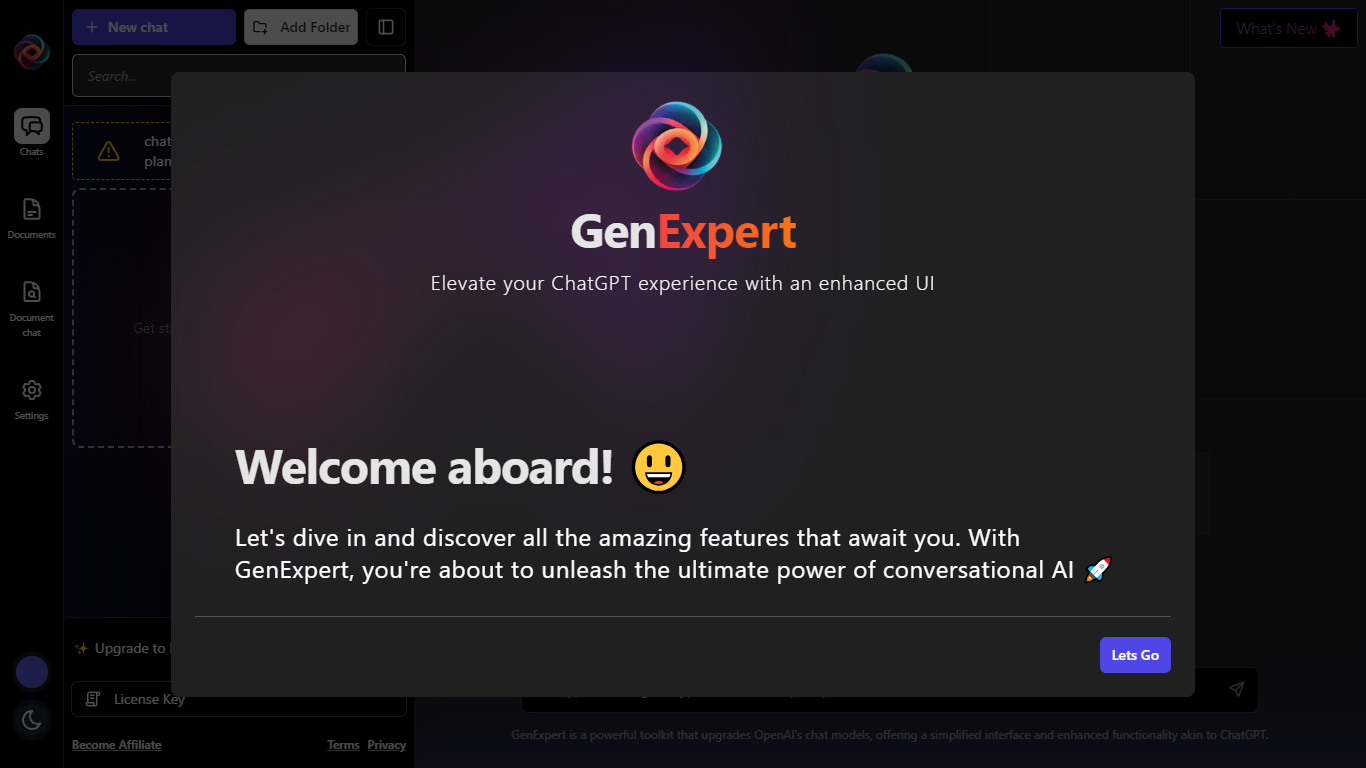
GenExpert enhances your ChatGPT experience by providing a clean, user-friendly interface that simplifies interaction with OpenAI's chat models. It offers a powerful toolkit that upgrades the standard chat experience with features like customizable characters, prompt selection, and model settings. Users can chat with documents by uploading PDFs or adding text, enabling deeper context-aware conversations. The platform stores all data locally in your browser, ensuring privacy with no backend or login required. GenExpert requires users to set their own OpenAI API key, giving full control over usage and billing. It targets developers, researchers, and AI enthusiasts who want a more flexible and private way to interact with conversational AI. The app supports data export and import, license key management, and offers a Pro upgrade for additional features. Overall, GenExpert focuses on usability, privacy, and enhanced functionality to help users get more from their AI chats.
🗂️ Document Chat: Upload PDFs or add text to chat with documents for context-rich AI conversations
🔑 API Key Control: Use your own OpenAI API key to manage usage and billing directly
🛠️ Customizable AI: Choose characters, prompts, and model settings to tailor interactions
🔒 Local Data Storage: All chats and documents are stored encrypted locally with no backend or login
📁 Data Management: Easily export and import your chats, documents, and settings for backup or transfer
Enables document-based AI chats for deeper context
Keeps all user data private by storing it locally
Allows full control with user-provided OpenAI API key
Offers customizable AI characters and prompts
Supports easy data export and import
Free plan does not save chat or document history
Requires users to have an active OpenAI API key and billing
May increase API usage when chatting with documents
How does GenExpert handle my data privacy?
GenExpert stores all your chats, documents, and settings locally in your browser with encryption. There is no backend server or login required, so your data stays private on your device.
Do I need an OpenAI API key to use GenExpert?
Yes, you must provide your own OpenAI API key and have an active billing account with OpenAI to generate content using GenExpert.
Can I chat with documents using GenExpert?
Yes, you can upload PDFs or add text documents to chat with them, enabling AI to provide context-aware responses based on your documents.
Is chat history saved on the free plan?
No, chat and document history are not saved on the free plan. Saving history requires upgrading to the Pro plan.
Can I export and import my data?
Yes, GenExpert allows you to export and import your chats, documents, prompts, and characters for backup or transferring between devices.
What customization options does GenExpert offer?
You can select AI characters, choose from various prompts, and adjust model settings to tailor the AI's behavior to your needs.
Does using document chat increase API usage?
Yes, chatting with documents may slightly increase your OpenAI API usage due to additional context processing.