
Last updated 08-15-2026
Category:
Reviews:
Join thousands of AI enthusiasts in the World of AI!
HuggingChat
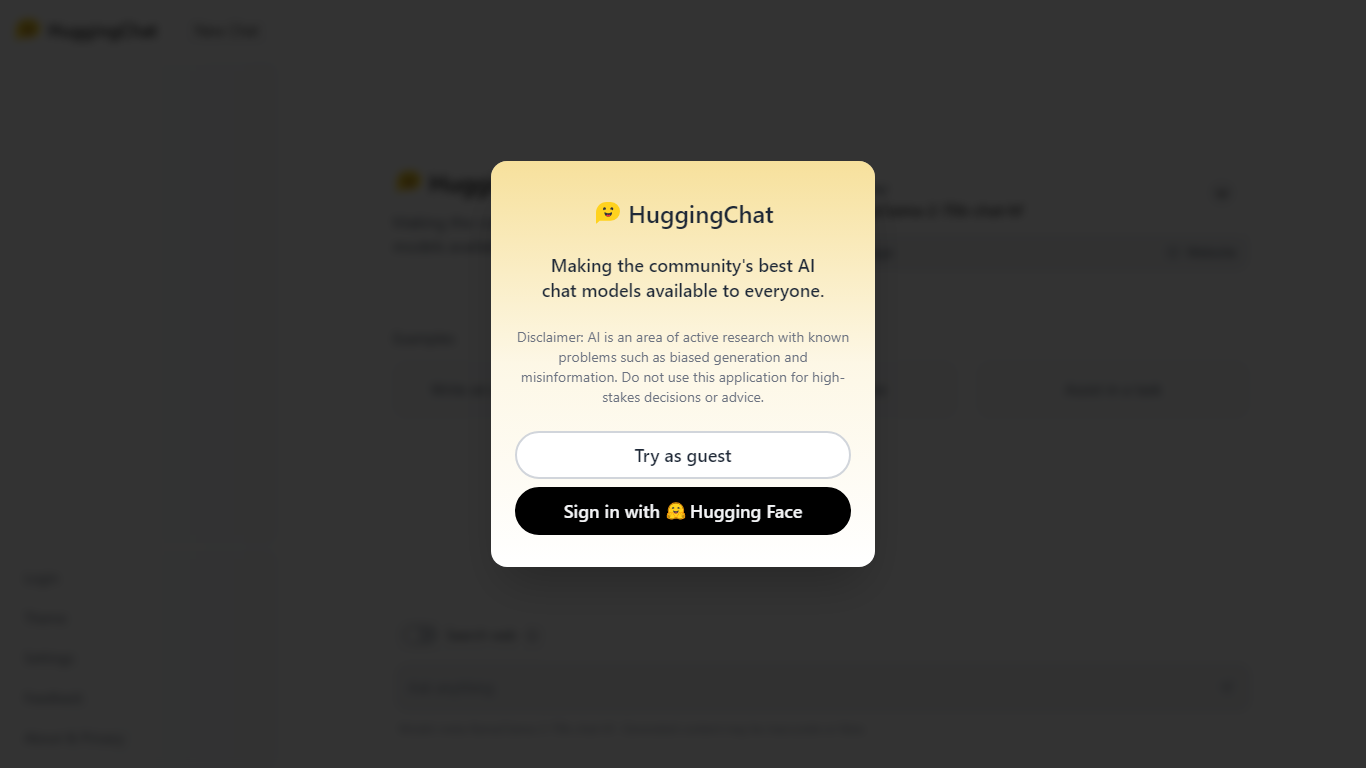
HuggingChat is a free chat assistant that runs open source AI models from the Hugging Face community. Pick a model directly or let Omni route your prompt to the best available option. The interface supports image generation, web tasks, dataset search, and MCP tool connections alongside standard text chat.
Closed chatbots lock you into one vendor model. HuggingChat exposes 137 open source models you can switch between mid-conversation, including newcomers like DeepSeek V4 Flash with a 1M-token context window. The trade-off is variable quality across models and a Hugging Face account requirement to save chats.
Developers, researchers, and curious users reach for it to test Llama, DeepSeek, and other community models without API keys or local GPU setup. Hugging Face positions it as making the community's best chat models available to everyone.
Choose from 137 open source chat models or let Omni auto-select the best fit
DeepSeek V4 Flash offers a 1M-token context window and adjustable thinking modes
MCP (Model Context Protocol) connections extend chat with external tools
Built-in prompts cover image generation, website building, and dataset search
Free to use with a Hugging Face account for chat history and settings
New Chat shortcut and per-model settings pages for application and Omni routing
Powered by Hugging Face with DR 91 on the parent domain
Free access to 137 community open source models without API keys.
Omni router and manual model picker let you compare models in one interface.
MCP support connects external tools directly inside chat.
Requires a Hugging Face account; no anonymous chat mode.
Model quality varies across the open source catalog.
Generated content disclaimer warns outputs may be inaccurate or false.
Is HuggingChat free?
Yes. HuggingChat is a free chat app powered by open source models on Hugging Face. You need a Hugging Face account to log in and save conversations.
How many models does HuggingChat offer?
HuggingChat lists 137 models you can chat with directly. Omni mode automatically routes prompts to the best available model based on your request.
What is Omni in HuggingChat?
Omni is HuggingChat's model router that picks the best open source AI model for each prompt. You can also disable Omni and select any listed model manually.
Does HuggingChat support MCP tools?
Yes. HuggingChat shows MCP connections in the chat interface, letting you link external tools through the Model Context Protocol alongside standard text chat.
What is DeepSeek V4 Flash on HuggingChat?
DeepSeek V4 Flash is a 284B mixture-of-experts model on HuggingChat with adjustable thinking, stronger agentic coding, and a 1M-token context window.
Do I need an account for HuggingChat?
Yes. HuggingChat requires a Hugging Face account to log in, access settings, and use features like chat history. Team and Enterprise plans add SSO options.