
Last updated 07-22-2026
Category:
Reviews:
Join thousands of AI enthusiasts in the World of AI!
Idolly
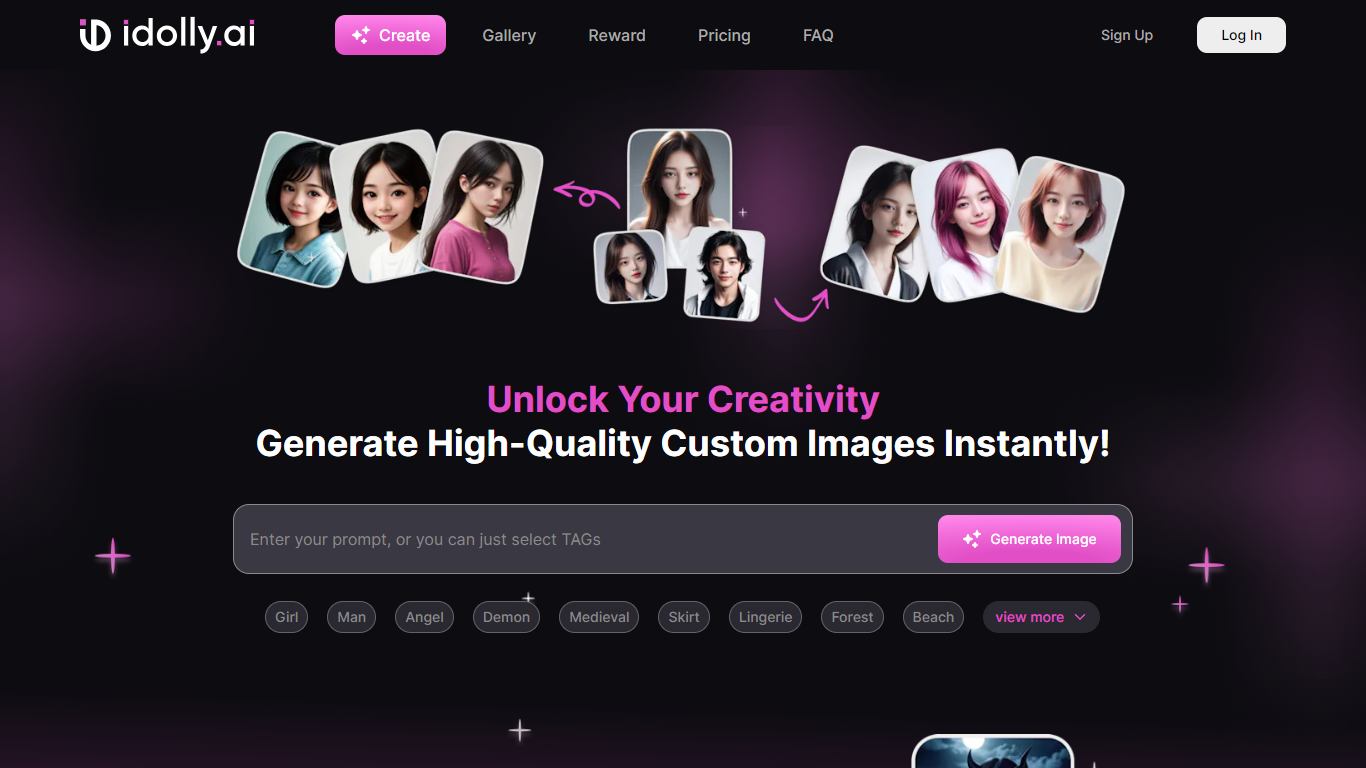
Idolly is a creative platform for generating idol-style images and swapping faces between photos, with optional NFT minting on Solana. You sign in through Web3 login and work inside tools like Create Image, Face Switch, Styler, and Product Studio.
The create flow supports realistic, Asian, Western, Flux AI, and avatar styles, plus templates such as pencil sketch and watercolor. You can tag scenes by body, clothing, pose, and accessories, then generate up to nine images at normal or high resolution.
It fits artists, NFT creators, and social content makers who want stylized character art without building their own image pipeline.
Face Switch swaps a face from one photo onto another with a 10 MB upload limit
Create Image offers Realistic, Asian, Western, Flux AI, and Avatar style presets
Template library includes pencil sketch, portrait ink, and watercolor looks
Generate one, two, four, or nine images at normal or high resolution
Mint generated art as NFTs on Solana, with Eclipse and BNB chains listed as coming soon
Daily missions and a referral program reward credits for ongoing use
Multiple creation modes beyond basic text-to-image, including Face Switch and Styler.
Built-in NFT minting on Solana for creators who want on-chain outputs.
Free tier appears available through credits, with VIP upgrades for heavier use.
Pricing details are not clearly listed on the public pricing page.
Heavy client-side rendering makes some pages hard to browse without logging in.
Logo download from the site returned rate-limit errors during enrichment.
What is Face Switch on Idolly?
Face Switch on Idolly lets you upload a background image and a face photo, then generate a new image with the selected face applied. Idolly recommends front-facing photos and notes that malicious use is prohibited.
Does Idolly support NFT minting?
Yes. Idolly's Create Image flow includes a Generate NFT option on the Solana chain. Eclipse Chain and BNB are listed as coming soon on the create page.
What image styles can I create on Idolly?
Idolly's Create Image tool supports Realistic, Asian, Western, Flux AI, and Avatar styles, plus templates like Pencil Sketch, Sketch Book, Portrait and Ink, and Water and lines.
How do I sign up for Idolly?
Idolly uses Web3 login. You can sign up or log in at idolly.ai/login/web3 without a traditional email-and-password form on the main navigation.
How can I contact Idolly support?
Idolly lists [email protected] as the contact email in its site footer. You can also reach the team through its Discord, Telegram, and other linked social channels.