
Last updated 08-22-2026
Category:
Reviews:
Join thousands of AI enthusiasts in the World of AI!
Image to 3D AI
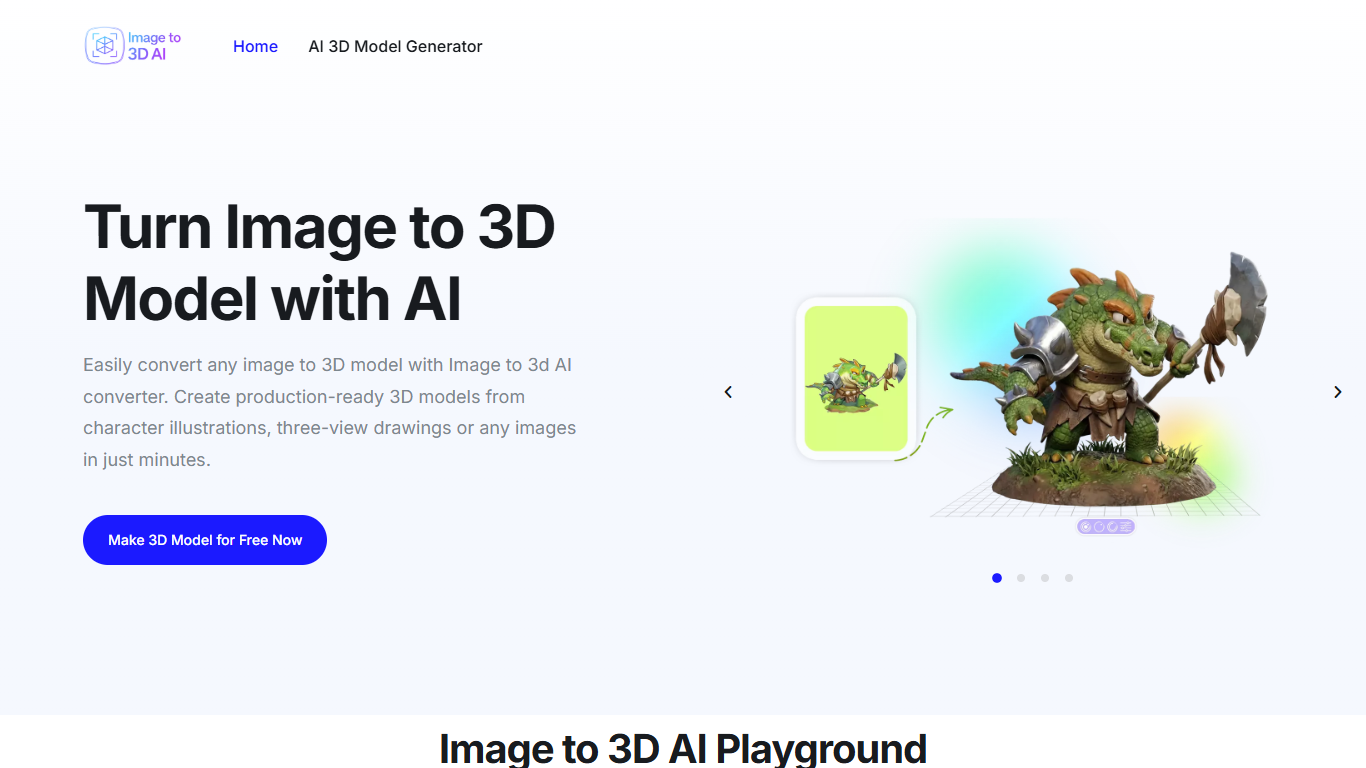
Image to 3D AI converts a single photo, illustration, or text prompt into an editable 3D model inside your browser. Upload JPG, PNG, or WebP files, pick textured mesh or geometry-only output, preview the result online, and export GLB files for Blender, Unity, or Unreal Engine. The site also offers text-to-3D, multi-view reconstruction, an online GLB viewer, and format conversion tools.
Desktop modeling suites charge subscriptions and expect hours of mesh work before you have a printable or game-ready asset. Image to 3D AI targets speed over manual control: one-click generation from flat references, with auto-retopology and up to 300K polygon precision on the marketing site. You trade fine sculpting control for minutes instead of days on early prototypes.
Indie game developers, 3D printing hobbyists, interior designers, and educators use it for character blocks, printable figurines, furniture previews, and classroom visualizations. Text-to-3D pages state you can generate without an account or credit card on the free tier.
Convert JPG, PNG, or WebP images to 3D models with textured mesh or geometry-only modes
Text-to-3D generator creates models from plain-language prompts in the browser
Multi-view reconstruction pipeline for three-view drawings and reference sets
Exports editable GLB files compatible with Blender, Unity, and Unreal Engine
Built-in 3D file viewer and online 3D model format converter on the same domain
Marketing site cites up to 300K polygon precision with smart auto-retopology
Browser-based workflow with no desktop install required on the free tier
Free browser workflow covers image, text, and multi-view 3D generation without desktop installs.
GLB export opens directly in Blender, Unity, and Unreal Engine pipelines.
Textured and geometry-only modes fit both rendering and retopology workflows.
Dedicated pricing page returns a 404, so paid tiers and limits are not documented on the site.
Complex scenes with occlusion or cluttered backgrounds produce lower-quality reconstructions per the FAQ.
Fine manual sculpting control is limited compared to professional desktop modeling suites.
Is Image to 3D AI free?
Image to 3D AI advertises a generous free trial for image and text generation in the browser. The text-to-3D page states you can generate without creating an account or providing a credit card on the free offering.
What file formats does Image to 3D AI export?
Image to 3D AI exports generated models as standard GLB files you can open in Blender, Unity, or Unreal Engine. The site also hosts a 3D model file converter and online 3D file viewer for additional format workflows.
Can Image to 3D AI work from text prompts?
Yes, Image to 3D AI includes a text-to-3D generator where you describe an object in plain text and receive a structured 3D model. The same platform supports image uploads and multi-view references on separate tool pages.
What image types work best with Image to 3D AI?
Image to 3D AI recommends clear subjects, simple backgrounds, and good lighting for the highest-quality reconstructions. High-resolution images with distinct edges and minimal occlusion help the model capture geometry and textures accurately.
Does Image to 3D AI offer textured models?
Yes, Image to 3D AI lets you choose textured mesh output with UV mapping for realistic rendering or geometry-only models with clean topology for retopology and animation pipelines.
Who owns models made with Image to 3D AI?
Image to 3D AI states that users generally retain rights to models generated from their own uploaded images or prompts. The FAQ notes uploaded images are processed securely and are not shared publicly.