
Last updated 08-09-2026
Category:
Reviews:
Join thousands of AI enthusiasts in the World of AI!
Image Upscaler
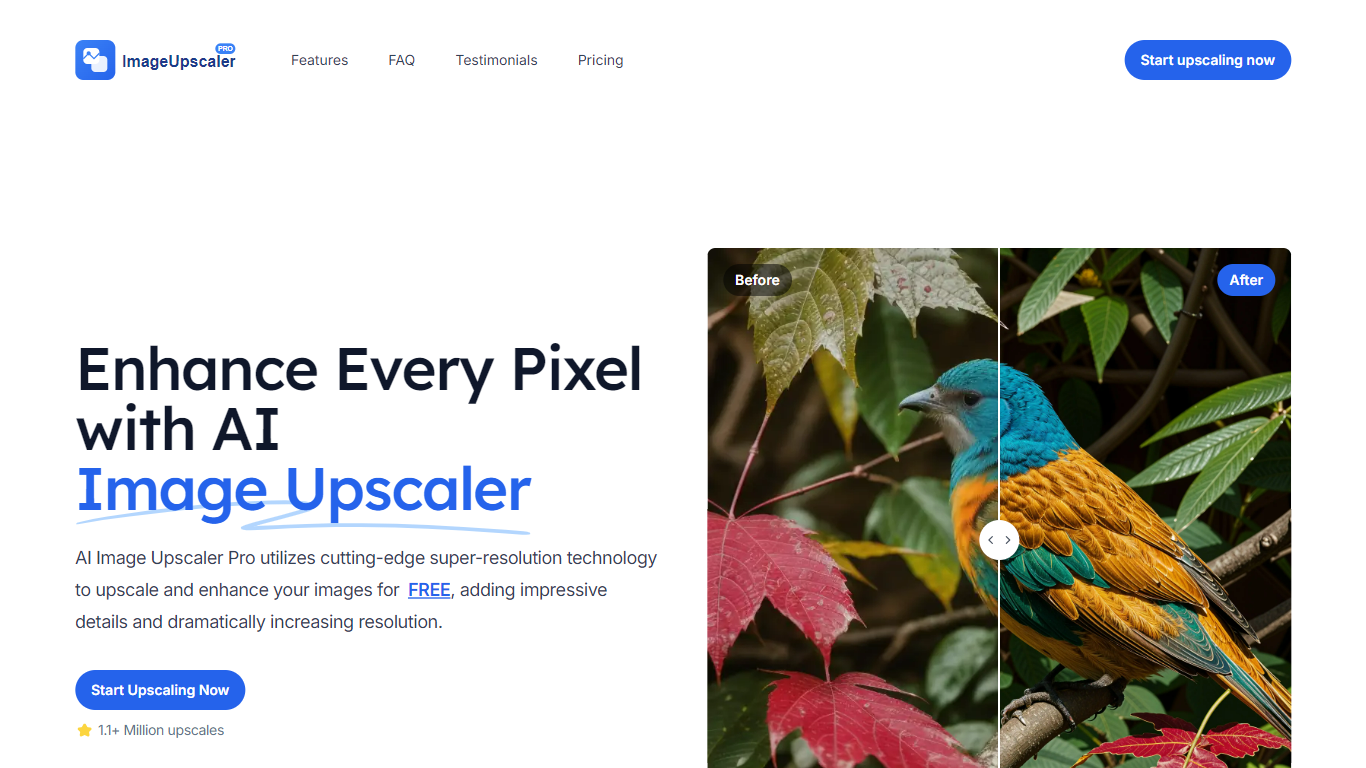
Image Upscaler takes a low-resolution photo and returns a sharper, larger version using super-resolution models, scaling up to 400% in the browser. You upload a file, pick 2X or 4X, and download the enhanced image within seconds without installing anything.
Most free upscalers cap output at 2X or add visible artifacts on detailed photos. Image Upscaler Pro targets up to 4K resolution on the free tier and deletes uploads from its servers after 24 hours, which is a stronger privacy posture than tools that retain files indefinitely. Premium tiers add 8K and 16K output and batch processing for users who need higher limits.
Photographers, e-commerce sellers, and social media creators use Image Upscaler to rescue low-resolution product shots and old photos. The tool accepts PNG, JPEG, WebP, HEIC, GIF, BMP, and ICON files up to 10MB each.
Upscales images by 2X or 4X up to 4K resolution on the free plan
Supports PNG, JPEG, WebP, HEIC, GIF, BMP, and ICON formats up to 10MB
Processes uploads in seconds with no software installation required
Automatically deletes uploaded images from servers after 24 hours
Premium plans target 8K and 16K output with batch processing
Drag-and-drop upload with instant preview before download
Free tier upscales images up to 4K without requiring an account.
Supports 7 image formats including HEIC and WebP up to 10MB.
Uploaded images are automatically deleted after 24 hours for privacy.
No software download required; runs entirely in the browser.
Official website was unreachable during enrichment, limiting direct verification.
Free version limited to 10MB files with no batch processing.
8K and 16K upscaling requires a paid premium subscription.
Is Image Upscaler free to use?
Image Upscaler offers a free tier that upscales images up to 4K resolution (400% increase). Premium plans with 8K and 16K output and batch processing require a paid subscription starting around 19 dollars per month.
What file formats does Image Upscaler support?
Image Upscaler accepts PNG, JPEG, JPG, WebP, GIF, BMP, HEIC, and ICON files. The maximum upload size is 10MB per image.
How much can Image Upscaler enlarge a photo?
Image Upscaler can increase image resolution by up to 400% (4X) on the free plan, reaching up to 4K output. Premium versions support upscaling to 8K and 16K resolution.
Does Image Upscaler delete my uploaded photos?
Yes. Image Upscaler automatically deletes all uploaded and processed images from its servers within 24 hours. This privacy policy is documented on the product's official pages.
Who makes Image Upscaler?
Image Upscaler (AI Image Upscaler Pro) is developed by Black Technology LTD. It runs as a web-based tool at imageupscaler.pro with no desktop app required.
Can Image Upscaler process multiple images at once?
Image Upscaler Premium includes batch upload and processing for multiple images. The free tier handles one image at a time with 2X or 4X scaling up to 4K resolution.