
Last updated 07-02-2026
Category:
Reviews:
Join thousands of AI enthusiasts in the World of AI!
Linfo.ai
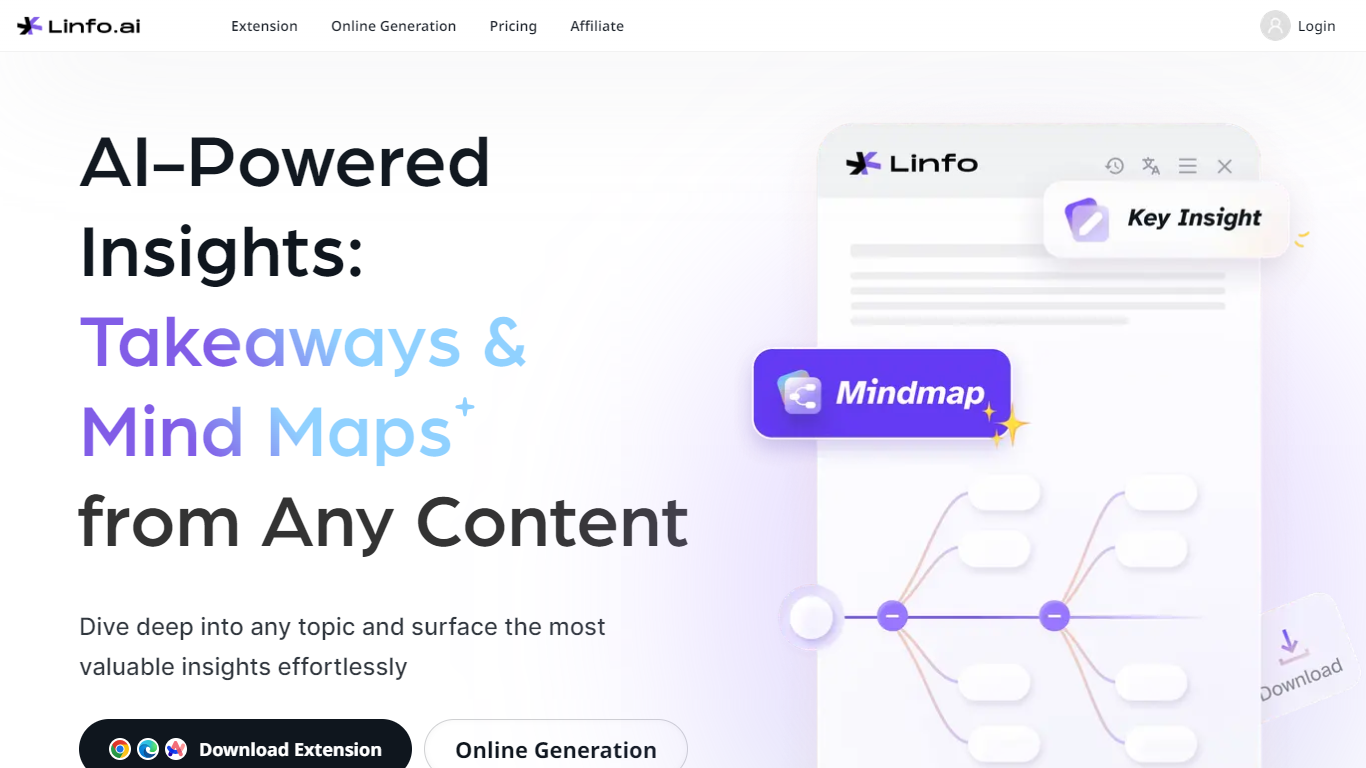
Linfo.ai is a summarization tool for articles, PDFs, and YouTube videos. It reads full pages and returns structured takeaways plus an optional mind map, so you can scan long material without losing the thread of the argument.
The product ships as a Chrome extension (also listed for Edge and Arc) and as a web dashboard where you can paste text, upload PDFs, or summarize YouTube links. Takeaways are organized in expandable branches, and you can click any bullet to jump back to the matching passage in the source.
Linfo.ai also turns the same output into a mind map you can expand, collapse, or download as PNG or JPG. A free Basic plan includes 10 summaries per week; Pro unlocks unlimited article, PDF, and YouTube summaries with priority generation.
Pulls structured takeaways from full articles, local PDFs, and YouTube videos
Click any takeaway bullet to jump straight to the matching source passage
One-click mind maps you can expand, collapse, and export as PNG or JPG
Dive In branches let you drill into sections for deeper sub-takeaways
Chrome extension plus a web dashboard for text, PDF, and YouTube input
Handles articles, PDFs, and YouTube from one extension and dashboard.
Click-to-source links each takeaway back to the original passage.
Free tier includes 10 summaries per week without upgrading.
Unlimited summaries require a paid Pro plan.
Local PDF summarization needs a separate Chrome file-access permission.
Core workflow is browser-based; there is no dedicated mobile app listed.
What content types does Linfo.ai support?
Linfo.ai summarizes web articles, local PDF files, and YouTube videos. The web dashboard accepts pasted text, uploaded PDFs, and YouTube URLs, while the browser extension works on pages you browse.
Is there a free plan?
Yes. Linfo Basic is free and includes an always-on extension, click-to-source, save and share summaries, and 10 free summaries per week.
How much does Linfo Pro cost?
Linfo Pro is listed at $7.99 per month on the subscription page, with yearly and one-time payment options also shown. Pro includes unlimited article, PDF, and YouTube summaries plus priority generation and support.
How do I summarize a local PDF?
Install the Chrome extension, open chrome://extensions, open Linfo.ai details, and enable Allow access to file URLs. You can then summarize PDFs in the browser or drag and drop a local PDF file.
Can I switch between takeaways and a mind map?
Yes. Linfo.ai lets you toggle between an insight (text takeaway) view and a mind map view for the same content, and you can regenerate either format from the extension.