
Last updated 07-26-2026
Category:
Reviews:
Join thousands of AI enthusiasts in the World of AI!
Linked Forge AI
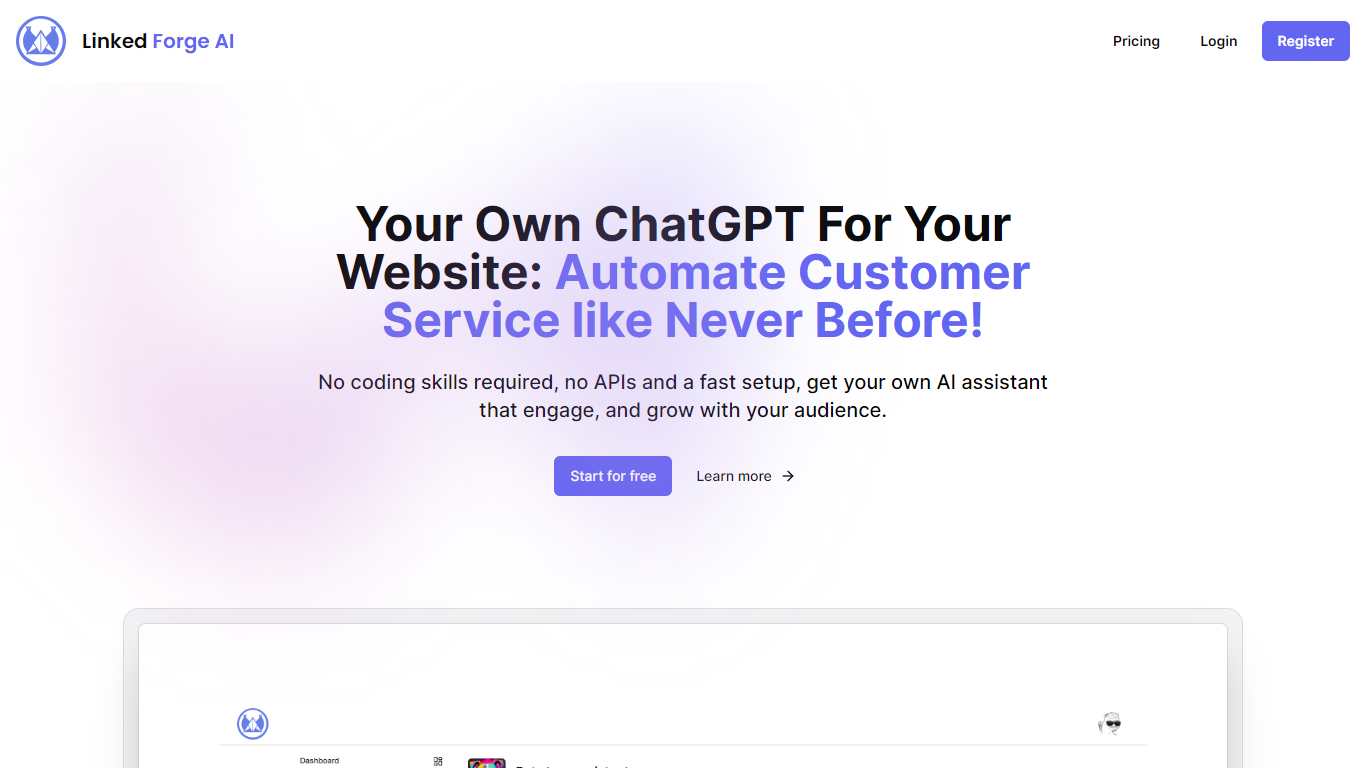
Linked Forge AI enables the addition of AI-powered chatbots to websites without requiring coding or API configuration. Users can quickly create and deploy chat assistants that appear in the bottom right corner of their site. The setup involves signing up, designing the assistant, and embedding a simple code snippet, making the process accessible to small businesses and individuals. The service supports multiple chat assistants, allowing customization for different sections or purposes on a website.
It offers unlimited conversations, with message limits varying by subscription plan to accommodate different traffic volumes. Linked Forge AI is designed for website owners aiming to automate customer support, lead capture, and visitor engagement efficiently. Users can cancel their subscription at any time without contracts, reducing commitment risk and encouraging experimentation. The chatbot interface loads through a lightweight JavaScript snippet, minimizing impact on site performance.
The AI-driven chatbots interpret visitor questions and deliver relevant responses, enhancing user experience and lowering the need for manual support.
🚀 Easy Setup: Create and launch chatbots in minutes without coding.
🤖 Multiple Assistants: Manage up to seven chatbots for different site areas.
💬 Unlimited Conversations: Engage visitors freely with high message limits.
🔧 Simple Integration: Add chatbots via a small JavaScript snippet.
📧 Priority Support: Pro plan users get faster email assistance.
No coding required to deploy AI chatbots on websites
Supports multiple assistants for diverse chatbot needs
Flexible plans with cancel-anytime policy
Unlimited conversations even on free plan
Lightweight integration minimizes site performance impact
Free plan limits messages to 50 per month
Advanced features and multiple assistants require Pro plan
How do I add a Linked Forge AI chatbot to my website?
Linked Forge AI simply sign up, create your chatbot assistant, and paste the provided JavaScript code snippet into your website’s HTML. The chatbot will appear on the bottom right corner.
Can I create multiple chatbots for different parts of my site?
Yes, Linked Forge AI, the Pro plan allows you to create up to seven different chatbot assistants to serve various purposes or site sections.
Is coding knowledge required to use Linked Forge AI?
No, Linked Forge AI coding or API skills are needed. The platform is designed for users without technical experience to set up chatbots easily.
What kind of support does Linked Forge AI offer?
Linked Forge AI free plan users receive standard email support, while Pro plan subscribers get priority email assistance for faster responses.
Can I cancel my subscription anytime?
Yes, Linked Forge AI, all plans come with the flexibility to cancel at any time without contracts or penalties.
How many messages can I send with the free plan?
Linked Forge AI the free plan includes up to 50 messages per month with unlimited conversations.
Does Linked Forge AI impact website performance?
Linked Forge AI the chatbot loads via a lightweight JavaScript snippet designed to minimize any impact on your website’s loading speed.