
Last updated 07-29-2026
Category:
Reviews:
Join thousands of AI enthusiasts in the World of AI!
Lumina Brush
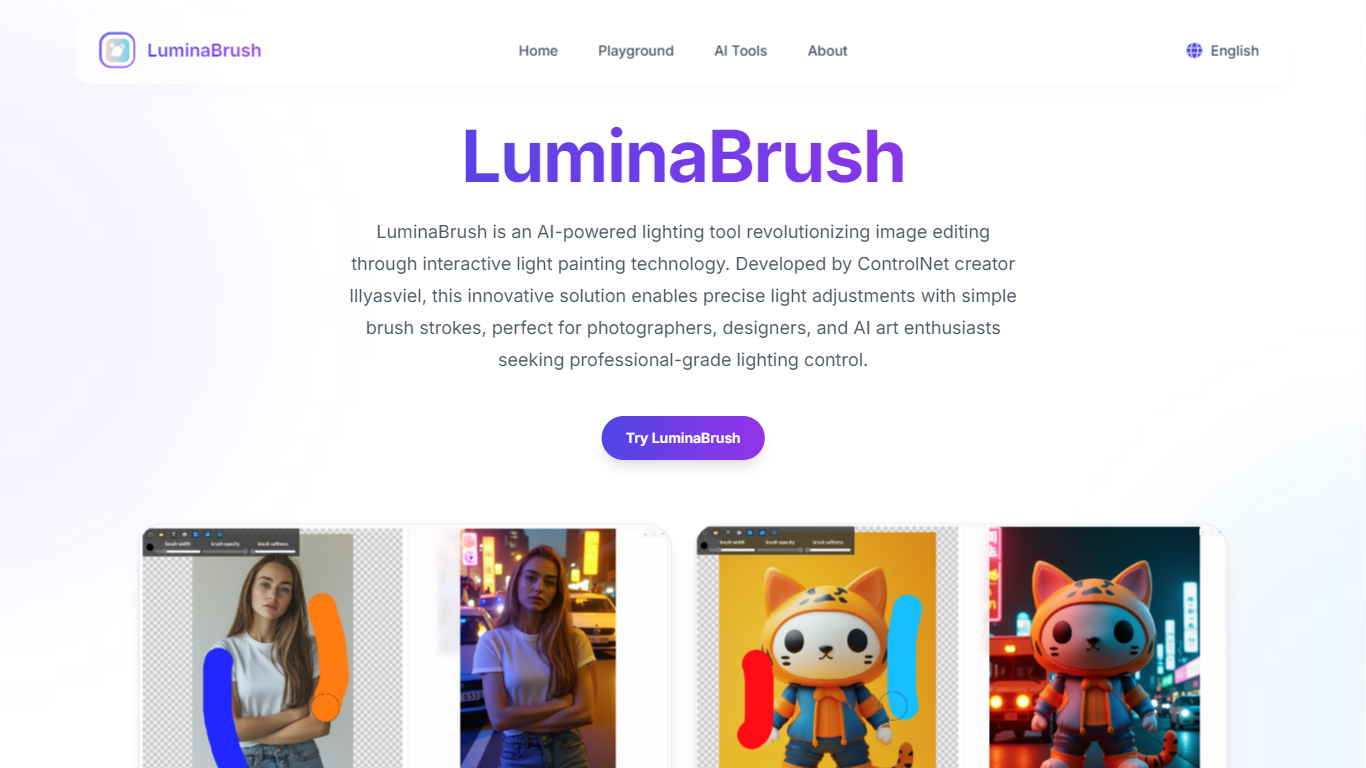
Lumina Brush lets you upload a photo and paint illumination effects onto it with AI-guided brushes. The tool runs a two-stage Flux-based pipeline: first it normalizes lighting across the image, then it applies directional light, rim highlights, and color temperature shifts from your brush strokes. Digital artists, photographers, and concept artists use it to relight scenes without rebuilding them in 3D.
Compared with general photo editors like Photoshop, Lumina Brush focuses narrowly on relighting rather than full compositing. You get real-time preview and a layer system, but the underlying Hugging Face demo from the original research project has been in maintenance since May 2025, so this commercial site at luminabrush.ai is the more stable access point.
The homepage offers a free start with no pricing tiers published. You import a photo, pick or upload a lighting target, and hit Relight to process the image. Effects include atmospheric ambience, multi-source setups, volumetric lighting, and dynamic transitions.
Two-stage Flux pipeline normalizes lighting then applies user brush strokes for relighting
Real-time preview lets you experiment with illumination before finalizing the render
Effects include atmospheric ambience, rim highlights, volumetric lighting, and color temperature control
Advanced layer system for stacking multiple lighting adjustments on one image
Customizable brush texture, opacity, and size for precise light placement
Free start available from the homepage with a three-step upload and relight workflow
Focused relighting workflow is faster than manual light painting in general editors
Two-stage Flux pipeline produces consistent results across different image types
Real-time preview and layer system give fine control over multiple light passes
Free to start with no account required on the homepage
Built on published LuminaBrush research with Flux integration
Original Hugging Face demo from the research project has been in maintenance since May 2025
No published pricing tiers or API for production pipeline integration
Commercial site reliability depends on a third-party wrapper, not the open-source project itself
What does Lumina Brush do?
Lumina Brush is an AI relighting tool that lets you paint illumination effects onto photos. It uses a two-stage process to normalize lighting, then applies directional and ambient effects from your brush input.
Is Lumina Brush free?
Yes, Lumina Brush offers a free start from its homepage. Upload a photo, select a lighting target, and click Relight to process your image at no upfront cost.
How does Lumina Brush relighting work?
Lumina Brush first transforms your image to uniform lighting, then generates illumination effects guided by your brush strokes. The pipeline is built on the Flux diffusion framework.
Who is Lumina Brush for?
Lumina Brush targets digital artists, photographers, concept artists, and game art directors who need quick relighting without rebuilding scenes in 3D software.
What effects can Lumina Brush create?
Lumina Brush supports atmospheric ambience, directional illumination, multi-source setups, rim highlights, volumetric effects, color temperature shifts, and dynamic light transitions.
Can Lumina Brush fix bad lighting in photos?
Yes, Lumina Brush can correct uneven lighting by normalizing the image first, then letting you paint in new light sources to balance shadows and highlights.