
Last updated 06-29-2026
Category:
Reviews:
Join thousands of AI enthusiasts in the World of AI!
Luminar De
Luminar Neo is a desktop photo editor from Skylum for macOS and Windows. The luminarneo.de site presents it as an all-in-one image editor for photographers who want strong results without wrestling with complex menus. You get manual controls for exposure, color, contrast, and detail alongside a large set of AI-assisted tools.
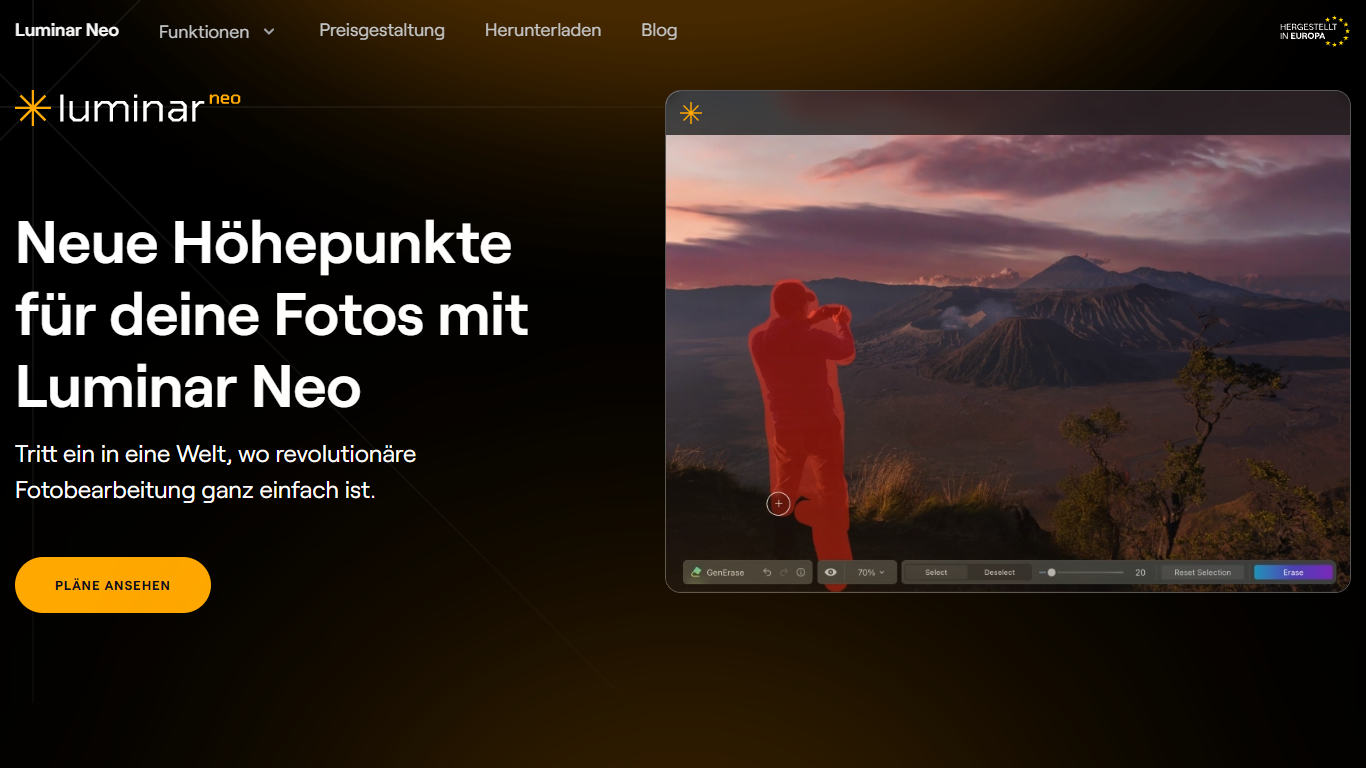
Core editing covers RAW files, layers, non-destructive edits, lens correction, clone and healing tools, dodge and burn, cropping, resizing, color grading, and batch processing. AI features highlighted on the site include Enhance AI, Sky AI, Relight AI, Skin AI, Upscale AI, Structure AI, background removal, portrait bokeh, and generative erase, swap, and expand for removing or replacing objects.
The app runs standalone or as a plugin for Adobe Photoshop, Adobe Lightroom Classic, and the Photos app on macOS. Skylum offers a seven-day free trial with full feature access and no credit card required, plus a thirty-day money-back guarantee and round-the-clock support. Paid licenses are available as one-time purchases or subscriptions; plan details are linked from the German site to Skylum's pricing page.
???? Manual editing for exposure, color, contrast, detail, and lens correction
???? AI tools including Enhance, Sky, Relight, Skin, Upscale, and background removal
???? Generative erase, swap, and expand for object removal and scene extension
???? RAW editing, layers, non-destructive workflow, and batch processing
???? Standalone desktop app plus plugins for Photoshop, Lightroom Classic, and Apple Photos
Large mix of manual editing tools and one-click AI adjustments.
Works standalone or inside Photoshop, Lightroom Classic, and Apple Photos.
Seven-day free trial does not require a credit card.
Supports RAW files, layers, batch processing, and generative object tools.
Specific plan prices are not listed on luminarneo.de; you must visit Skylum's pricing page.
Free trial is limited to one device; multi-device use requires paid seats.
System requirements call for modern hardware and can be resource intensive.
Does Luminar Neo offer a free trial?
Yes. The site advertises a seven-day free trial with full access to all features and no credit card required. After the trial ends, you need a paid plan to keep using the software.
Which operating systems does Luminar Neo support?
Luminar Neo runs on macOS 11 or later and on Windows 10 version 1909 or newer (64-bit). Minimum specs include an Intel Core i5 or AMD Ryzen 5 processor, 8 GB RAM, and 10 GB free disk space.
Can Luminar Neo be used as a plugin?
Yes. Besides the standalone app, Luminar Neo works as a plugin for Adobe Photoshop, Adobe Lightroom Classic, and Apple Photos on macOS, so you can keep your existing workflow.
What AI editing tools are included?
The site lists tools such as Enhance AI, Sky AI, Relight AI, Skin AI, Upscale AI, Structure AI, background removal, portrait bokeh, and generative erase, swap, and expand for content-aware edits.
Is there a money-back guarantee?
Yes. Skylum states purchases include a thirty-day money-back guarantee, along with technical support and community access.